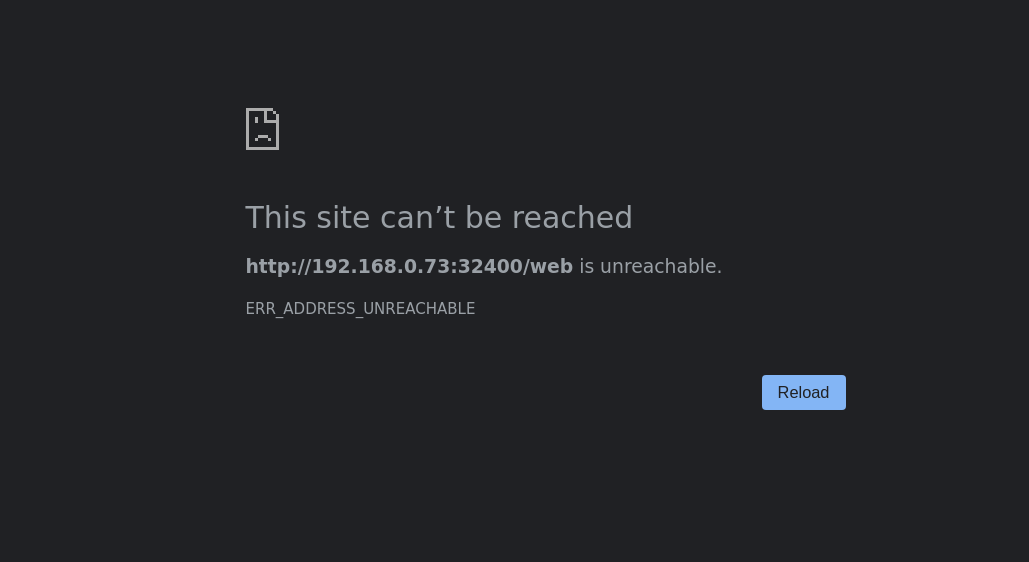
I’ve installed and uninstalled Plex multiple times, I’ve tried to find answers on your forum, and after 3 days - I’ve hit a wall.
I feel like such a dork - this should be easy. I install Plex (PlexMediaServer-1.19.1.2645-ccb6eb67e-x86_64.spk) with nothing out of the ordinary. Try to open - it start a new tab (Firefox), and after some time - it times out with a “The server at MyNAS is taking too long to respond” Tried using the IP address (10.0.0.15:32400/web) - same results.
I’m locally attached and not using Port forwarding in my Netgear Router.
Good question - I do the open and it starts the new tab. I don’t even know if Plex is running. How do I find out? Couldn’t find a command D A,L (Display Active,List) - like in mainframes.
WELL,
I spent 2 hours checking our my firewall - tested many combinations of checking - even turned it off - No change in my problem
Looked in all my Netgear settings - there couldn’t be any thing there that I noticed - it’s straight “out of the box”.
Installed Chrome and ran - tried to log into my NAS - got ERR_SSL_SERVER_CERT_BAD_FORMAT
Now I need to find out how to change certificates - Never been down this path so it’ll be a learning experience for me…
OK,
Logged into my NAS - http://10.0.0.15:5000/
Changed network - Control>Network>DSM Settings and removed the automatic redirect
Started Plex Server - which again started the new window - and got: