If that is the case, then you still can’t use remote access.
An open port won’t make a difference.
You need a publicly-accessible IPv4 address. AND a port forwarding through your router.
Running my Plex server with IPv6-only, as I’m on CGNAT as well.
It works really well on Apple devices but forget Android as the Android Plex app doesn’t seem to support IPv6 for some reason. Fallback I found is casting on the Android device from an iOS one.
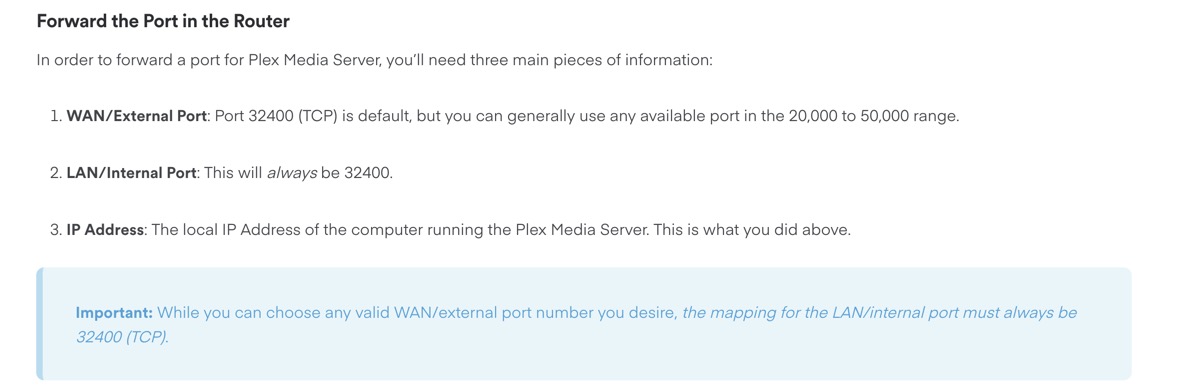
I assume any high port number should work (above 1024 and below 49152, not assigned to something else). I just let Plex set the port through UPnP.
If Plex is already connected and has its own forward set up on your router’s side, I would ask for that port number it’s using now to avoid having to re-configuring things.
Got the callback, they say I have a public IP already, they will come exchange the current router/modem tomorrow with something called an ONU that will allow me to use my own router, they say the device I have cannot be put into bridge mode.
So I guess it was some sort of router based cgnat.
The reasons are 1) some routers delete port forwardings which were established per UPnP after a while (usually ~1 day).
And 2) some public networks will try to block Plex traffic by simply blocking the well-known Plex port 32400. So use something else. Either a totally random number between 20000 – 50000. Or a well known port of an unsuspicious service, like 8080 for a http proxy or somesuch. But the latter may require some experimentation.
makes sense! always thought it would require NAT to dole out hundreds of connections. I still have a lot to learn. I did see an unknown PC listed in the router at first, gone now, odd.
out of the scope of Plex but with the new ONU my local network doesn’t show up so far. shows up on the older Win10 machine. Maybe because SMB 1.0 is not enabled?
If Windows recognizes a new network (and it does interpret a different router as a new network), it does switch the connection type from “private” to “public”.
This means not only that the “network neighborhood” doesn’t work anymore, but also Plex server is not accessible directly – even by client devices on the local network.
So make sure to switch that back to “private”.
Unless you are using some seriously outdated hardware on your local network, leave that off. Microsoft is right in disabling it by default. It is a security risk.