Hi,
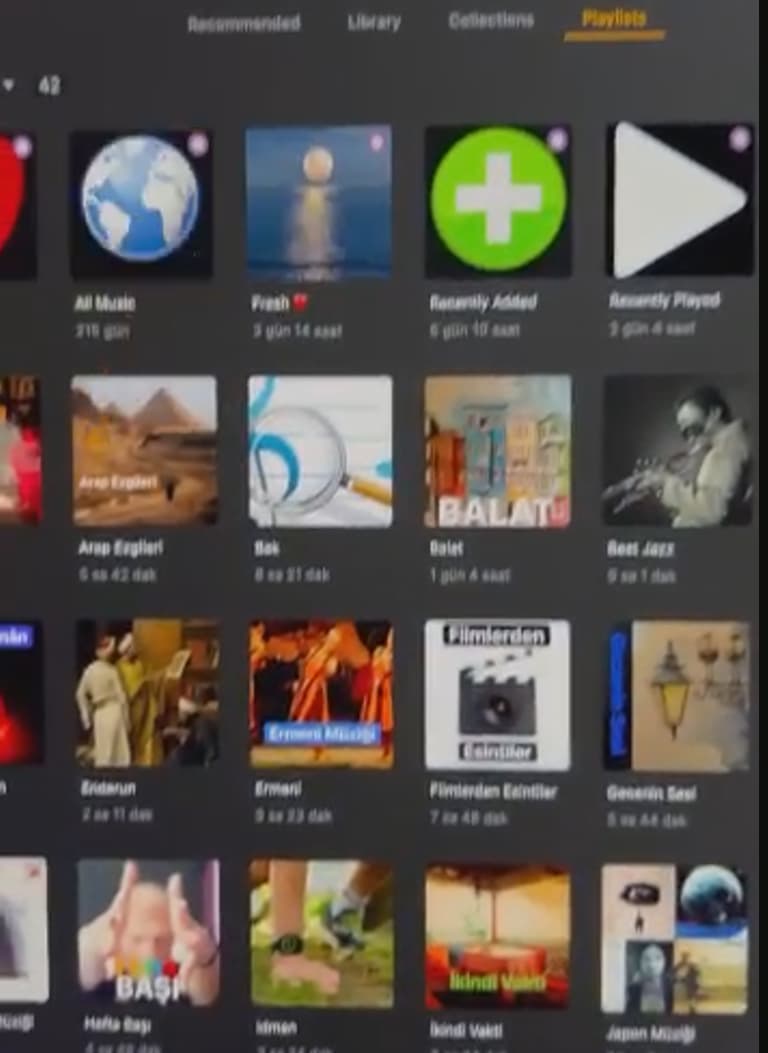
I like to creates collection for movies and Play List for my music our Audio book. However, I couldn’t fix one issue. when I connected to the Plex server over Plex application from a client, the cover of the Collection or Play list Just works fine Please see below pictures
However If I connect from the web browser, plex doesn’t show the collections or music list. When I click to the collection section it shows all of the movie. The situation is same for the Musi list. when I click the music list section, It shows all of the music not play list. (In order to control my plex server I need to reach over Web browser. I tried Safari, crome and edge, the result is same). please bellow pics.
I do all of collection preparation or etc… over plex server and If I can not see the already existing collection how I can go forward.
please help me what can I do.
Thanks in advance.
Settings>Debug ( might have to show advanced) the hit the red Restore Defaults button
Thank you very much for your fast reply.
If we apply this what will be changed additionally? Because I did many changes on my plex library.
thanks in advance
Only the settings of the web app. It will initiate the wizard that asks which libraries/sources you want pinned to side bar in browser. It does not change any of your server, library or account settings.
Thank you very much BigWheel,
My concern is I have lots of setting which I done alrady, like authorization for user or collections. I’ve already created hundred of the collections and a lot more play list. Therefore, I do not want to lose any of these.
Please let me know If I lose any of these.
Thanks in advance
those are all server settings and have nothing to do with web app settings.
The only thing that button resets are these in the image below and it will reset the pinned sources on sidebar