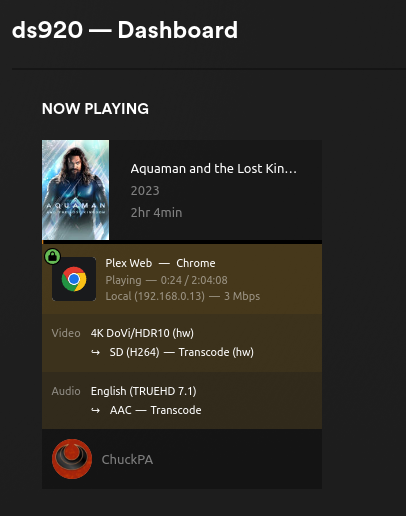
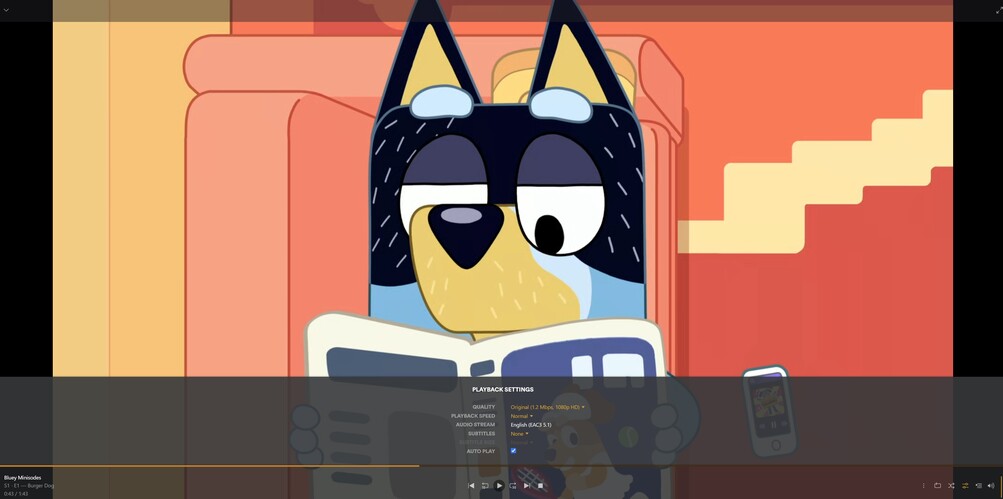
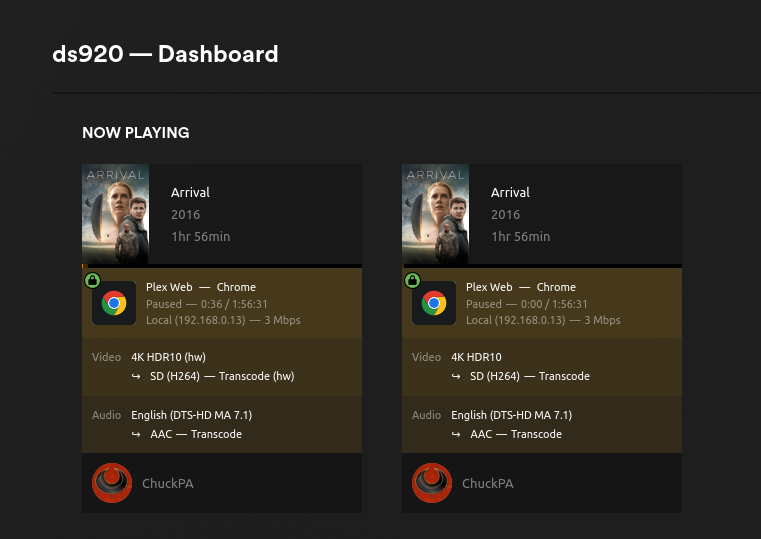
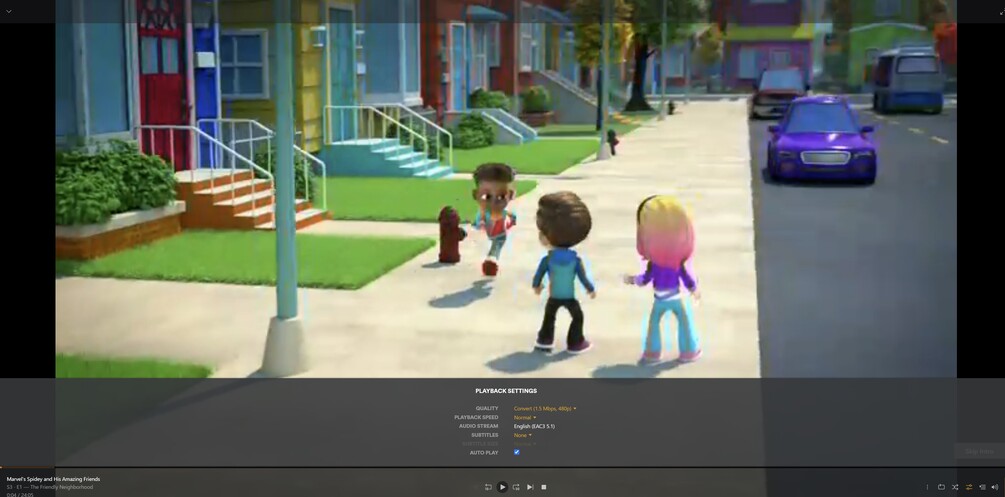
I use a Synology DS220+ and I’ve just upgraded to plex pass premium to benefit of the hardware transcoding and I am facing the same artifacts and issues while transcoding.
The plex media server is installed directly in DSM without any docker container or other virtualisation.
Any thoughts on it? It seems that the previous post was closed without a solution.
An update on this would be great. I’m running a DS423+ and encountering the same HVEC color corruption as others in plex server releases beyond 1.32.7.7621.
You are getting color corruption when transcoding?
The unofficial workaround is to remove the nv12 from the FFMPEG command line?
As you all know, GeminiLake has been a very problematic QSV ASIC.
All our work points to a regression in the Intel Media Driver.
That having been said,
Can anyone provide me with:
A sample of the video
whatever FFMPEG changes are needed for this “workaround” so I can replicate.
– Sorry, I didn’t know this was still an issue. I thought it had been finally resolved when we updated the Intel Media Driver for Ubuntu 24.04 (which was then used for everyone).
One alternative workaround for GeminiLake is to change the VaapiDriver from IMD → i965 (which the GeminiLake does very well with being an older CPU)
Either way, I now have DS920+ here so can test and replicate.
After reading some of your previous answers on different threads, I tried to add the following lines on the Preferences.xml :
VaapiDriver=“i965” => nothing happens (artifacts still here). Hardware transcoding
VaapiDriver=“iHD” => no artifacts. Software transcoding (CPU at 100%)
VaapiDriver=“imd” => same.
As I said, for the moment, I think my best chance is to try the @jaB00M workaround, but…I don’t know how to do this.
I use Plex since 2021. During this, I uploaded my 920+ from DSM6 to DSM7. I don’t remember there was any problem with this. And I don’t remember this issue was here 1 year ago. Maybe yes…
Just to chime in here - I don’t currently have the issue on my NAS - so I retired the workaround script @Les_Jouets is referring to a few years ago.
I’m still running on the same Synology DS918+, currently with:
DSM v7.2.1-69057 (Update 5)
Plex Server Synology Package v1.41.1.9057.
The DS918+ is an ApolloLake Celeron J3455 though - so as suggested - perhaps the regression has only occurred on GeminiLake. Certainly the screenshots look exactly the same as the problem I’d previously had.
I’ve no idea if the workaround I made back then still works - I would expect the command line args may have evolved a little as there have been a few major releases of FFmpeg in the intervening time.
Not sure if it’s connected in anyway - but I noticed Intel recently abandoned the Intel-Vaapi-Driver repo on github.
yes, I’m using a DS423+ which is an Intel Celeron J4125 GeminiLake processor
yes
I have not tried removing nv12 from the ffmpeg command line. I downgraded plex server to 1.32.7.7621 which does not suffer from this issue. All server releases beyond this version leads to HVEC trancoding color corruption, as far as I’m aware. Likely a naive question, but what changed in transcoding after 1.32.7.7621?
I don’t have a screenshot available to show this but happy to upgrade plex server and send one over. Most obvious when watching cartoons.
My concern is that synology released DSM 7.2.2 and, from what I understand, this update necessitates upgrading plex server to 1.41.0.8994-72008994 which has the color corruption issue, with no way of downgrading the server back to 1.32.7.7621…
Seems like the color corruption is present in only the GLK GPU image above, which is the behavior many of us are having. Any workarounds? Again this only seems to be happening in PMS versions later than 1.32.7.7621.