Server Version#: 4.100.1
Player Version#:iOS (latest version)
Hi all
Recently, I can’t do ANY kind of remote play away from home, either on 4G, 5G or WiFi elsewhere. The error I get is:
Something went wrong playing your media. Please try again. Could not direct play because: App cannot direct play this item. No direct play video profile exists for protocol http, with container mkv, and video codec hevc. Could not transcode because: Cannot convert this item. No conversion audio and video encoders could not be found in app profile.
Plex is running on Windows Server, logs attached. Getting error when trying to watch on iOS with the Plex app. Issue only happens when on remote network. Seems to play fine when I’m home.
Looks like you have not setup remote access properly so the remote connection is going through Plex’s relay servers, which is failing for some reason. The quick fix would be to get remote access configured properly on your end.
Nah, this is just running as a VM running as my server. Not sure if it’s related or not, never had a reason to watch the logs till now. Videos were playing fine until this past weekend.
Are you using the PMS service wrapper? That blocks the system tray icon which is causing that message. It’s harmless. If you are not using the service wrapper then something odd is going on.
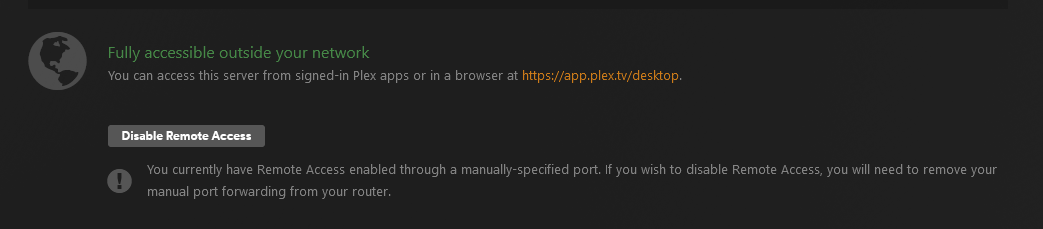
Remote access is configured properly.
Not according to your logs. Since you are using a manual port, double check that this port matches your port forwarding rules on your router. Also double check that the IP for your computer didn’t change and is the same in the rule.