I had been using plex successfully and then tried to put it on my laptop. And when I came back to my main iMac and find that I have created two other users denoted by a circle with an O inside. How do I get rid of the others that I do not need?
Go to Settings > Users & Sharing.
Hover mouse over a user.
Click the ‘X’ to the right of the user you want to delete.

Screenshot missing.
Can’t attach. If you have direct email address not vis Plex, I’ll try again.
Gary
You should be able to just paste an image into the message.
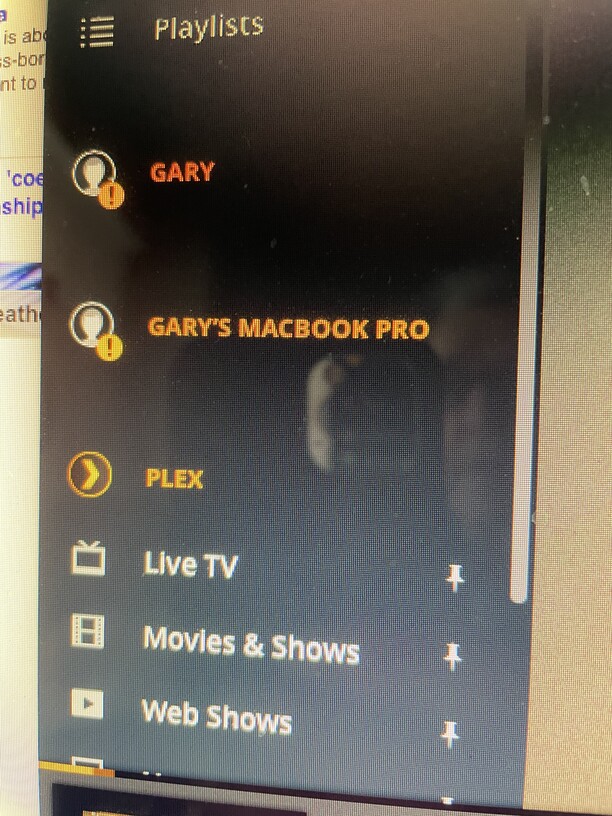
GARY and GARY'S MACBOOk PRO are the names of servers, not users. You can remove old servers at https://app.plex.tv/desktop#!/settings/devices/pms
1 Like
Terrific. You’ve solved my problem!!! Thanks heaps.
Gaty
This topic was automatically closed 90 days after the last reply. New replies are no longer allowed.
