When on the Switch Users menu how do I delete a user? I dont want to delete their account I just dont want to have to select myself every time plex opens. For some reason when giving them access it added them to that screen.
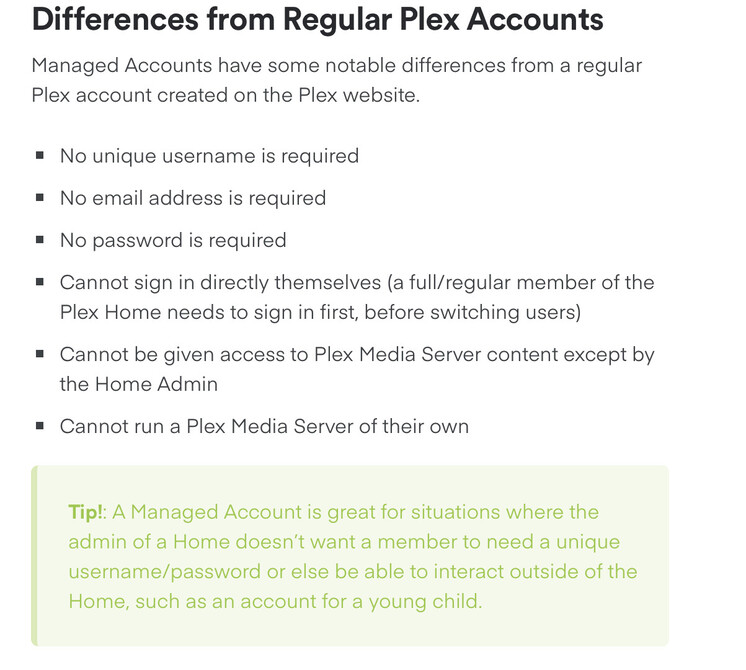
It sounds like you added this person to your HOME as a Managed User, which what you’re seeing IS in fact how it’s supposed to act and look each time you open the Plex app, similar to Hulu, Netflix and most other platforms with pin user accounts. What you are experiencing is the intended action.
If that was not your intention, you’d have delete their Managed User Account, ask the person you added to your account to create their very own separate Plex account by signing up via the website using their very own email and THEN add them via email or their username that they just created for themselves. What this method does is keeps both them and your accounts totally separate and you can share whichever media libraries specifically to their separate account. Keep in mind, anything the individual watched like their watched status or history is and will be deleted when you delete their Managed User Account.
https://support.plex.tv/articles/203948776-managed-users/
Invited users via email or Plex username SHOULD NOT be displayed as an account on any of the login screens. They are required to user their own login credentials to login into their own Plex account, not yours.
Don’t forget to mention that they should check their SPAM for the Plex email as some email programs or platforms consider Plex spam until you allow it.
Ya I was super confused on adding people to my home vs inviting them to my server. I was wanting to add my wife and kids to my home because I kept getting a popup saying they needed to subscribe but I thought I could add like 15 people to my home for free. So having users added and being able to switch between them is exactly what I wanted and I got it sorted. Thanks!
I, uh, don’t think this info is correct? There are 3 ways to have a friend view your server content.
1. Managed User.
They log in using your email, but once logged in they can “swap” to a managed user. They always will have this “pick user” screen, but each client can be configured to “automatically log in” as the last used user, so you can have users without having to pick it each time.
2. Invited to the Home.
The user has their own account and login, but the account is kind of “absorbed” into the home of another account. People invited to another’s home get all the benefits of the primary account (plex pass), but give up any admin-like capabilities in doing so. This includes ownership of any servers they themselves may own/run. This acts just like a manged user at that point, having to pick a user on login.
WARNING: Users invited into another’s home can “swap” over to any other user in the “swap user” menu, you are actually changing accounts entirely. So if you do not PIN protect the admin user, your friend can do anything the admin itself can.
(technically, I hear that managed users are exactly this, but with placeholder email accounts you cannot access)
3. Invite friend to access your server. Here, you add a friend, then invite them to get access to specific/all libraries of your own. They do not get any benefit of your account status (plex pass). They do not show up as a user you can swap to, nor does your account show up for them). This is the preferred method of sharing access with anyone other than extremely close friends/family. Basically, if you do not trust someone with your account username/password, then this is the way to go.

It sounds like the OP probably did option 2, invited the friend to the home. If this is the case, then they already have an account, you just need to remove them from the home, then offer “access” to your libraries instead.
Info: If I recall right, you can have up to 15 members in your home. You can Invite 100 friends to access your server.
@Divideby0 I stand corrected. You’re correct. This goes to show that even a seasoned user can be wrong, but then again, the settings haven’t always been that intuitive either.
@Divideby0 has pointed out that in actuality you should add other individuals by using the Manage Library Access tab shown in their post. I was incorrect in pointing you to the Plex Home tab. Again, for anyone that is not living within your own home, you’ll want to go to Manage Library Access to properly add them and NOT Plex Home. Sorry for the additional confusion.
