If I go to Discover > Available From Your Watchlist and I select table view, visualization crashes with an error message. I’m now unable to see this section.
Where exactly are you experiencing this?
Plex Web doesn’t seem to offer an option to switch views for any of those hubs?!

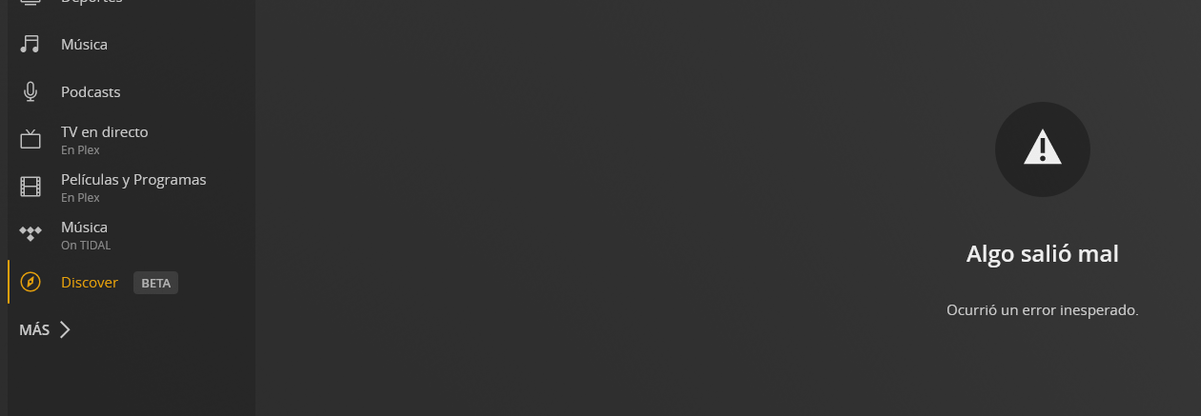
It’s disabled now, but it was an option at top right corner two days ago.
My view is magically working again.
My view still not working 
I have been testing for several days and the function kept giving an error until a few minutes ago I tried again and it worked correctly.
I still get the error and can’t change it out of table view. Any way to reset that view?
I suppose Restore Defaults might deal with that (Settings > Plex Web > Debug > Restore Defaults).
That did it. Thanks.
