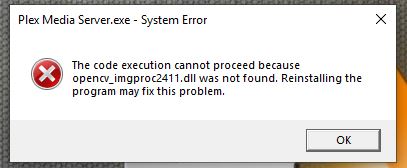
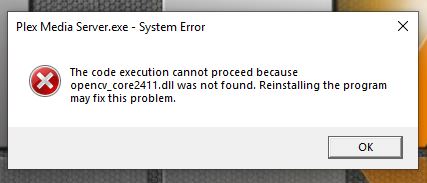
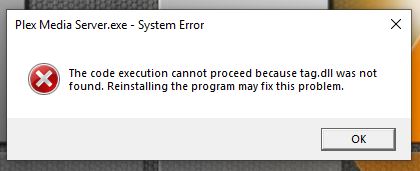
A friend has those missing .dll errors a while back.
Any nVidia graphics in your system?
I’m pretty sure he reinstalled all his nVidia stuff and the issue cleared.
Re-download the installer. Use a different web browser or even a ‘download manager’ software.
Verify the digital signature of the downloaded file for validity.
Update “manually”:
Stop/quit/end Plex Server with the tray icon
deinstall Plex Server with the regular ‘Apps’ control panel of Windows (do not use 3rd party ‘Uninstaller’ software like Revo etc.)
for safety, reboot Windows
download the installation exe of the newer version and install it
(If you want to install an older version of PMS, take a look into %LOCALAPPDATA%\Plex Media Server\Updates)