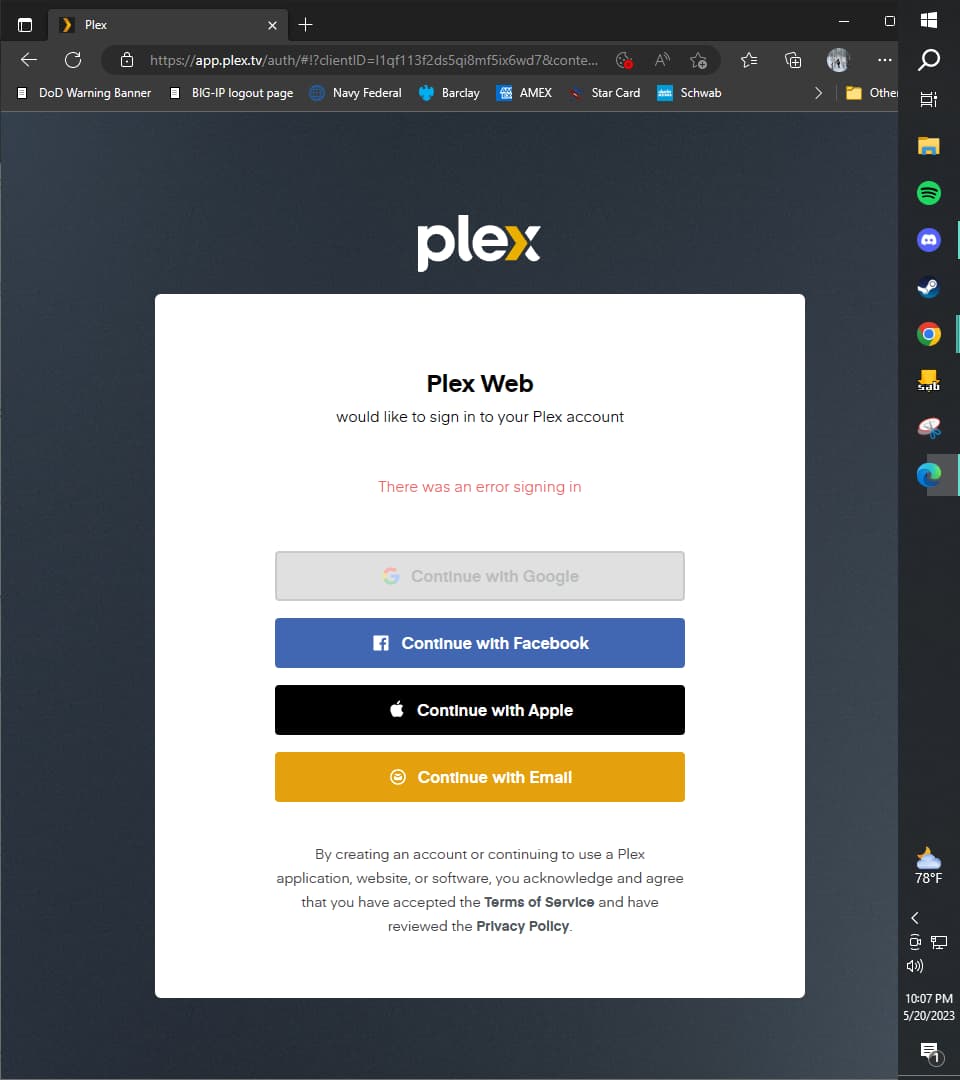
This is what I see when I try to get to the server in Plex web. I have the little activity bar so I think the server is running? But it doesn’t seem to want to connect. If I click on the Plex Media Server shortcut on my desktop nothing happens, but if I go to http://127.0.0.1:32400/web/index.html I can get to the claim server thing, but once I log in it just automatically redirects me back to the above page. I tried logging in with both my email and username, no dice. I tried restarting my computer, reinstalling the server, all sorts of crap. I’m tempted to just delete my whole account at this point. What am I doing wrong?
Yeah, so… sounds like the lil bugger deleted your entire instance of Plex Server. Sorry for your loss. you’re gonna want to check to see if there was any backups created using the link below. Follow the directions, make sure to EXIT/Quit Plex Server while doing it. If you don’t find any backups, sorry to say you are SOOL and will have to redo everything from scratch.
Hi thanks for replying! I honestly don’t need to recover the server, I still have all of the files and I didn’t have a ton so I don’t care if I have to start over, I just literally can’t get the a new server to start or open.
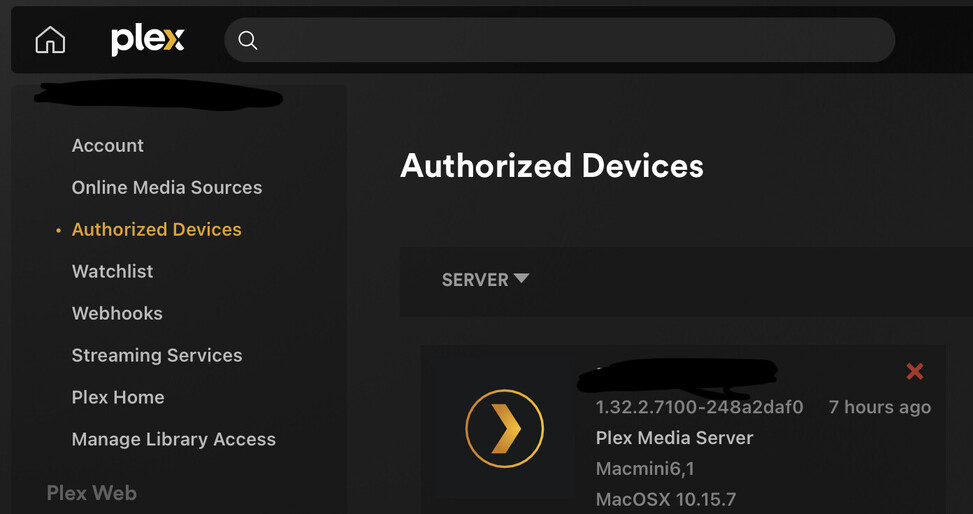
If that’s the case go to Plex.tv url and login, go to the Authorized Devices tab and select Server. Find your previous server and delete it from the screen via the red .
Hi thank you for trying to help! I cant really get it to open at all in order to shut it down, but I did end the task in task manager and when I clicked on the shortcut again to reopen it still nothing happened.
I’d try deleting Plex server again, and try opening the localhost address 127. ~ in another browser like Edge. I don’t know why if you reclaimed the previous server that it didn’t show up listed on the Plex.tv site. It should have shown up but it obviously didn’t.
I dont know what you did short of “look at it” through my computer, but after I opened that folder I clicked back to chrome, the page automatically refreshed and now the server is there. Haha!
I have no idea what happened but thank you for your help!
For sure. I really appreciated your help though! I was super frustrated when I realized that posting to this forum was the only way I could get help, but you made it a super easy experience. Thanks again!

 you’re gonna want to check to see if there was any backups created using the link below. Follow the directions, make sure to EXIT/Quit Plex Server while doing it. If you don’t find any backups, sorry to say you are SOOL and will have to redo everything from scratch.
 .
.




 cheers!