Server Version#: 1.42.2.10156
When trying to download any file, big or small, from remote PMS on MacOs client, the download never starts.
When trying on the IOS client/app i am able to get the download started, same thing on the webapp via the Mac.
I am uploading here the debug logs from the MacOs client, i have looked a bit into it but dont understand anything
log.log (184.7 KB)
SE56
December 20, 2025, 1:17am
2
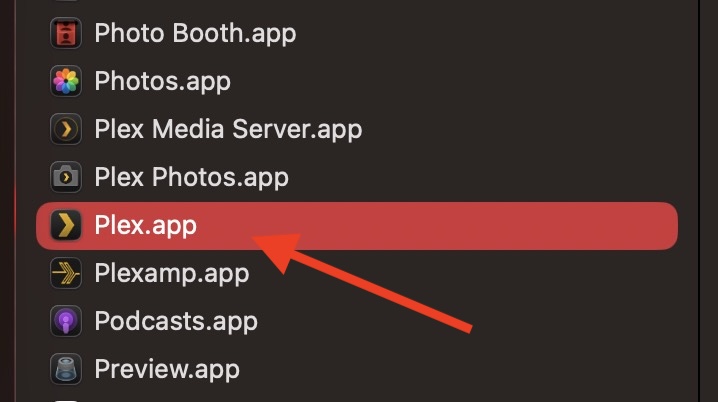
Just making sure you are launching the correct app as the server via the Browser looks very similar.
From the Application Folder
This app is the only one on MacOS that will allow downloads
Yep having the issue loading the correct app:
Also i forgot to mention that I am able to stream the file, just not download it
SE56
December 20, 2025, 7:31pm
4
Do you have Plex Media server installed as well
I have it installed on my NAS only, but I am able to download movies using the mobile IOS app, that’s where I don’t understand whats different between the MacOS app / IOS app
SE56
December 24, 2025, 9:37pm
6
The Downloads for the Mac App are kept in the following location on a server.
~/Library/Application Support/Plex/Plex Media Server/Sync/
Please note that location is in Home Directory of a Mac with PMS installed.
My guess that lies the problem.
https://support.plex.tv/articles/downloads-on-desktop/
With my friends Libraries that I download content, I gain access via this location and add it too my Library manually if I am missing a Episode or similar requirement.
Cheers