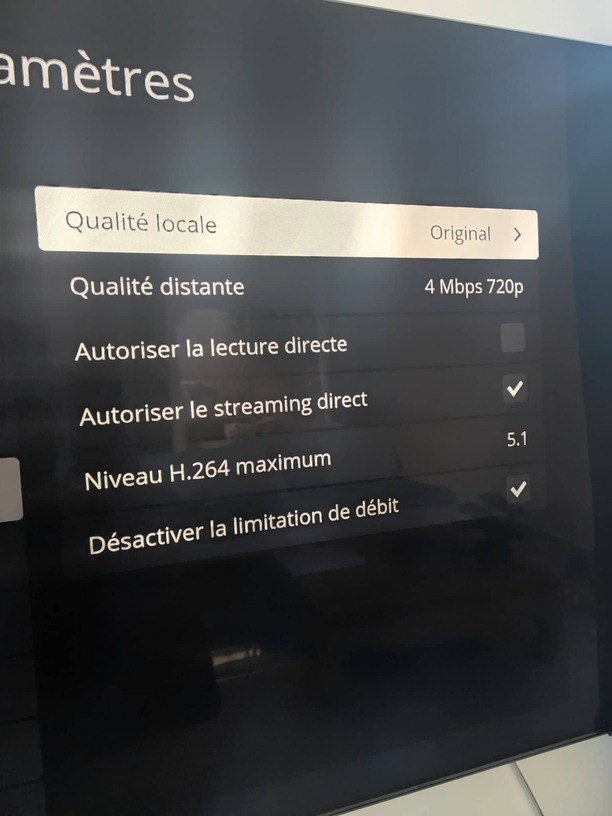
For literally over a year now I have been TRYING to make the Plex app work on my Android TV. For literally a year now I have been getting the same error over and over and over.
People have told me to change things in the Advanced settings that are NOT in ANY settings on the app. things like “Enable New Video Player” this is not to be found ANYWHERE in my apps settings.
I HAVE done Passthrough disabled, Always allow insecure connections, H264 Max Level setting at 4.2 and Network logging is off and NONE of those changes have make the freaking app work.
I have uninstalled, reinstalled and cleared cache on it so many times that its second nature to try it every couple of months now. And the ONLY thing will work on it?? The god awful “LIVE TV” and nobody deserves that kind of abuse.
I am not going to buy another whole brand new TV just to make Plex work and I am entirely at my wits end.
Edit: I do NOT have access to the Plex server connected to my account so I cannot do anything on that end of things.
Plex works perfectly on my laptop, desktop and Xbox console, just not on eother of the smart TVs in my house.