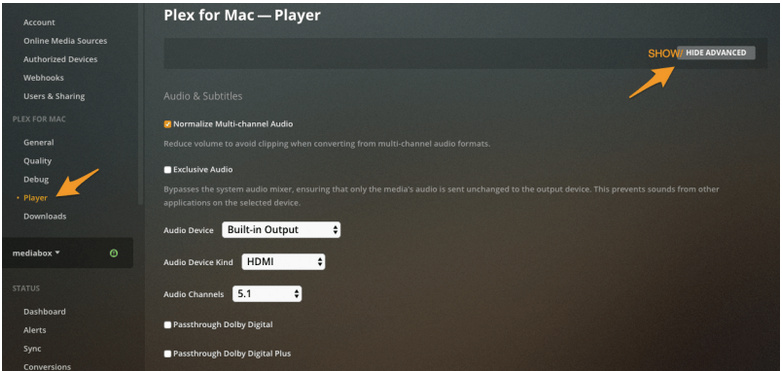
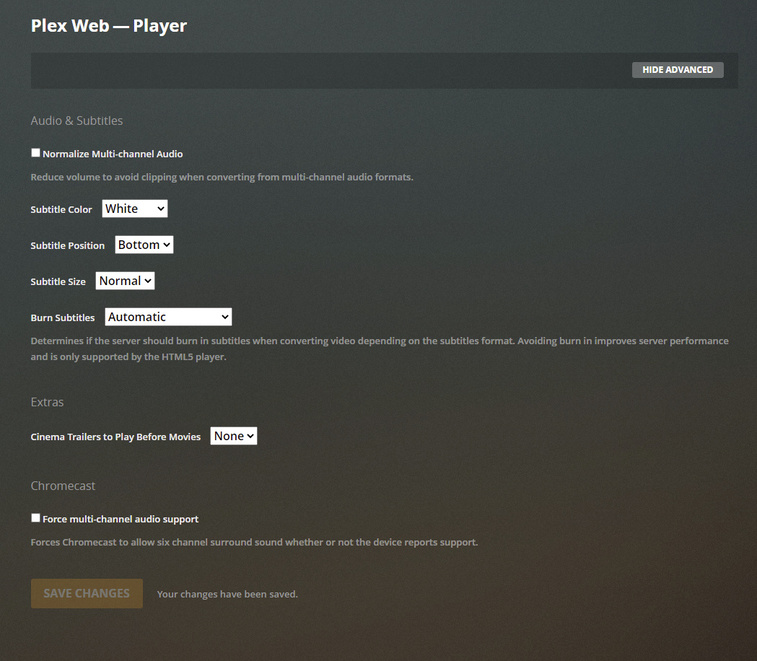
On my install I only see the “normalize multi-channel audio”. I want to change the exclusive audio settings (HDMI - 5.1 etc). Why am I not seeing this for my version of PMS?
The article applies to Plex Player for Windows/Mac.
You are using the Plex Web app, which is fundamentally different, because it is restricted by the limited abilities and privileges of your web browser.
.
Download and install Plex Player for Windows/Mac if you want to use surround sound passthrough.