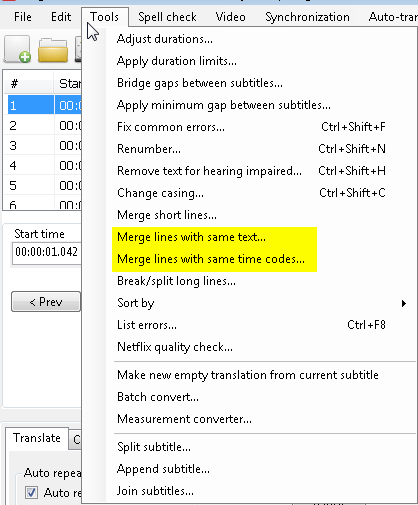
Several have reported problem with srt stopping. Just experienced the same on newly downloaded series. I wondered as i also have several movies with external srt subtitles, having no problems at all - so started a little digging.
In my case i found (using Subtitle Edit) that srt file contained several duplicate lines - that is 2 lines following with exact same content and timestamp. After manually deleting the extra lines the srt file played normally.
SO: this posted only to inform that the Plex failing might actually be malformed srt content. No wonder player gets confused when next line it reads is actually starting prior to current play position.
Could be fine if Plex was a bit more resilient in handling this - but at least an explanation.
For further information the srt files was generated automatically by StreamFab…
Hope this helps someone!
BR Frank