Server Version#: Version 1.29.0.6244 [Plex Windows]
Player Version#: Version 4.87.2 [Plex Web]
So I’m sort of manually adding some trailer to my movies as I organize them in a single folder. I’ve noticed that some of them pick up the extras and some do not.
I’ve been following the folder organization as per the article
In my experience, Plex will pick up the extras if they are included on the initial scan of the movie or TV show. If you add the extras later, Plex won’t see them until you “Refresh Metadata” for the item.
There is zero reason to use all-capital letters.
Neither is there a need to use a dot where a space should be. (Particularly when you are not using the command line on Unix platforms)
Enclose release years in round parentheses.
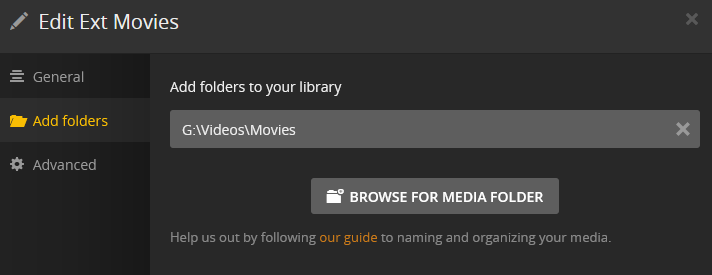
Enable “use local assets” in the properties of the library.
Subtitles in a subfolder don’t work in Plex.
The file structure doesn’t actually use all capital letters that’s just the output from the tree command.
The subtitles folder I don’t expect to work which is why I’ve copied them out and put them next to the video file.
My folder names I keep as original for other reasons.
My understanding was that “Local Assets” was for pictures does that have any effect on the extras?
Ahh that’s exactly what I was looking for. A way to manually refresh. It worked. Thank you.