Server Version#: 1.20.4.3517
Player Version#: Plex Web 4.46.2
Hello,
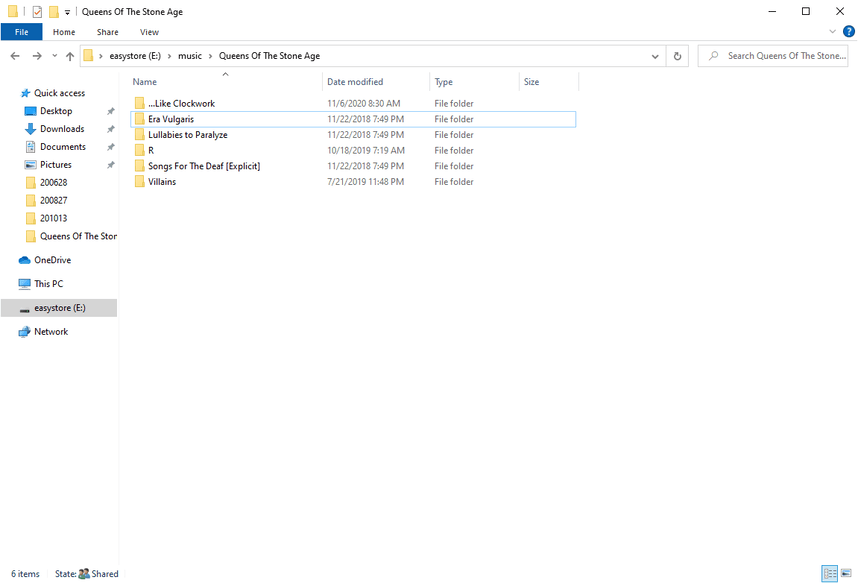
It seems that folders starting with a . (dot) are ignored while a server is scanning for media. I’m not sure if this is a holdover from OSs that use a dot to signify hidden files and folders, but in this case “…Like Clockwork” is a valid folder name.
Screenshots below illustrate that the …Like Clockwork album is missing.

Removing the dots causes the missing album to show up.
I’ve read the list file folder exclusion reference, but I didn’t see any mention of . (dot).
https://support.plex.tv/articles/201381883-special-keyword-file-folder-exclusion/
