Server Version#: 4.141.0
Player Version#:
<If providing server logs please do NOT turn on verbose logging, only debug logging should be enabled>
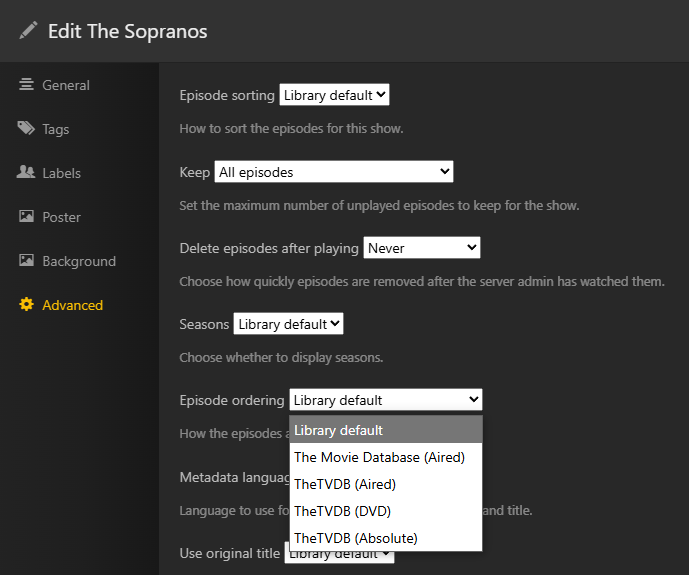
When scanning for metadata, The Plex TV agent works well but there are shows where especially the Specials are not in line with TVDB’s epidode numbering. This is incredibly annoying as I have no idea how to check the episode ID I should change the episode to and I get the annoying “Library Upgrade Required” warning permanently on my server with no way to clear it. when I set the library agent to TVDB With TVDB I can simply look up the episode, match the season and episode number and be done with it. How can I check the Plex meta data DB to make sure that I’m not getting mismatched episodes? Even though I put the TVDB series number in the show title (ie: SomeShow {tvdb-123456}) it still mismatches episodes. For example Little House on the Prarie specials.