Server Version#: Version 4.43.4
Windows 10
I’d been having issues with plex over the last couple of weeks and so I figured a full uninstall and reinstall would probably fix my problems (playback suddenly stopping, generic playback errors).
I’ve done this 4 times now. I’ve uninstalled PMS, deleted the registry key, deleted the “%LOCALAPPDATA%\Plex Media Server” folder, rebooted and then installed via the latest install download.
After install, it brings me to the server setup (it still has my old server name, that shouldn’t happen), I set up a new server name and click done. I now have a functionally default server setup with the two default libraries.
However, after I either exit the PMS in my systray or choose “Sign Out” in PMS, upon signing back in or relaunching PMS I have no server!
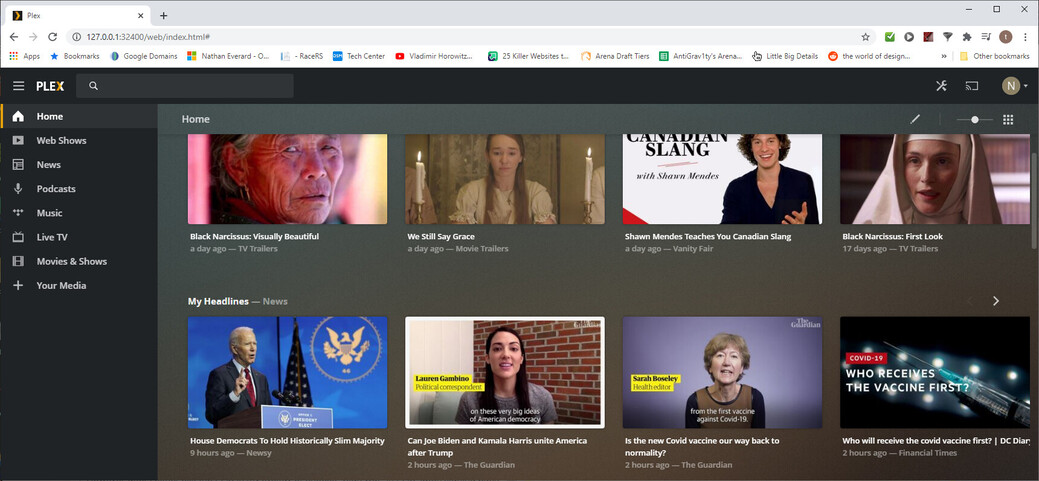
The server still displays in my Authorized Devices, but I have no way of accessing that server to view libraries, nor to add or remove libraries.
This is the most basic uninstall and reinstall operation I can think of. What else can I try to get Plex working again?
