Fresh Plex Install on QNAP TVS0872X. Plex won't work

Server Version#: 1.23.4
Player Version#: No Clue

I went to the QNAP AppCenter and installed Plex Media Server 1.23.4

I open Plex on the QNAP and I am greeted with a setup screen

I click “GOT IT!”

I name my server

I click “Allow me to access my media outside my home”

after a few seconds it goes to a screen named “Server Setup” with the option to add my library

I click “ADD LIBRARY”

I click “Movies” followed by “NEXT”

I click on “BROWSE FOR MEDIA FOLDER”

This brings up all my folders on my NAS. I select the folder with my movies in it

I click “ADD”

I click “ADD LIBRARY”

I get an error that the changes could not be saved

In the background I can see the server is no longer connected.

the main screen now says my server is currently unavailable. Clicking “Retry Connection” doesn’t fix it.

If I close Plex and reopen it I get a website that just says This site can’t be reached.

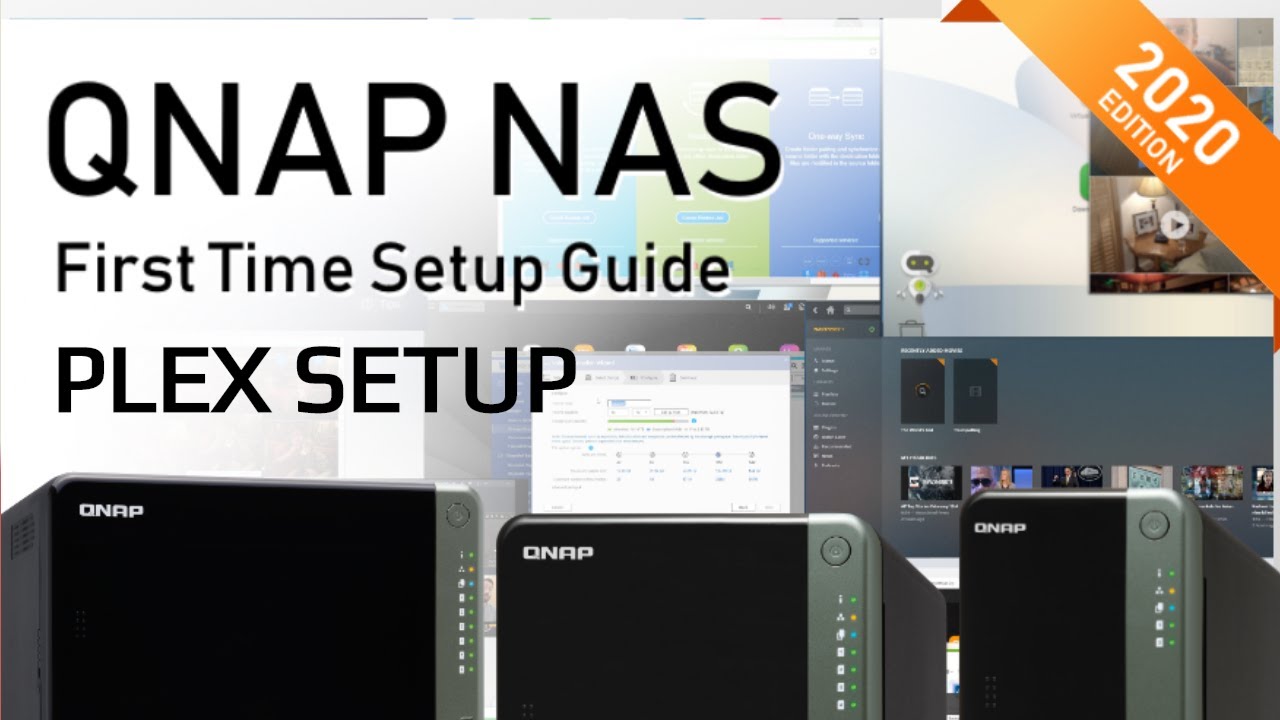
I tried following this video and same issues occur

Does the QNAP have full internet connectivity ?

If it does not, then changes won’t save correctly.

I don’t see why it wouldn’t. It can access the app center and download apps. I can connect to it through other computers. Maybe I am not understanding what you are asking.

On QNAP,

  1. Plex runs with full OS privilege so there’s never a permission problem.
  2. The most common cause of not being able to define a library section (save changes) is when PMS can’t update Plex.tv to tell it you have a new library section. (this is the error you see)

To fully confirm what is happening requires the log files.
Since you can’t get it to install, you can’t get to the GUI to download them.

Therefore, we’re going to leverage the PlexData shared folder feature which allows you direct access to everything via FileStation (where we can then grab the logs manually in a ZIP file)

I would like you to create the PlexData shared folder (as shown in the above How-To)

After creating it, Restart Plex

Next, recreate the setup problem you’re having.

When recreated, Stop Plex

Now open File Station

Navigate PlexData → Plex Media Server
Right-click Logs → Compress (to make the ZIP file)
Download that ZIP file and attach it here.

This topic was automatically closed 90 days after the last reply. New replies are no longer allowed.
