Server Version: 1.43.0.10162
App (Android) version: 2025.27.0 (Platform version 15)
If it matters: Plexamp Version: 4.12.4
Hello there!
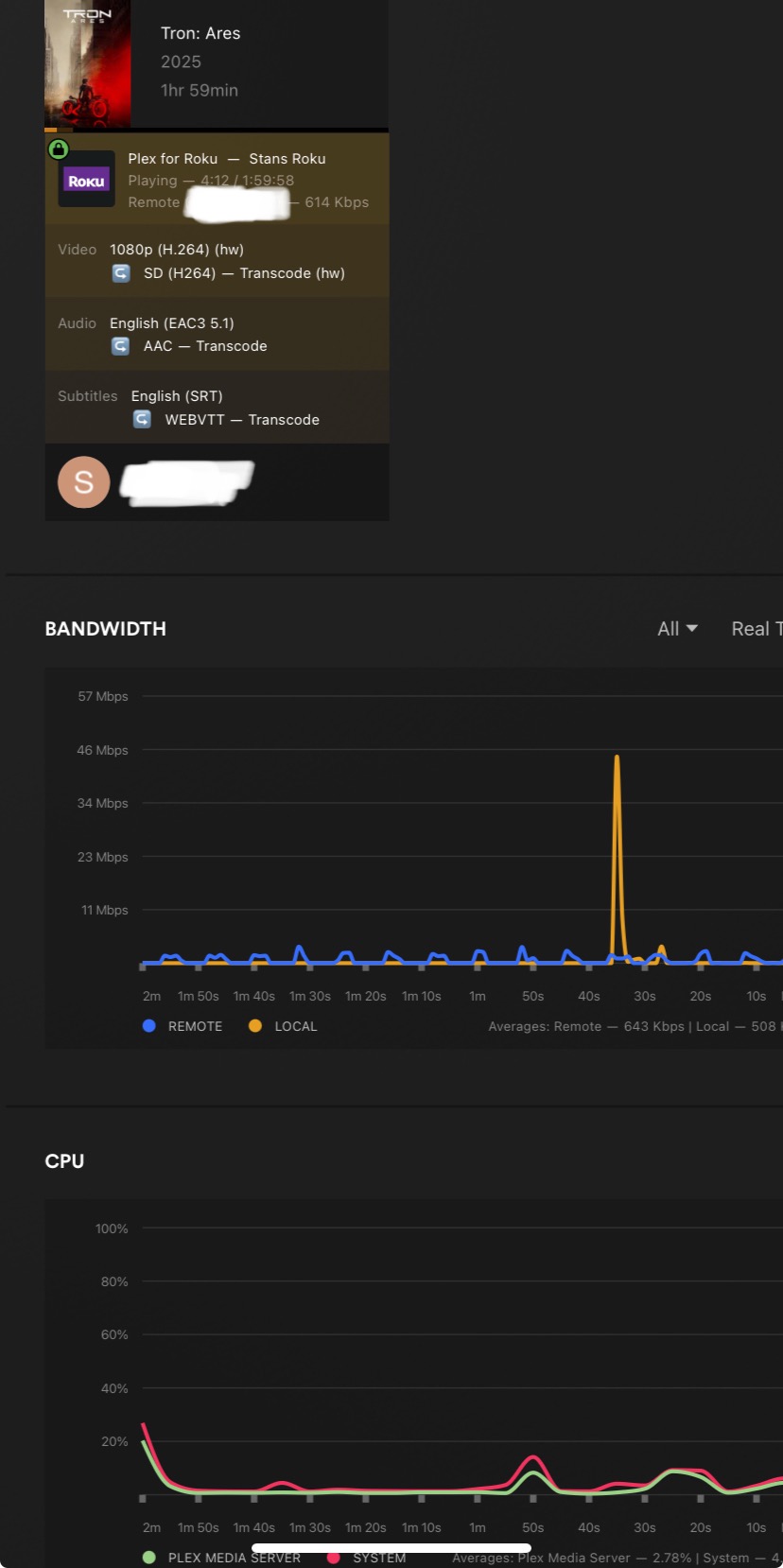
I don’t have an exact time as to when this issue started, but as of late (within the last two weeks or so) I have been getting consistently super, super slow speeds (nothing above 512 kbps!) when I try to stream remotely. Before, I remember this would happen only sporadically, which could be explained with connectivity issues, but now it’s a constant.
I mainly use remote access/streaming with Plexamp. Even trying to get a single MP3 file to play will take at least a good minute, and after that it only plays the first 10 seconds, before it starts to buffer again.
After I noticed the issue with Plexamp, I tried streaming random shows/movies with the Plex app on my phone and the same issue persists.
Locally I don’t have any issues.
I’ve tried this over three different external wifi networks and on my phone’s 5G network, and speeds were always the same (super slow). During my tests, I had no issues with other streaming services. So, it’s not question of the connection being spotty.
I disabled relay access from network settings, but that did nothing.
Other than that, I haven’t really changed any of Plex’s settings as they’ve worked fine for years.
Remote access only shows green across the board.
Haven’t messed with my router’s settings either.
Does anyone have any idea what might be causing this?
If you have not made any changes, I would check your upload speed on your Internet connection to see if there is a problem. Make sure your server has the correct Internet Upload Speed set correctly in Remote Access to what your Internet Connection supports.
If you have remote users you may need to limit the upload stream rate and number of remote connections allowed to not reduce your bandwith so low that you run into this issue.
Thanks for the reply! But this unfortunately is not an issue. I have up speed set at 15 megs (more than adequate to handle any type of media streaming), but I get speeds over 40 with this connection.
I am the only user who remotes to my server, so it’s not getting swamped with connections. But the setting itself is set as unlimited, which I think is the default.
I am also seeing similar behavior. I haven’t had issues with this before. I don’t know if the issue is in Plex, but I don’t know how to investigate.
My server is running on TrueNAS Core (upgrading to Scale in the spring), and has a 125Mbps up & down connection. My client is at another location and has 800/35Mbps down/up.
I have streamed on this client before (Sony smart TV running Plex app) and have not had issues buffering. This seems to have started in the last couple of weeks, and I suspect it is not related to Plex, but does Plex provide investigative tools to help me see where the connection is slowing down? Or if it is possibly transcoding and that is what is buffering it?
Also seeing these issues now. I have a 4gig / 4gig fibre connection. Plex Server is running on a Mac Mini M4. I’ve never had an issue with multiple people streaming via Direct Play / Direct Stream.
I ran a speedtest on the Mac and I am getting the full expected speedtest results. I checked in my Unifi Firewall and nothing there is preventing this.
Inside my network, no problem. Outside the network, no one is able to really stream anything beyond 10Mbps.
I am also getting horrible streaming speeds outside my LAN.
I can switch off WiFi on my phone and launch plex from my iOS while on the cellular network and it won’t even stream full quality of 2.8 Mbps to my phone.
One other consistent remote user is complaining they have to lower their speeds to less than 2 Mbps also.
It’s not my upload, those speeds check out just fine.
I’ve tried fiddling with relay on and off to no avail.
It really feels like this cropped up out of nowhere? But I know they flipped some switches recently for their paywall.
Is there any solution or better way to test yet?
As a feature request, could we have a “test outside speed” button that could simulate the bandwidth a WAN client would get from our server?
I believe I’m having the same issue, version is 1.42.2.10156. Have tested with multiple different types of players on multiple different networks, web, android, etc. Local speeds are fine, remote streams are constantly buffering even on 480p videos. Speedtests all come back fine, logs show that streams aren’t using relay. Problems continue whether transcoding or using direct play, server resources look to be very lightly used.
There is nothing that could just change suddenly in PMS, and 1.42.2 has been out for a significant amount of time at this point.
The place I’d start investigating is with the ISP and your internet connection. Running speedtests is not sufficient to determine if your ISP is doing more granular traffic shaping/throttling.