Hauppauge WinTV-quadHD Tuner Setup Does Not Complete

(File removed) (File removed) (File removed) (File removed) (File removed)

Server Version#: Plex Media Server v1.20.4.3517-ab5e1197c
Player Version#: Plex Media Player v2.58.0.1076-38e019da build date: 2020-05-19
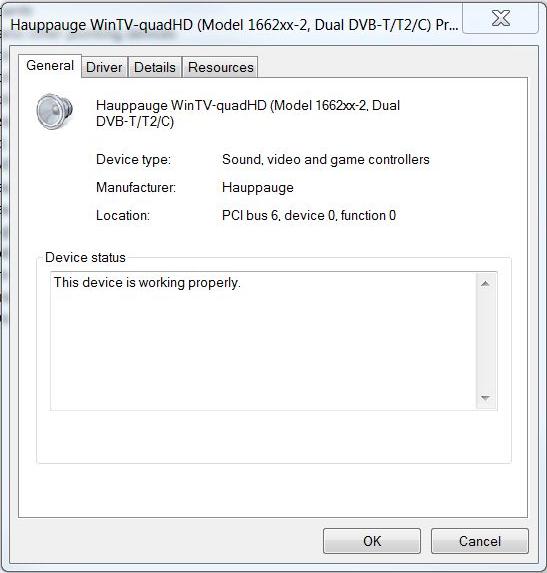
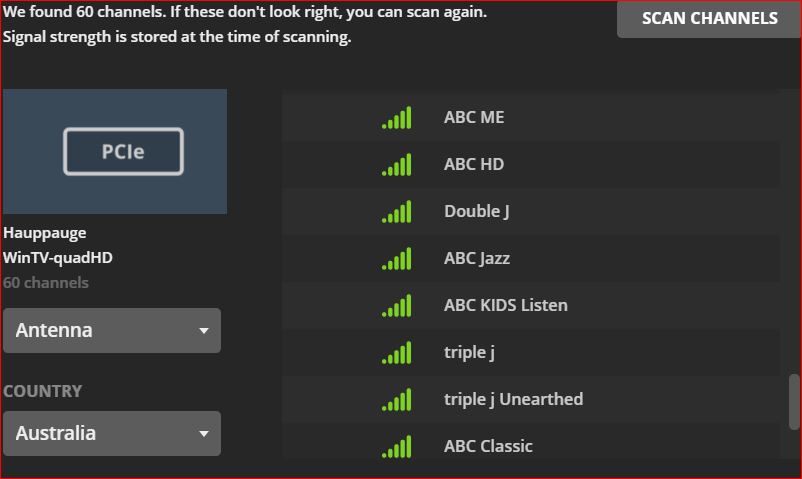
Tuner Make/Model: Hauppauge WinTV-quadHD Model 166200 Rev. B516
Guide/Lineup name: [NONE]
Using XMLTV?: [NONE]
Channel number/Name: [UNKNOWN]

(File removed) (File removed)

I have been attempting without success to setup Live TV with Plex Media Player.
I am running Windows 7 Ultimate x64 SP1
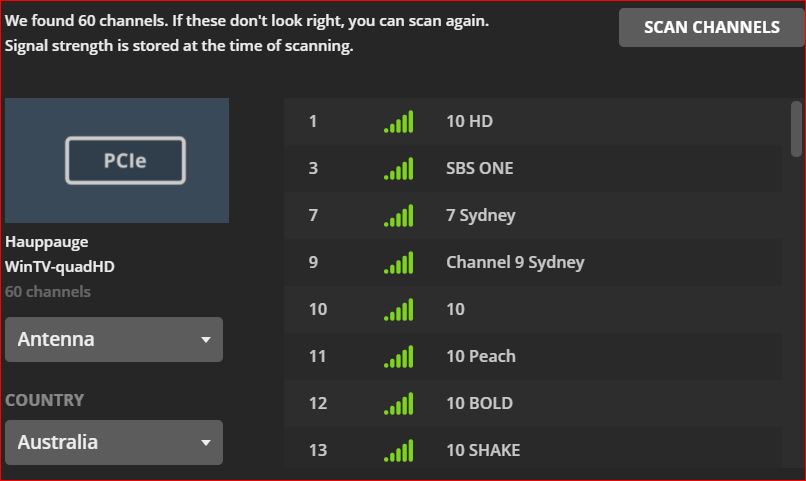
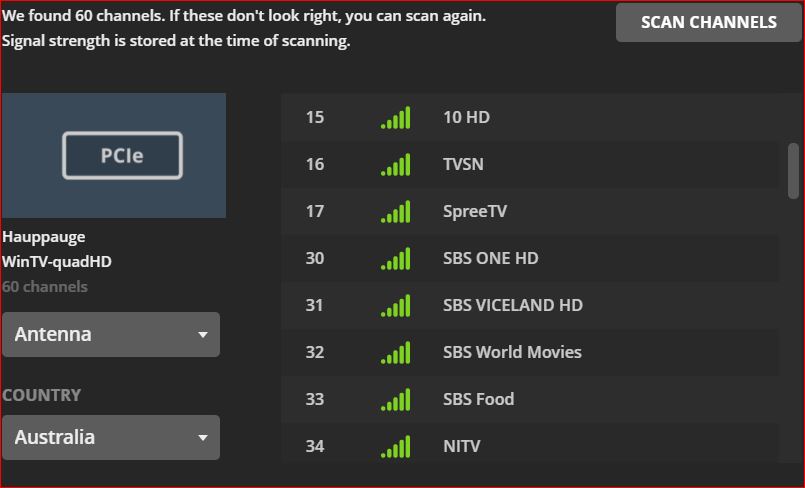
Details of my TV Tuner hardware are shown above, in the uploaded images and in the logs themselves.
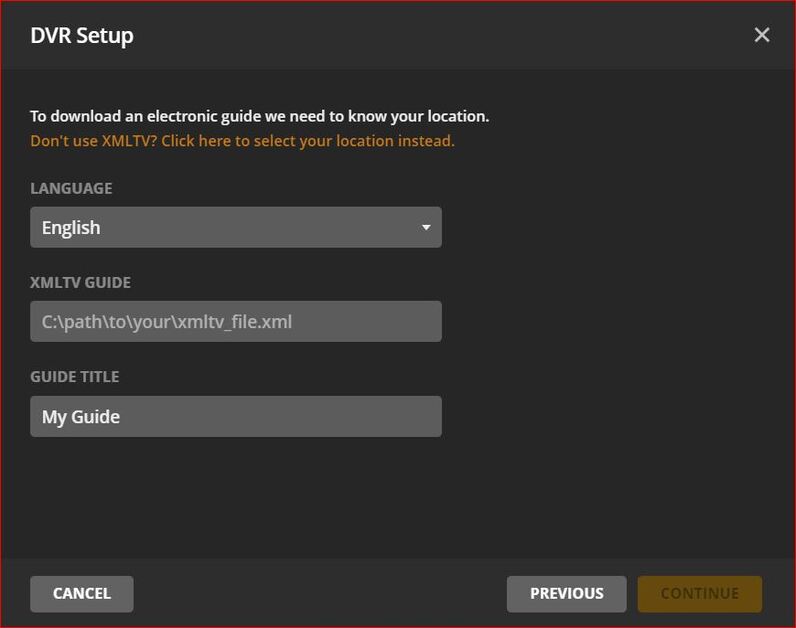
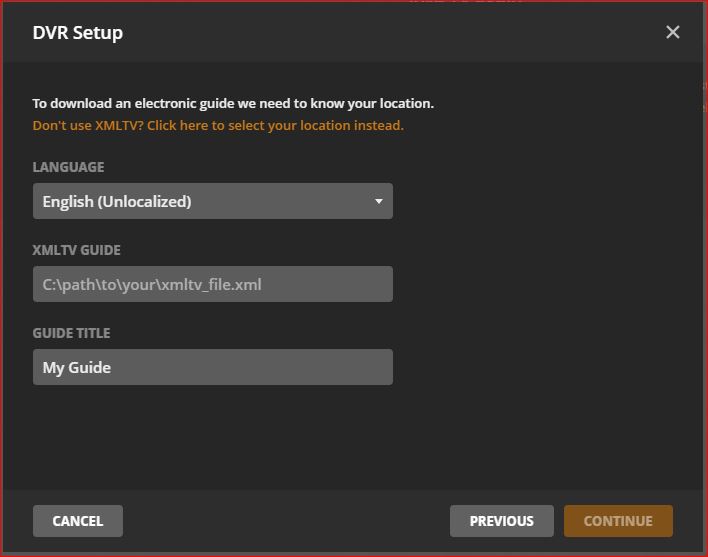
I cannot get past the setup dialog requiring either (a) my location, (there is no dropdown list to select from), or (b) xmltv file path (I don’t have one).

I have two questions WRT this issue:

  1. Does Plex Media Player support EIT TV broadcast data?
  2. How can I specify a location when there is no list provided?

I have one further comment WRT Plex Media Player:

A dialog box appeared when I first opened Plex Media Player, prompting me to “Get Plex for Windows,” but when I clicked on the icon (which is an embedded link), it took me back to the same file that I had just downloaded and installed. There are two files listed at the linked site, one of which is for Windows 7 (and IIRC, Win 8 and 8.1), and the other for Windows 10 and later.
I have actually already downloaded both files, but I have installed only the Win 7 version.

My intended use for Plex is as a replacement for Windows Media Center, because WMC is not available for Windows 10. I have been researching WMC replacements because my PC is my only TV, and I only want to use it for viewing and recording Live OTA TV programs. This is why I took out a monthly Plex Pass. If I can get Live OTA TV viewing and recording to work with Plex, then I will convert to a permanent Plex Pass.

WMC works fine with my Hauppauge tuner card, it supports EIT, and an OTA TV Guide, does not require xmltv and I can view and record up to 4 different channels simultaneously.

If Plex Media Player is unable to support this, I shall have to look for some other piece of software that is able to do what I want.

All comments and suggestions are welcome and will be gratefully (and gracefully) received.

Thanks in advance.

Best regards to all
Christopher Souter
(Sydney, Australia)
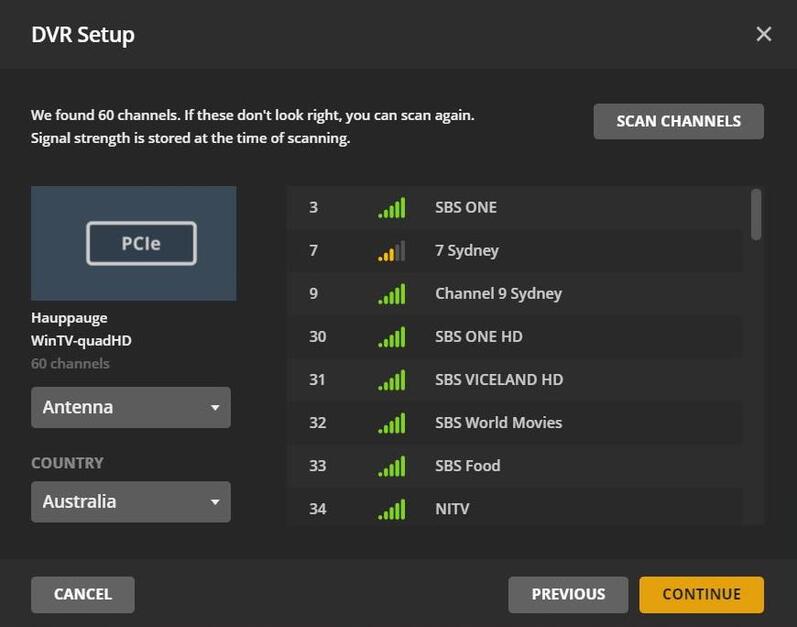
OK, I’ve retried the scan procedure, and here are the results.

[SPOILER ALERT]: The end result is the same as before.


Channel rescanning process commencement.


Choosing the correct DVB-T/T2 Region.


Start scanning channels…


Scan results (#1 of 8)


Scan results (#2 of 8)


Scan results (#3 of 8)


Scan results (#4 of 8)


Scan results (#5 of 8)


Scan results (#6 of 8)


Scan results (#7 of 8)


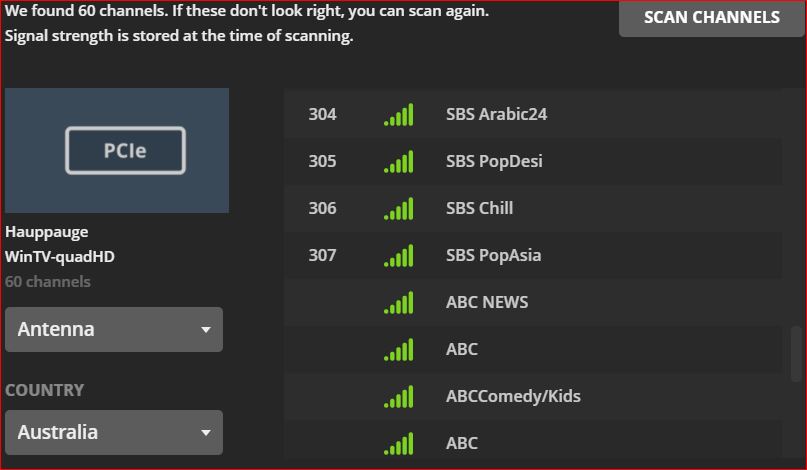
Scan results (#8 of 8)

Notes:

  1. The screenshot shows the final 4 channels of the full list, (i.e., the upper 4 in the list are the lower 4 of result #7).
  2. No channel, from the lower 4 channels of result #6 to the end of result #8, has a channel number assigned.


I am then presented with this dialog box, asking for my location, but there is no input field visible, nor is there a dropdown list from which to choose a location. I don’t understand this, because I had already specified my region before commencing the rescan procedure.
There IS no electronic guide for my region, so there is nothing to download.
Now, the Windows Media Center has a field to input my postcode (Zip Code), but it will still continue after giving a message that no electronic guide exists for my area, adding that a guide would still be available through the broadcast signal.


The alternative option offered is to input the full path to my XMLTV file, but I don’t have one, and therefore, I cannot continue, and I have no alternative but to cancel the whole process.

I’m now going to try just one more time, because I have noticed that the XMLTV dialog seems to have a live link to the location…

Stay tuned…

No luck… Clicking on the “Don’t use XMLTV? Click here…” link just brings me back to the previous screen (the one with the clickable link that says “Have an XML TV Guide on your server? Click here…”

It is impossible to continue, and therefore, I have to cancel the procedure.

The relevant logs are shown below:
(File removed)
(File removed)
(File removed)
(File removed)
(File removed)
(File removed)
(File removed)

These are all the logs I could find, that I thought might be relevant.
There are lots of other logs in various subdirectories, and I’m not sure if they are relevant, but if there are any that you would like to see, please let me know and I’ll upload them.

Once again, I want to reiterate that my purpose in downloading and installing Plex, (plus paying for a Plex Pass), is because I am looking for a Windows Media Center replacement in order to watch and record live OTA DVB-T/T2 terrestrial television broadcasts. I have no interest in aggregating all my media files into some kind of enormous database. All I want to do is watch and record live TV in my local area. I don’t even need remote access. My PC IS my only TV, and I want to continue using it as such after I upgrade from Windows 7 to Windows 10.

I don’t understand why there is no field for me to input my local postcode or other area designation. I don’t even understand why it should be necessary for me to input a local area at all. After all, I have already chosen the correct country, the correct broadcast region and the correct signal format. Why Plex needs any further input is beyond my understanding.

I’m really hoping that someone will reply to this thread soon, or I shall have to cancel my Plex Pass subscription, close my Plex account, completely uninstall Plex, and find some other suitable WMC replacement.

I am quite disappointed by the lack of response to this thread.

BTW, if I get banned for complaining, Plex will be completely removed and my Plex Pass will be cancelled IMMEDIATELY.

Christopher Souter
(Sydney, Australia)

Is this because Plex does not support live TV in Australia? My understanding is we need to pay for XMLTV from a provider such as IceTV.

I also found this post that may shed some light on your issue

  1. No
  2. https://support.plex.tv/articles/using-an-xmltv-guide/

The guide provider is set to change soon and there’s a possibility that data for your region will again be available. Windows 7 is a dead OS so don’t expect support.

This topic was automatically closed 90 days after the last reply. New replies are no longer allowed.