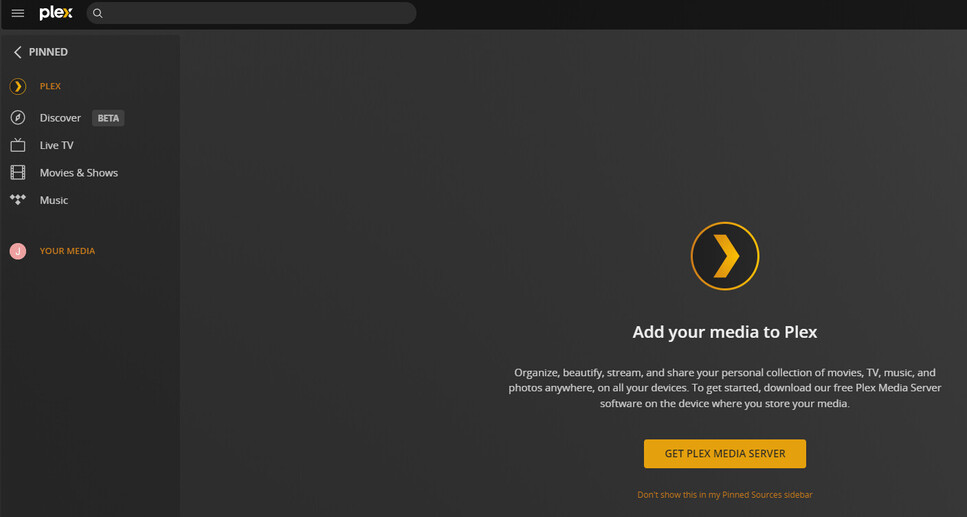
Server Version#: 1.29.1.6316
Player Version#: None
Using Windows 10 with Edge Browser
Plex was working great until I reformatted my hard drive yesterday.
After several discussions here yesterday, I had to reclaim my server. It was working great.
However today, out of nowhere I’m having issues. Apparently I have two Plex servers with just one account. The server info currently being displayed is the old one. I uninstalled the PMS software and started again.
It is still messed up. How can I get rid of the old server?
Specific to this thread, eliminating the second server & reclaiming: You did not need to delete everything listed in Authorized Devices. Deleting only the old server entry was all that was needed. When you deleted the active server it made it unclaimed, so you had to re-claim it.
Edit: Part of the claiming process registers your server with plex.tv (used for remote access, access via app.plex.tv, etc.). When you delete the server from Authorized Devices, it deletes the registration at plex.tv, which makes the server unclaimed. To reclaim the server you must access it locally (via 127.0.0.1, etc). That re-registers it with plex.tv, makes it visible to all your clients, etc.
As to why you had two servers listed? I don’t know. I scanned the thread from yesterday. Looks like something went south when you reset Windows 10 on your PC.
I went on a second PC, had the same issue. However, this time I’m not able to get rid of the old server?
Question: Do you need to have PMS installed on all PCs? I didn’t.
I’m still having issues.
As I mentioned, my problems started when I reset Windows 10 PC yesterday. I inadvertently renamed my PC DellXPS, it was named DELLXPS prior to the reset.
Here’s what I’m doing:
I uninstalled all the Plex apps from all my devices. (8 of them)
I also uninstalled the PMS software from my PC.
To avoid the confusion with the lowercase vs Caps, I renamed my PC to XPS. (yes again)
I reinstalled the PMS software. I started the software and logged into Plex.
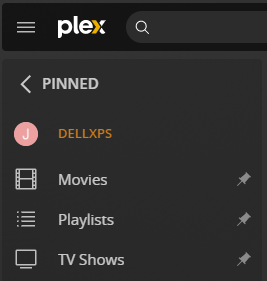
On the home screen, it says DELLXPS
When I click on the dashboard, it says DellXPS. (lower case)
This is where I’m at, not sure how to remedy this ongoing saga.
Thanks.