Server Version#: 1.28.2.6151
Player Version#: 8.13 (iOS), 4.87.2 (Plex Web)
I’m having trouble with a new video I’ve just added to my library. It’s an HD video, 1920x1080, that I created with Makemkv. If I play it (the MKV file) with VLC on my computer, the video plays fine. But playing on Plex Server, both on my computer with the web interface and also on my iPad with the iOS app, the video is “squeezed” to almost a square, with letterbox-style black bars on the side.
This hasn’t happened on any of the several hundred videos I already have on my server. Where to look to solve this?
Thanks in advance!
Example of what I see in the Plex player app on my iPad:
I’m still hoping for some help on this issue with only one video in my collection. The file in question is ripped from Blu-Ray using MakeMKV, and the resulting file is 1920x1080, with a total bitrate of 29807kbps. If I play the .mkv file from my computer using VLC Media player, it looks fine. Place the same .mkv file on my Plex Server (running on a Synology NAS), any player I use (web, iPad, AppleTV, etc) all show the video squeezed into what looks like a 3:2 aspect ratio with black bars on the sides padding out to the regular HD size. I’ve deleted and re-added the video, deleted and re-ripped and changed the name, but this seems to be very consistent. I’ve had no such problem with any of the other video in my collection. I’m out of ideas, so any help or pointers would be greatly appreciated!!
Updated information:
Server Version# 1.31.1.6733
Player Version # 4.100.1 (Plex Web)
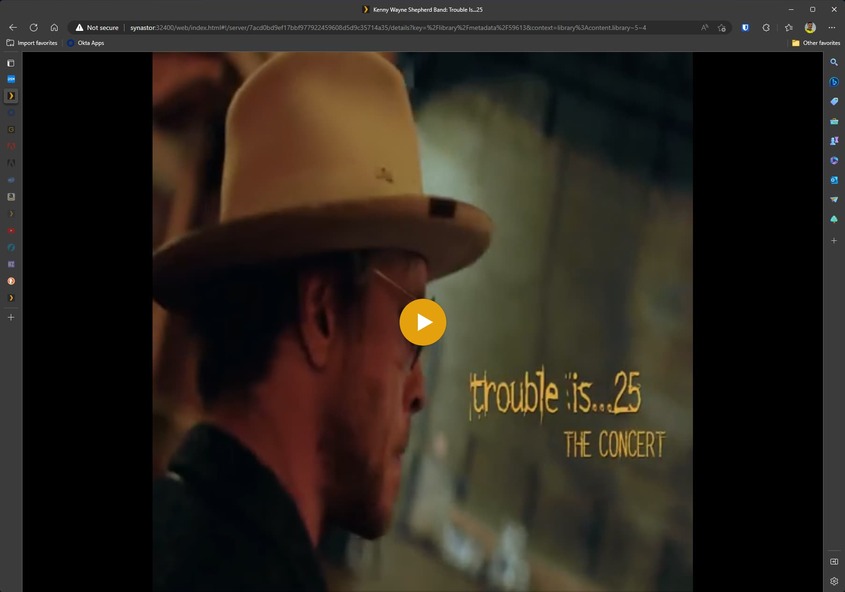
What I see in the player (in this example, Plex Web in Edge on my Windows machine, but it’s the same in all players):
What it really looks like playing in VLC:
File properties of the MKV file:
Media Info:
Comparing “Media Info” with other files on my server that work fine, I see that the video that is working incorrectly has “Pixel Aspect Ratio” of 9:16. I suspect my problem is related to that. Looking at another HD video that works well, there is no “Pixel Aspect Ratio” in the Media Info.
I also see a difference in the “Aspect Ratio” reported on the left under “Media.” In this file as shown above, the aspect ratio is given as 1.33, while in other correctly playing videos the aspect ratio is 1.78.
Is there a way to change these parameters? I’m sure I’m poking at the source of my issue but I don’t know where or how to make the changes to correct it.
Thanks in advance for any and all pointers!