How can I remotely enable "remote access" option?

Server Version#: 1.25.5.5492

Hello, how can I remotely enable the “remote access” option?

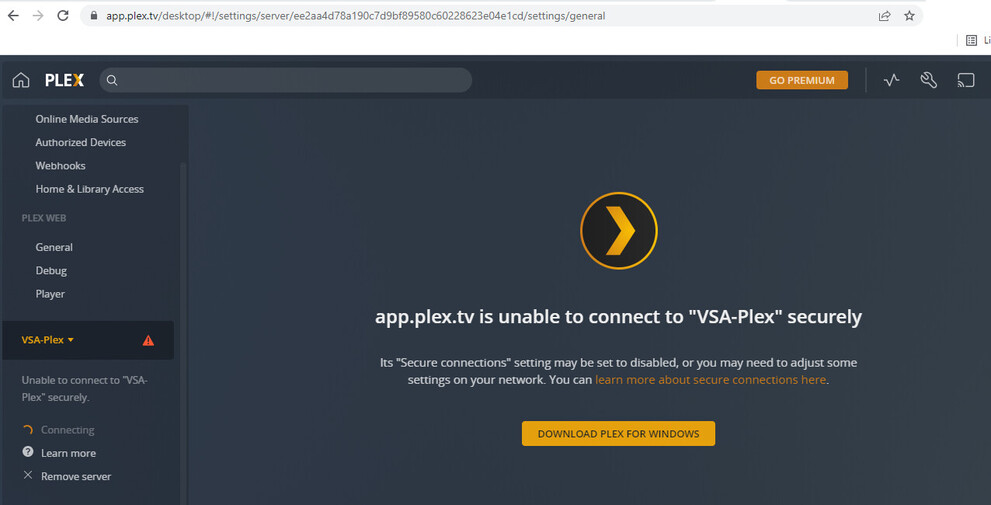
By mistake I removed the “manual port” configuration, after that, I lost the “remote access” option. Right now I’m in another country and I don’t have VPN; somebody knows how to fix this issue?

I’m attaching a screenshot:

Thanks.

I don’t think you can.

/watching this thread, curious to see

Do you have Synology QuickConnect enabled?

1 Like

Yes, I have QuickConnect activated.

I think that the only way to fix it is being connected locally. The problem is that I’m in another country, so I’ll need to wait until I return.

I could give you a way to do it but in light of the recent issues being discussed elsewhere in the forum, I do think it’s best to do this normally through the gui when you return.

Sorry.

This topic was automatically closed 90 days after the last reply. New replies are no longer allowed.