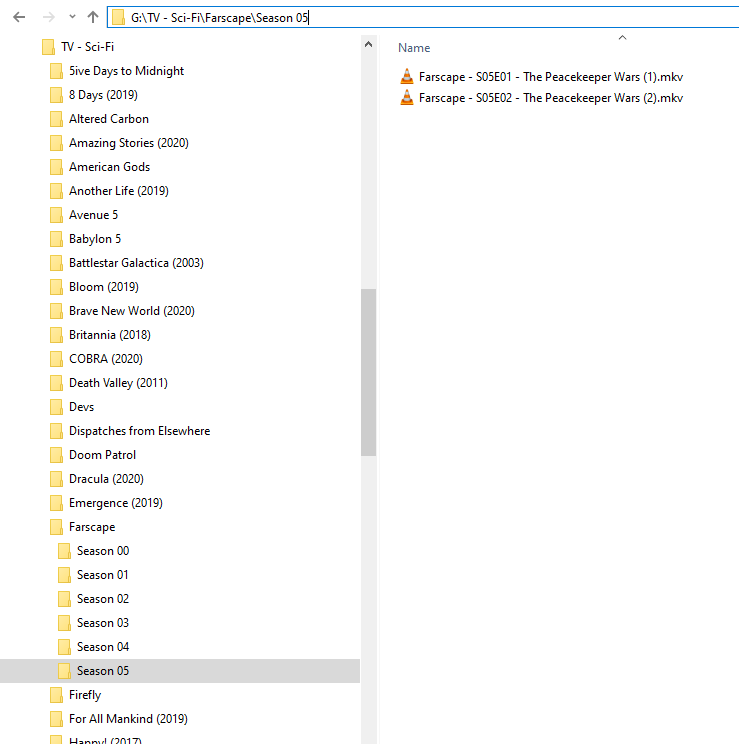
so one of my favourite TV shows has a movie to finish off the TV series and I’m wondering if there’s a way to add it so it could be just put at the end of the TV series how would a naming scheme work for that I can’t find any information in the help I found already
PS This is the help I’ve been using
please note I have a reading and writing Disorder so sorry there is no punctuation and there may be inaccurate words I use a speech-to-text program to try to write for forms thank you for your understanding
Since you didn’t bother revealing THE NAME of this mystery… I can’t show you exactly how to name and structure it.
Go to TVDB
See if that ‘Special’ Movie is listed in the Specials
If so - name it that.
If not - name it something much higher than the last known Special
then manually edit to indicate what is is - and give it an Air Date that will play at the end of the Series.
Or…
Put both the Show and The Movie in identically named Collections - I like the Specials solution better.
If you have one big file containing the two episodes - name it:
Farscape - S05E01.xxx
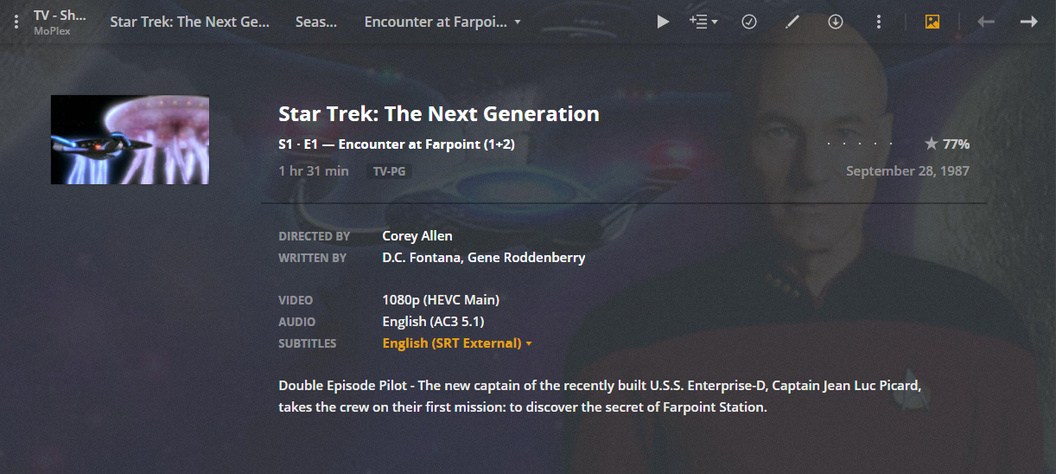
then hand edit the description so it indicates both episodes are contained therein
or
Farscape - S05E01-E02.xxx
and Plex will gather both episode infos and treat one magnum file as two episodes - then misbehave during the playback of same (some report they’ve fixed that - I can’t say - I don’t let it happen).
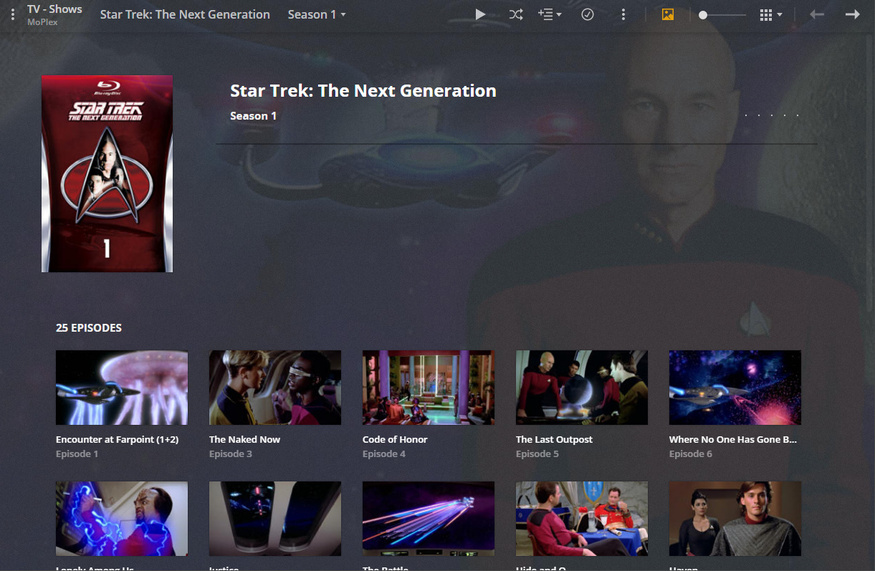
All Plex does is gather the info for the two episodes and display both episodes as individuals.
At Playback Plex just plays the big file.
The misbehavior was when Plex finished playing the first ‘episode’ - it wanted to play the second one - but that one was just watched - so it just started again.
The rumor is THAT has been fixed - but I can’t confirm that.
When I had one giant file I named it Episode 1 and hand edited to indicate both were there - in that 3 hour run time. The second rip was both individually - so they play as indexed - no ‘work-around’ necessary.
… and while we’re at it - “Serenity” is FireFly’s Movie Closer - and exists as a Special at TVDB. I also have Hand Edited it into a Movie for the Sci-Fi Collection covering all the possible bases…lol
OHHH gotcha. I actually never had that problem - stacking them with Part1 and Part2 (or parentheses) always worked OK for me. Didn’t do it much, but it worked OK when I did. Maybe I only tried after it was fixed.
I always had playback weirdness with S01E01E02 though, so I just split those apart in advance.
For Farscape it would probably work great to leave them together. It’s not like you’re going to want to watch “the last half” by itself.
That’s not how you handle ‘double episodes’.
That’s how you handle Double Disks - Movies/Episodes in two parts.
Different Scenario.
Let’s say “Serenity” came on two DVDs.
The first part would play - then the second part would play.
Double Episodes in one rip are handled differently:
S01E01-E02
simply plays the big episode - but gathers and displays the metadata for two episodes - not just one.