Server Version#: 4.87.2
Player Version#: 9.9.0.35519
Hello.
So I am trying to use Plex for the first time.
All my media files either comes with their own subtitles or I download one separately.
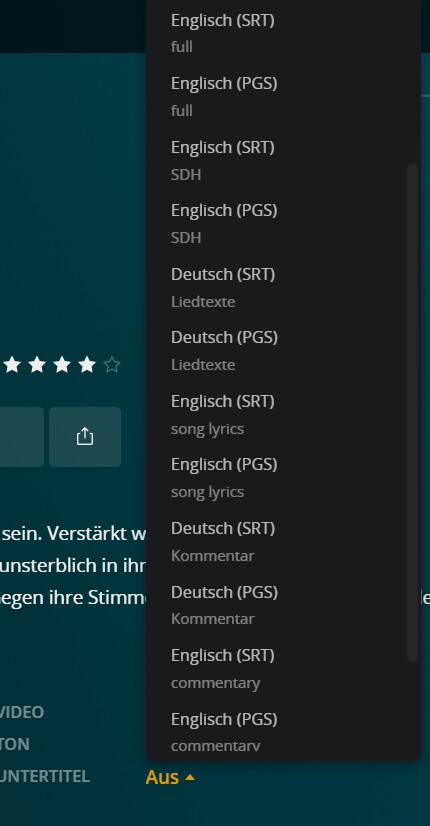
Plex however flood all my subtitles list with like 50 different ones. Lets say I want my english subs. But plex download like 4 english ones. I can’t tell what is the subtitles that came with my files. It also doesn’t tell me who made the subtitles. Whenever I get my files I can see who is the translator. In plex it just says English, English, English, Spanish, Spanish, etc.
They all had exactly the same name so I can’t find what I am looking for.
Here is an image to see what I am talking about: https://ibb.co/2yyxty3
I appreciate plex giving me posters and information and descriptions about my shows but the subtitles are very unwanted.