I have a few MP4 files with embedded/burnt-in subtitles, i.e. no separate subtitle track.
How can I get Plex to show the subtitle language without updating the database manually.
I know how to set the language for separate tracks/streams using ffmpeg and external srt-files are also fine.
I haven’t been able to find out how to use ffmpeg or configure Plex for subtitles that are not a separate track/stream.
Burnt in and embedded are two different things. Embedded means they are a separate stream in the video file. Burnt means they are a part of the video stream. You can’t name burnt in subtitles because they are not stream of their own and as far as Plex is concerned there is no subtitles in the file.
So there is no other way than updating the database manually then?
No. You would need to convince the server there is a stream there that doesn’t exist and editing the DB manually is the only way I can think of to do that.
I’ve had a few of those myself. They seem to be embedded cause there is no separate track for them. At lease not a noticeable track by alot of programs.
I used My MP4Box GUI (Requires MP4Box) to extract those pesky invisible subtitle tracks and re-mux to MKV’s.
Mark the video track with a language - that’ll do it.
https://www.mp3tag.de/en/ <—works on mp4 files
As far as I know Plex ignores any language that is set for the video track.
EDIT: Here we go.
I’ve got thousands of them…:
… and if I could find one, I’d show you a picture of it…
Plex usually identifies them as Closed Captions - Unknown, of course - until I mark the Video Track with a language.
This link may help
I know it’s for EIA_608 subtitles but the sub’s in question may fall under the same principle.
That’s how I get 'em out - MCEBuddy - happens in moments and automatically.
Here’s one still embedded (before I remove it, having been replaced with a better one and then forgotten…lol):
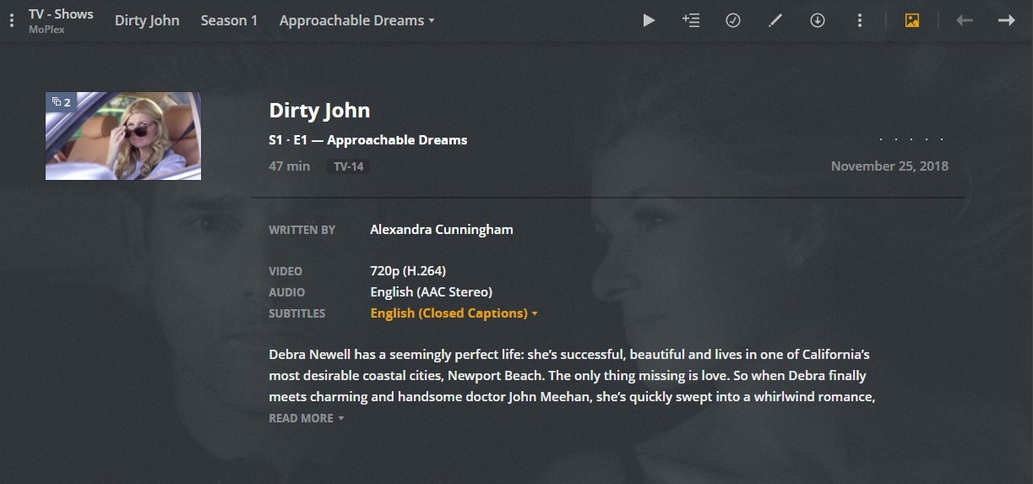
I have Xmedia Recode ‘trained’ to mark video tracks English - I can’t handle Unknowns.
Are you suggesting that when you set the video track to eng that the “built-in” comes up as eng? How fascinating. What happens when you set the video track to another language? Will the lang of the CC subtitle change with it? Sorry, I would try myself but I have no more left.
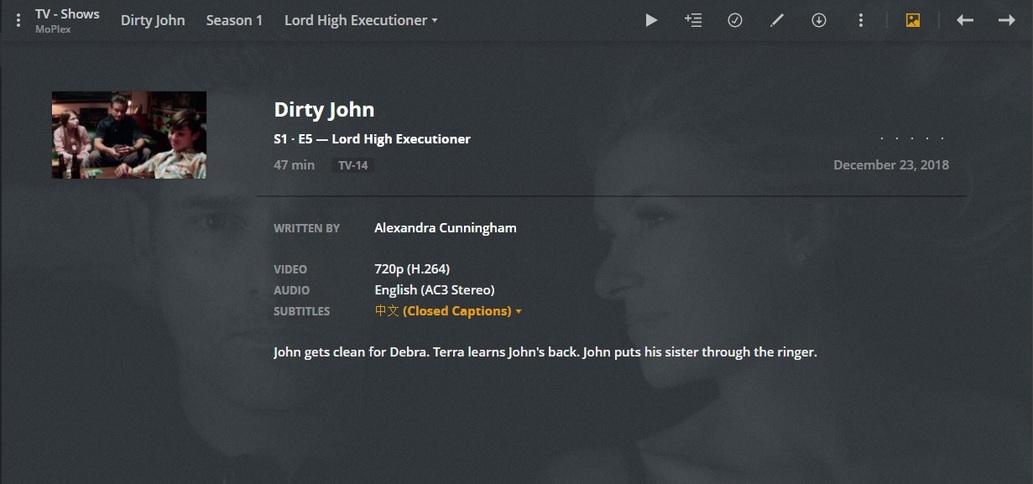


Awesome!! That’s definitely a good hack for those pesky CC subs.
Now for the bad news…:
MPEG-2 streams are off limits - to every trick tool I have.
That’s another area wherein MCEBuddy does it’s evil work…
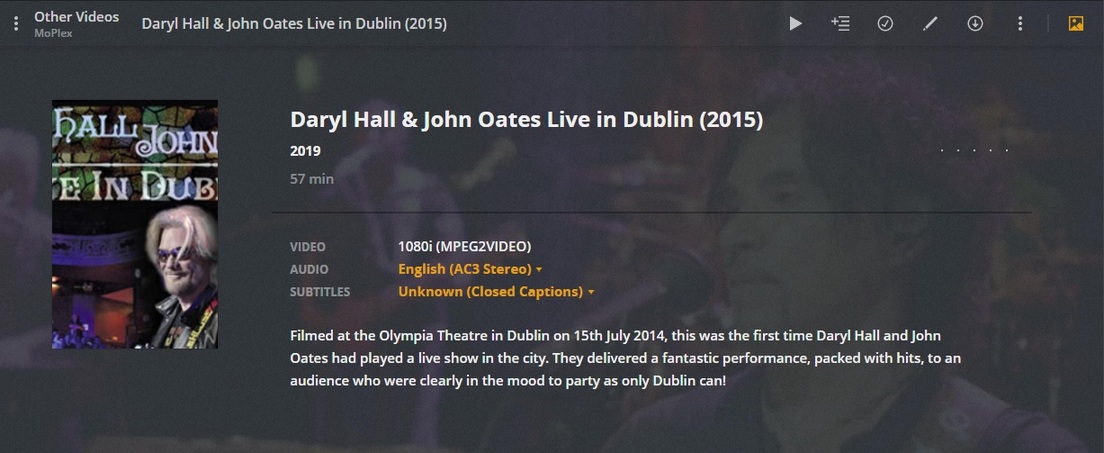
Apart from this one lonely test file - most other ‘Unknowns’ have been dealt with accordingly:
CC “subs” are not "burned in"to the video picture. They are just “muxed in” with a special method.
But I doubt the OP was referring to CC. The way I read it, he was asking about actually burned in subtitles.
I agree with you on that but thought the OP had the mp4 embedded sub issue.
I no longer have the originals but I had a copy of Orphan Black where there was an embedded PGS subtitle and MKVToolNix was unable to detect or extract it. Only when I loaded it in MP4Box(GUI) I saw the tracks. It was very odd. I had a few more series like that. Some had SRT style and some were VobSub(idx/sub) and none of them were seen by MKVToolNix.
Ironically enough, Plex saw them…
… another thing in all of this - mp4 isn’t a valid container for embedded sub tracks.
MKVs are all the rage for a reason.
Thanks everyone for your comments and proposed solutions.
I took the easy way out and added an external vtt-file with just the headers.
WEBVTT
X-TIMESTAMP-MAP=MPEGTS:900000,LOCAL:00:00:00.000
That solved my needs as I don’t care if Plex shows the wrong format as long as the language is correct.
This topic was automatically closed 90 days after the last reply. New replies are no longer allowed.
