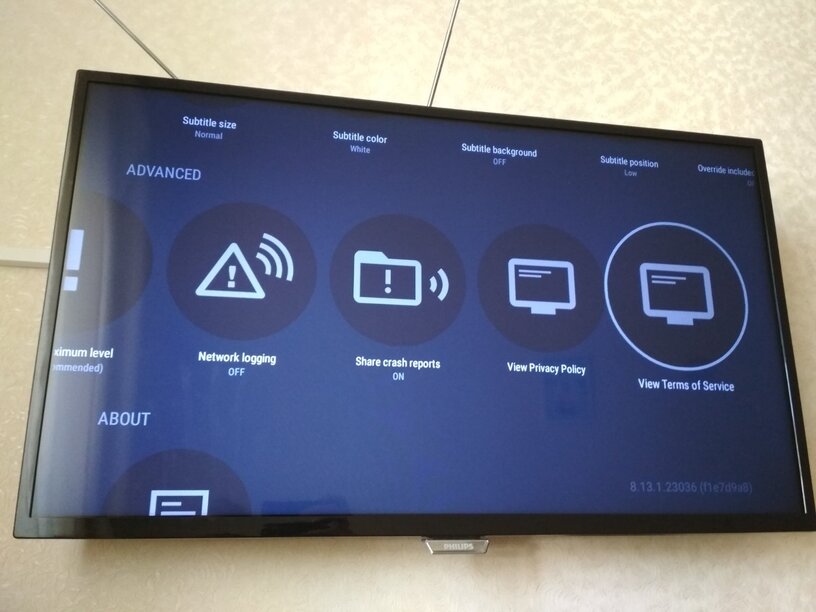
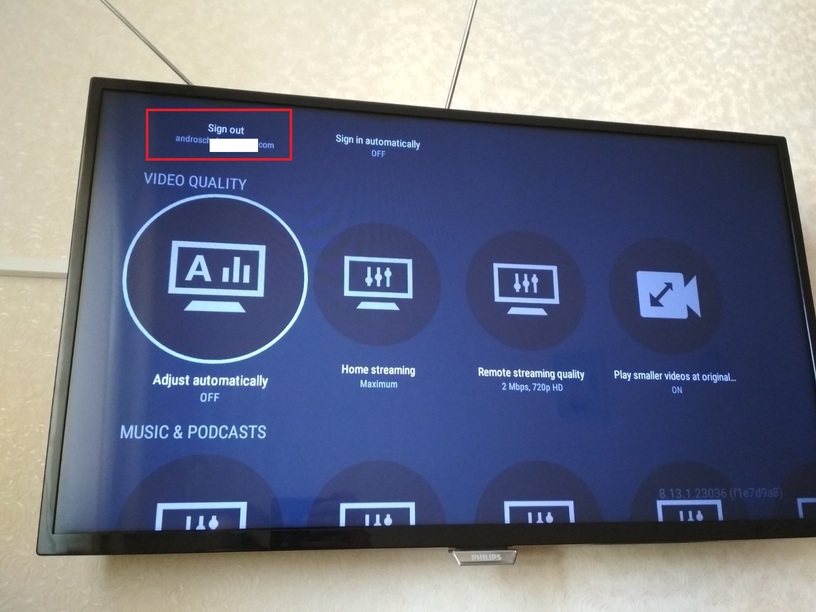
The problem with the new player is Philips Android TV.
When I try to play any video I get a black screen, although the audio is playing (everything worked fine with the old player). The same situation with the web show.
I bought a Plex Pass to support the project and get a stable product but today I got a surprise, the option to disable a new player has disappeared.
Maybe I’m doing something wrong?
So now I can’t use it on my TV.
Server Version#: 1.21.3.4014
Player Version#: 8.13.1.23036
A LONG time ago they said they were going to de-activate ‘The Old Player’.
They kept warning it was going to happen.
It happened.
Don’t worry, there are about a thousand posts singing the praises of having a screensaver with audio when it should be playing that episode you can hear, but can’t see - and how that isn’t what they signed up for - but The Fix remains ‘need to know’ and we don’t ‘need to know’.
Oh, yes - that’s what millions of other users did as well.
The problem with that strategy is Plex IS GOING TO DO WHAT PLEX DOES - especially what they say they’re going to do. <—along with enough surprises to keep us on our toes.
What should have happened is users with New Player Problems should have gathered together, made a nuisance of themselves, provided logs, etc., until the problems were ironed out… ideally.
Now, along with the update that is now known as The Destroyer of Worlds, they also disabled The Old Player so those millions of users can join the rest of the Plex Android Verse to enjoy that - and everything else that’s now trashed.
That bug list that was 10 miles long - is now longer.
Looking at the logs it looks like the issue is with refresh or resolution switching, would you be able to disable both in the settings and then see if the issues still occurs?
It should at least solve the application crash when closing the video, I’m hoping it’s also the cause of the black screen issue - though this seems less likely.
Actually i can almost play live tv signal from my tuner, connected to plesk server. When i say almost, i mean that i get one new frame every few seconds (so not really working). But i when i try to watch recorded content, again black screen with audio only and crash after close.
is there any fix for the no video black screen.. i am only getting audio..no video..and the way to disable the new video player is also noth there in my tv…please help..
Same issue here,
Tested 8.13, and 8.12 and dont have the option only have it again rolling back to 8.11.
Hope Plex take this under “Legacy” or so for this devices.
I have the same problem on my ”older” philip smart tv. I think Plex isn’t fully compatible with the android 5.1.x versions, at least that is common factor of many many people that only get sound and no picture… that is what it seems like after reading a lot of posts here in the forum.
We test on FireTV devices with Android 5.x, if you are also experiencing the issue would you be able to share the client logs, more help to understand the problem, we can then narrow it down and hopefully fix the issue.