iOS 15.0
iOS Plex app 7.23
Windows Plex Server 1.24.3.5033
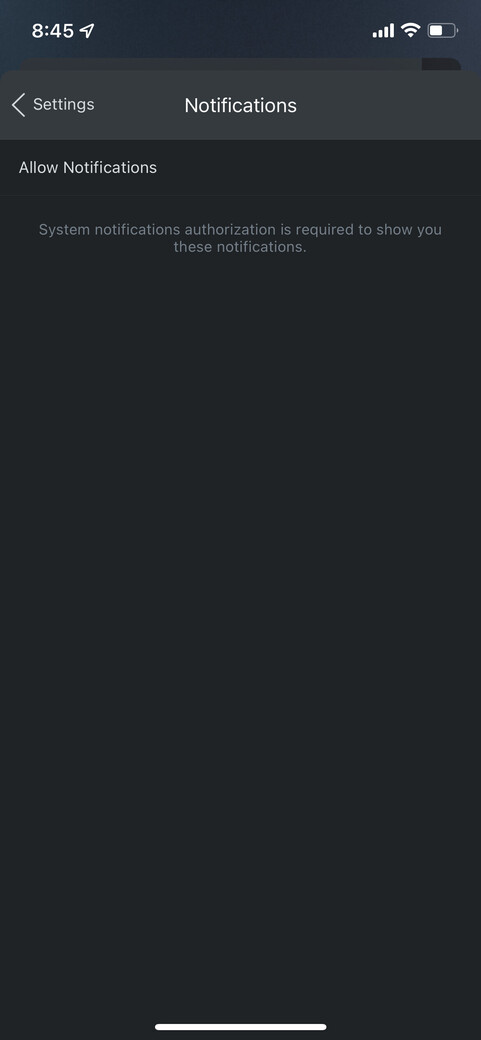
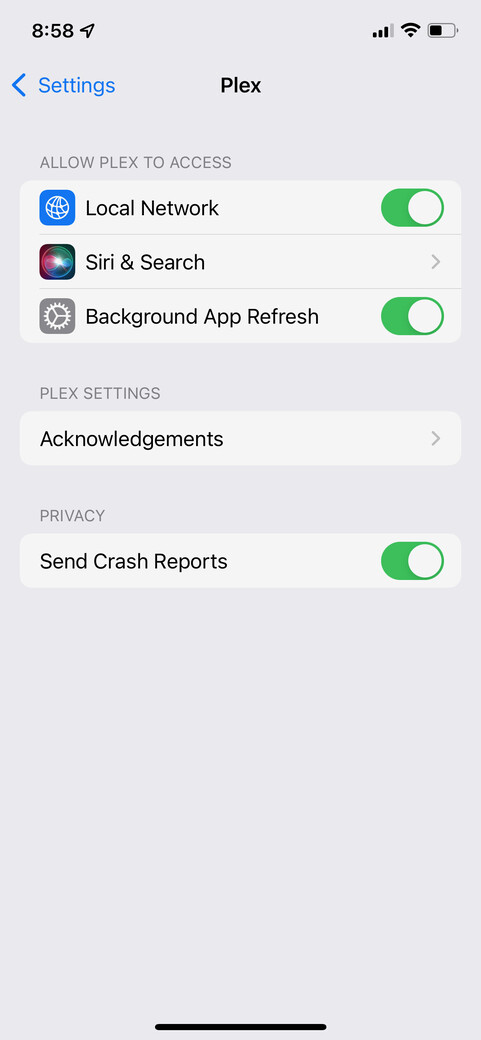
How does one enable Notifications in the Plex iOS app? The Plex app doesn’t request permission to send notifications when it is installed and run for the first time. In the Plex app under Settings | Notifications, it says “Allow notifications. System notifications authorization is required to show you these notifications.” Also, Notifications is not an option under the iPhone Settings for the Plex app. I have tried uninstalling and re-installing the Plex app several times with the same results.
OMG. I never would have thought that “Allow Notifications” was something clickable and not just a title for the text below. I don’t recall this step previously when I had used the iOS Plex client. Thanks!