I have films in different language for my family mix preferences or sometimes because I couldn’t find the version I wanted. Unfortunately, plex seems to allow COLLECTIONS only by LIBRARIES so two related films that I have in different language will be in two different COLLECTION.
Is there a way I can put them in the same COLLECTION?
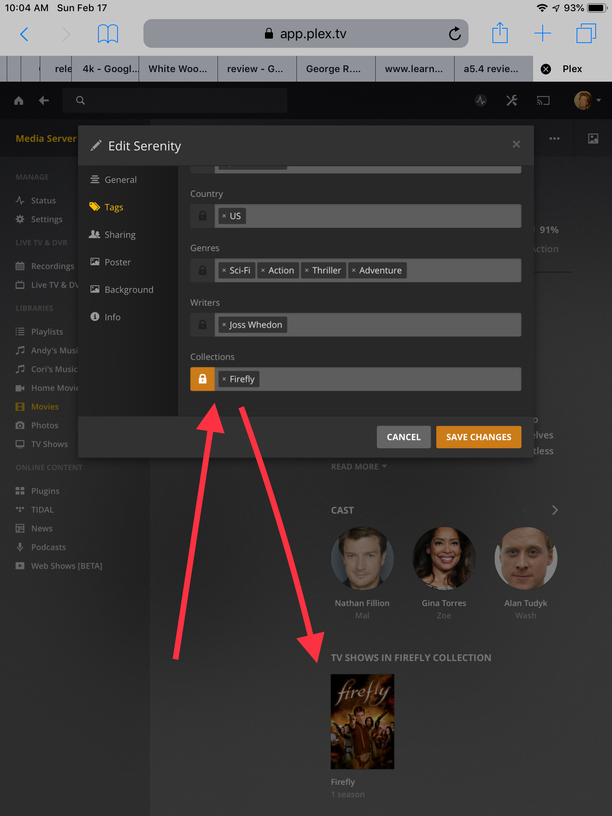
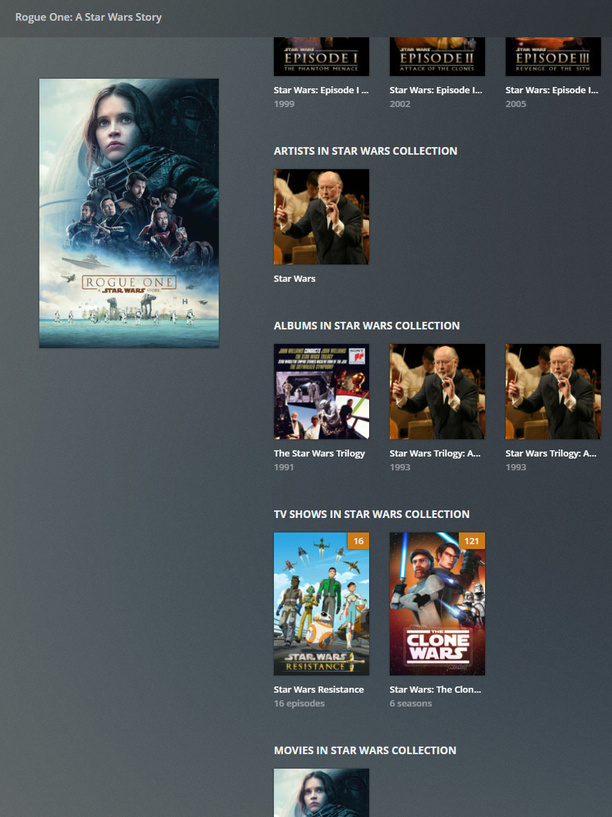
You should be able to select an already created collection from the collections tab while in any individual library item regardless of the specific library. Then they should all show up in the same collection. For example I have the tv show Firefly and the movie Serenity in the same collection. You can also link soundtracks and movies in collections.
I was stick with version 1.13 as 1.14 broked my ability to view my medias outside my house.
I just upgrade to version 1.15 and did a test. I have a few films with Brad Pitt, some in my English movies library and some in my French movies library.
If I create a Brad Pitt COLLECTION on the English library side, it is not available in the French library side. I have to create a new COLLECTION on the French library side so I have two different COLLECTIONS.
due to the way plex separates libraries, this is true; you must create a new collection for each library.
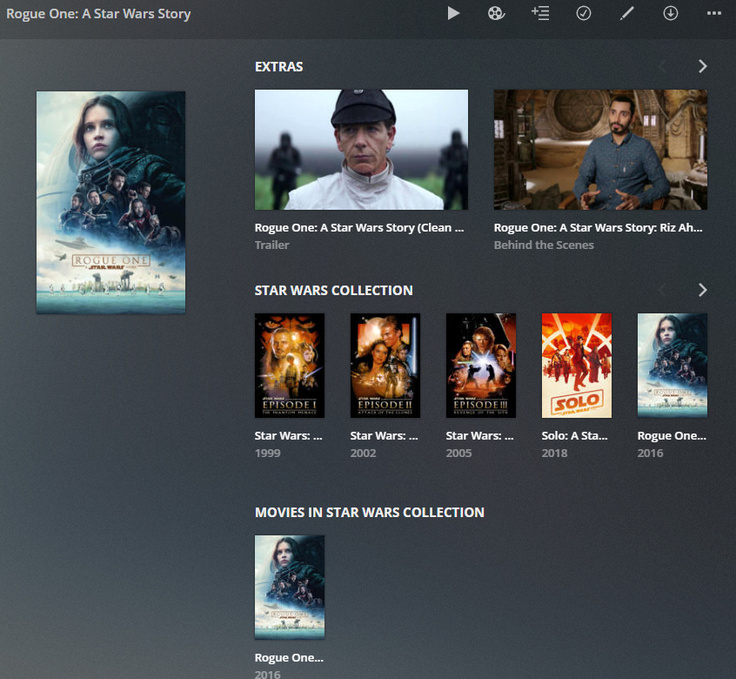
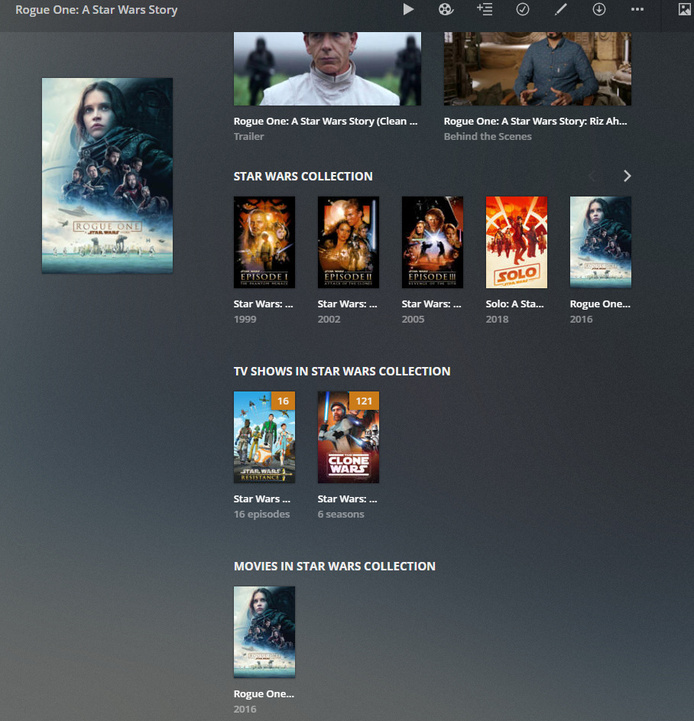
however if you have the collection named the same for each library, they will still be linked together as shown in the picture earlier in the thread.
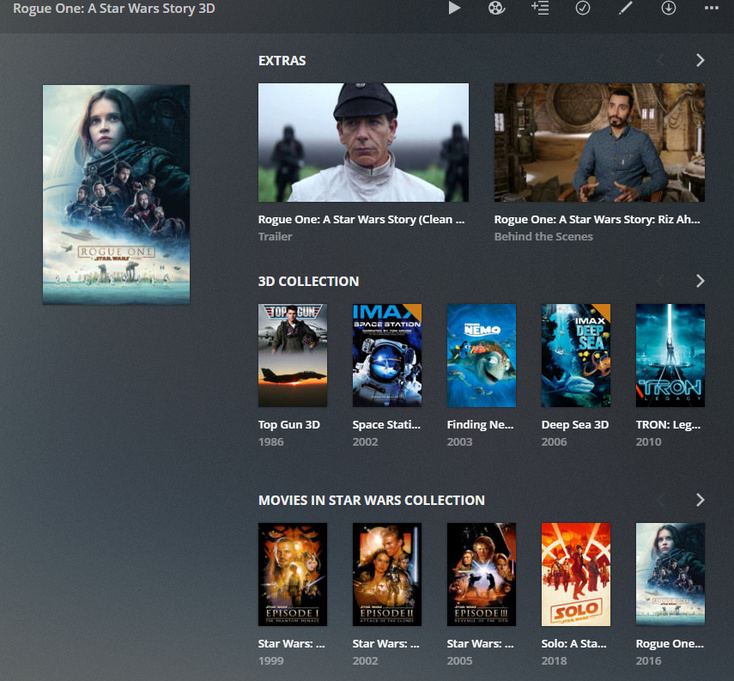
Another example is a library only with 3d content, it shows both other 3d movies (in the “3d” collection) and star wars (in the “star wars” collection).
I have Brad Pitt movies in tree distinct LIBRARIES. Bilingual/English/French. I tag one film in each LIBRARIES with the same COLLECTION name. When I search for Brad Pitt I see the tree COLLECTIONS with only one film in each instead of one COLLECTION for the tree films.
the alternative is instead of using separate libaries, is to have ONE movie library, then tag different languages in different collections (ie english collection, french collection, bi collection)
but you are not the first nor will be the last to request this.
no problem, here is another example of actor with no collection but in multiple libraries.. as you can see plex separates the actors instead of having 1 actor across multiple types of content.