I stupidly enabled the Guest account on PMS. This has become a real nuisance as I’m always asked to select between the main user and guest account.
I only found one instruction (on reddit) that says to disable the account from Settings > Users & Sharing > Home Users > Disable Guest
I see no such option.
Can I get some help please?
Thanks
You can find it under Settings > Plex Home
You can find it under Settings > Plex Home
As I offered; I must be stupid. I click “Settings” but I see no “Plex Home” or equivalent icon.
Thank you. That helped.
BTW, does anyone know the magic spell or incatenation to disable or delete the Guest Account? The “Edit” function is of no help.
Can you please take a screen shot of what you are looking at. I’m not sure what is unclear about a Disable Guest button arrow #3 is pointing at in my screenshot
At almost every PMS web browser page load, or video change in PlexKodiConnect > Kodi I am greeted with
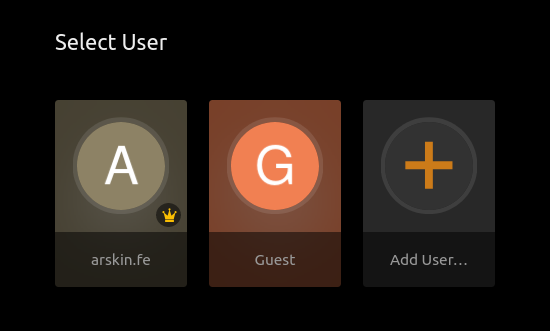
to select the user.
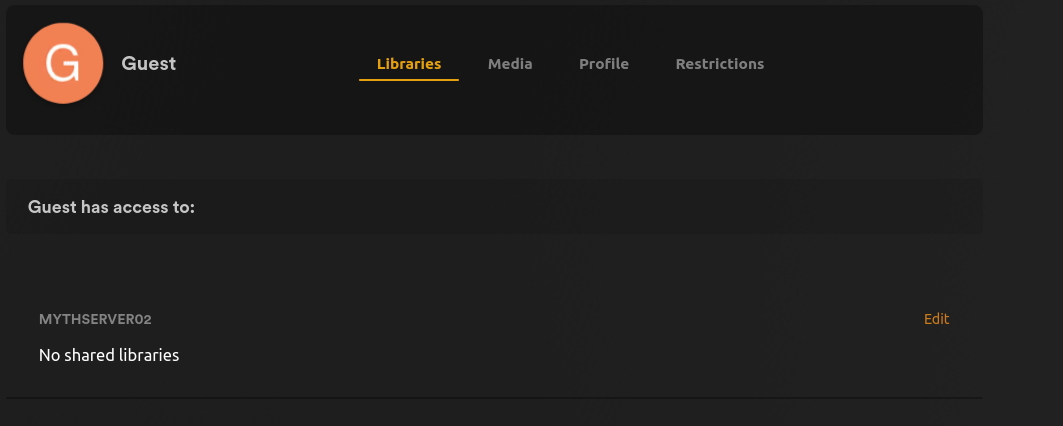
Having finally figured out where the Guest user profile is I click its edit link & get
As you can see, the Guest user has no access to libraries but the presence of the account must be causing the “Select User” prompt.
How to disable/ remove the Guest account so I am not constantly confronted with “Select User”?
Thanks
Go to https://app.plex.tv and click in your own account, not the guest
Click on the wrench icon on the top right of screen that is settings. arrow #1 is pointing at in my previous screenshot.
Click on Plex Home on the left side of the screen where all the various settings categories are Arrow #2
Then click on the Disable Guest button Arrow #3
Thank you, got it.
I’ve been looking at this issue for so long now I didn’t notice or see the disable guest button. 
I’ll slink off now…