Server Version#: 1.16.2.1321
Player Version#: 3.104.1
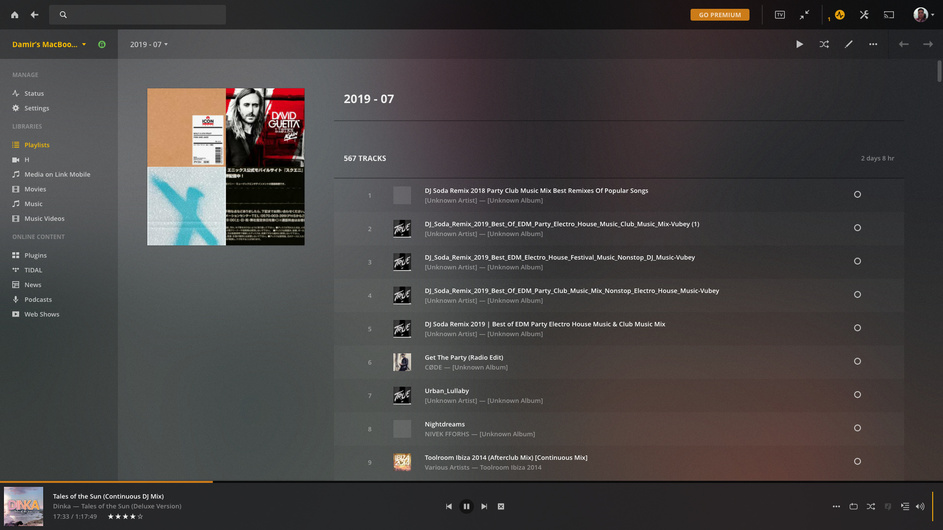
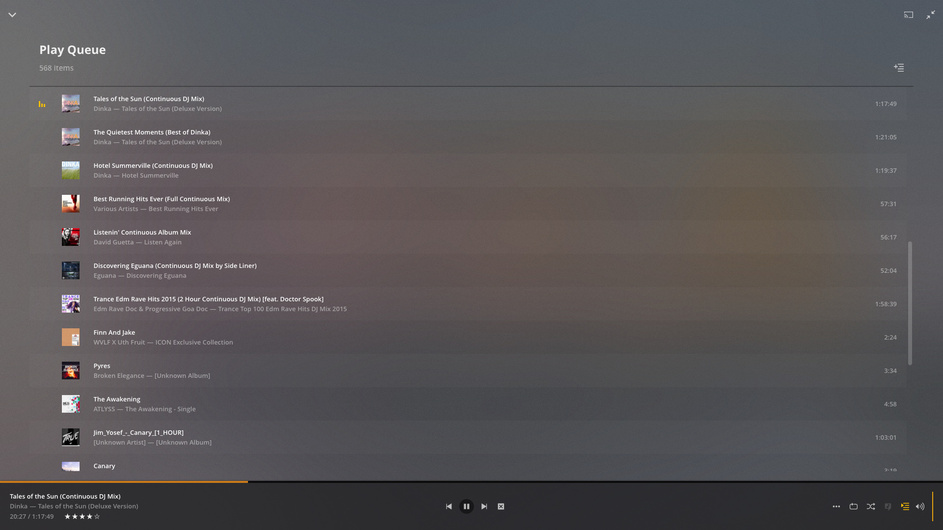
I’ve been searching around for a hotkey, or a button somewhere in any of the players that PLEX supports to return to currently playing media. Currently I’m testing PLEX to replace iTunes on my Mac. In iTunes, there is a hotkey combination: CMD+L “Go to Current Song” item under “Control” menu. This menu item will return me, as the user, to the currently playing Playlist/Media which is currently active playing in the background. Let’s say I’m currently playing music in Playlist1/Song834, then I browse out of the Playlist View to go wherever, all I need to do is press that CMD+L, then the view will go back to the Playlist1/Song834 so I can do whatever I want/need to do in that view.
I’m currently evaluating Lifetime PLEX Pass Premium subscription. The media server it self IS AMAZING. There are small nibbles here and there that made it somewhat harder to use compared to my current Media Management System (iTunes). There are more pressing options that are absent should I want to make sure that the audio data that PLEX Media Player get sent to my DAC uninterrupted (like exclusive mode that won’t bork my audio system in the PMP?), or buffer setting, or crossfade, or gapless playback (this is currently supported on a separate player, the PLEXamp). Maybe a DSP plugin architecture for a specific Music client? The rest are things that I can live with, such as a slow-ish system response when streaming off to another device at times, or when suddenly PLEX will max out my processor to do whatever it needs to do and I can’t delay it - I can still live with those.
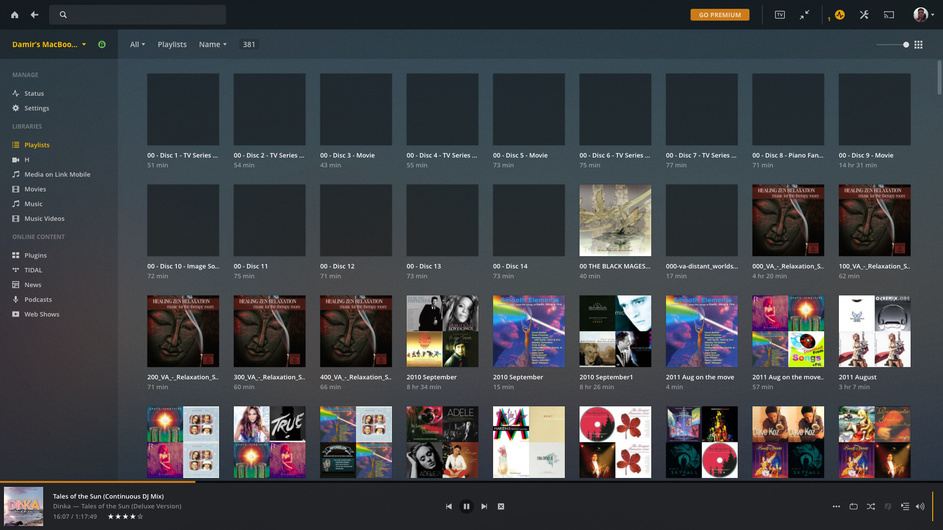
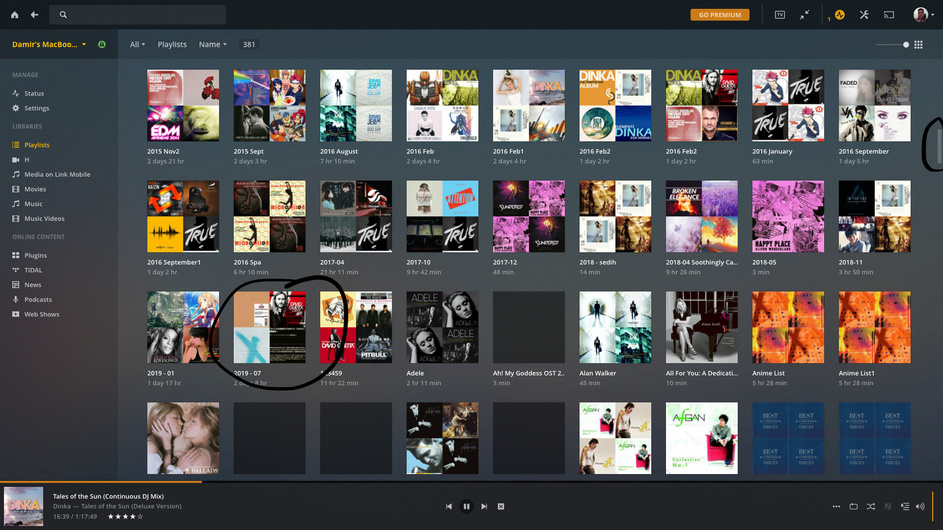
But, back to the original question, this is what can kill the already EXCELLENT model/architecture that PLEX has in my usage model. It is REALLY hard for me to re-adjust to “go back to Playlist browsing screen that contains 300 plus playlist then select the 158th playlist, then scroll to the 834th song”. This requires patience, especially with slightly slowish response time of the PLEX Media Player/PLEX Web Player. Architecturally I understand the dilemma of loading so much data at once, but ONE SMALL FEATURE can save my sanity. Hopefully this is already implemented.
Thank you.
Damir.