Server Version#: 1.19.4.2935
Player Version#:
can i share my playlists with others that share my libraries?and how to do it?
You can share playlists as individual items (playlist context menu, Share).
Playlists are not shared when you share your library. If you want others to use what playlists you got, you could export them using a plug-in called “WebTools”
1 Like
have no clue as how to install and use webtoolsbundel
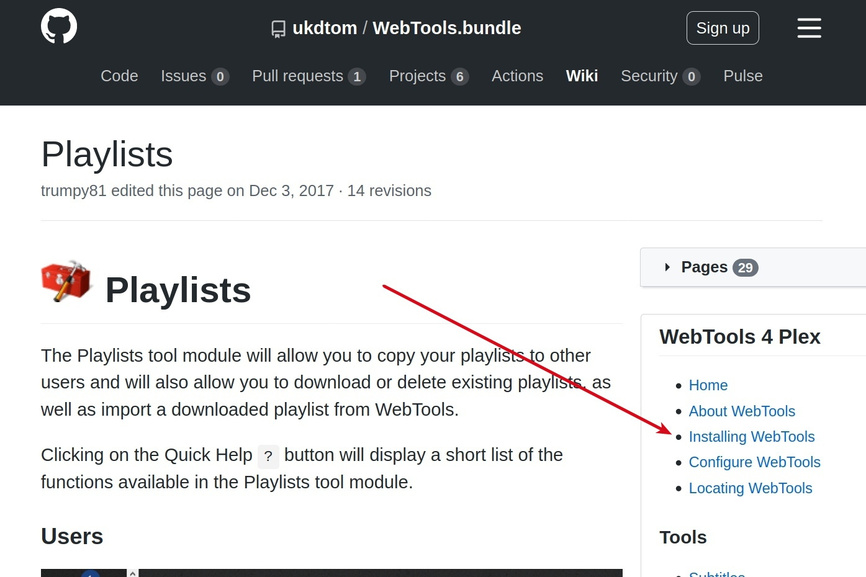
there is no [Plug-ins directory] inside my OS©/users/james folder
in my users folder i see .cach/.gnutls/.makemkv/.wdc
You tagged this as server-windows there is a screen shot on the install instructions exactly where to put it.
i know but it does not match what iam seeing it only goes as far as users>james> after that every thing is very different from the screen shot
there is no plex folder or plug ins folder here
and there won’t be because you need to go into AppData like it says. Use your keyboard and type the path in. the only thing that will be different is the username
or enter %LOCALAPPDATA%\Plex Media Server\Plug-ins
iam clicking the toolbox with the hammer icon nothing happening
my server vanished ■■■■ how do i get it back?
Mind actually sharing what you did?
It’s super hard to follow what you do with those short snippet statements of yours (no offense).
You lost me earlier when you posted you clicked on a “hammer icon” (which hammer icon was that?)
i when to the configure button on the webtools icon in my plex and selected port 50000 for both dialogs and applayed the setting and poof my plex webpage disappeared
404 not found
Can you still open:
- http://Your-PMS-Server-IP-Address:50000 or https://Your-PMS-Server-IP-Address:50000 (not sure if the tool can deal with the port for http + https being the same
- http://Your-PMS-Server-IP-Address:32400/web
Trying to figure out if you simply got stuck in some hiccup or if there’s actually an issue with the server.
@dane22: any recommendations?
Port can’t be the same
@Dr-Spoogenz needs to do a manual reset of WebTools
See: https://github.com/ukdtom/WebTools.bundle/wiki/Reset#manually
2 Likes
This topic was automatically closed 90 days after the last reply. New replies are no longer allowed.
