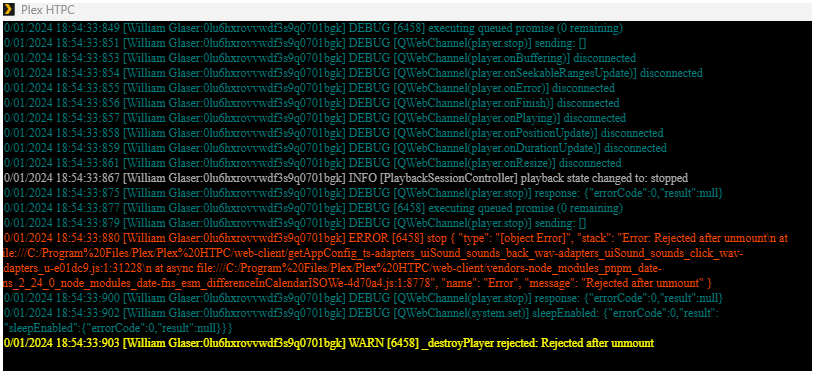
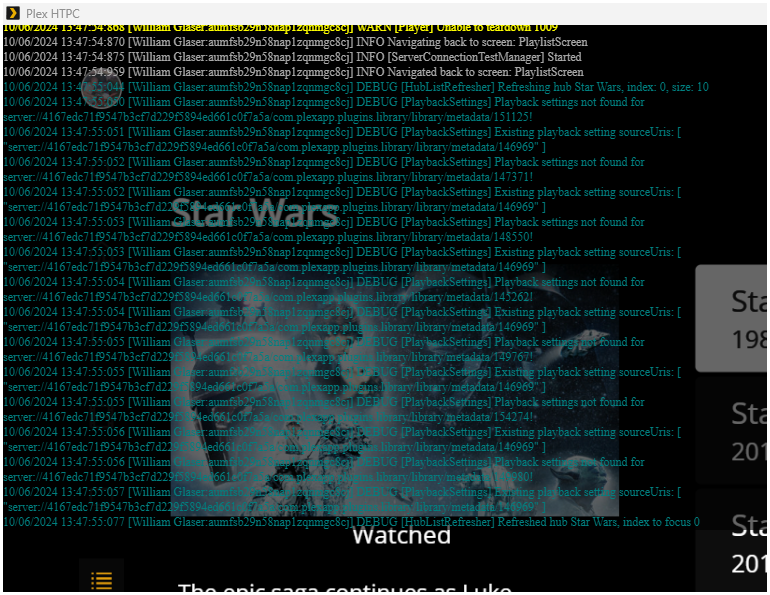
Further testing has shown that it is the fault of the automatic skip credits.
If I set to manual mode, the video plays out and goes back to the main screen.
This is all while playing a single video. If I have it on manual mode and press skip credits it will crash.
While watching a season from start to finish it works just fine and skips the credits.
If using a playlist the video will skip credits and go back to the playlist.
I press play and set speed to 2x. Once video finishes it crashes. It just turns black and allow to move around the screen yet can not restart video or really do anything beyond that.
If I put videos in a playlist it will skip the credits and go back to the playlist. No matter if I press play from a single video, press play or random play. It always goes back to the playlist.
Server Version#:
Player Version#:1.67.1.233-0ab7ab17
<If providing server logs please do NOT turn on verbose logging, only debug logging should be enabled>
Made sure computer was fully updated with the latest windows version
Update done and now at 26100 for the build version of plex htpc.
Still does it for movies play lists only.
Tv play lists work just fine.
Play all movies or shuffle works just fine.
Play all tv shows or shuffle works fine
Pley movie collections works fine.
I do not have a tv collection, yet assuming it works fine.
Playlist with tv show, movie, tv show, movie does not work either. When tv show finishes it goes to movie and when movie is done goes back to playlist.
Change settings to manual skip credits and it will move on to the next movie fine yet when you press the skip credit button it goes back to the playlist.
Brand new htpc install, reset app settings. Did not mess with settings and it still did it. Messed with settings and still does it.
There has to be something wrong with my computer?
I have not bothered testing single video yet really do not think it matters.
I will test it right now.
Single movies crashes the app 100%
Somethings do not match up.
So I am suppose to exit the app. Done
Go to the app directory, Done
Rename the mpv-2.dll file, Done
Download the patch file
[mpv-x86_64-20241109-git-fa2ce64.7z] done
copy the mpv-2.dll patch file to the app directory.
There is no mpv-2.dll file.
There is a dll file called d3dcomplier_43.dll.
This is the same type of application extension file. The only one in the zip file.
Yet the description clearly states that it should be a mpv-2.dll file.
I did try the d3dcomplier_43.dll as it and renamed to mpv-2.dll.
I was able to revert the changes each time with no issues.
Either I am not seeing the correct file, wrong download location or just not reading something correctly?
I found and installed the correct file.
It does not fix the problem. There is a new problem now. Audio does not work. I just do not have the time right now to further test it.
I may restart the computer and test it tomorrow if I have time. At this time I am just using the web version with out remote control function. I could live with this yet the skip intros and credits is a main reason I want to use the HTPC.