Hello. I am using the latest version of Plex Server on my Windows 10 server and the latest version of Plex on my NVidia Shield TV.
For whatever reason, I can see the new live TV feature on my admin account, but it will not show up on my home account no matter how hard I try. I see the Live TV feature just fine for my HD Homerun device with actual local live TV using my antenna, but I cannot see the Plex Live TV feature.
I can see everything else just fine on my home account. Movies, TV, Live TV (via antenna), webshows, podcasts, music, photos, etc. I simply cannot see the new Plex Live TV feature anywhere, though. I have tried resetting customizations and layout a dozen times but no matter what it will not show up unless I am logged into my main admin account which I do not want to do. I have seen a lot of people on reddit complaining about this with no solutions given.
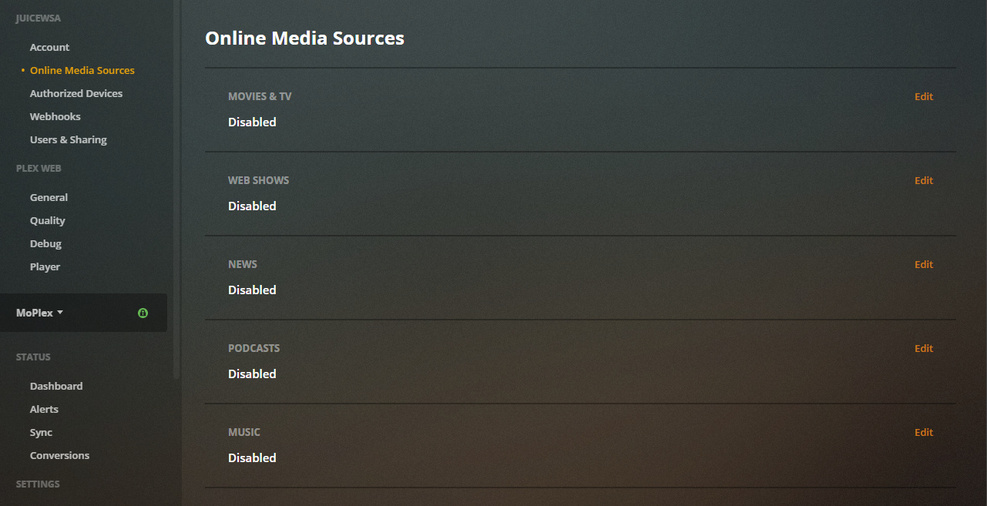
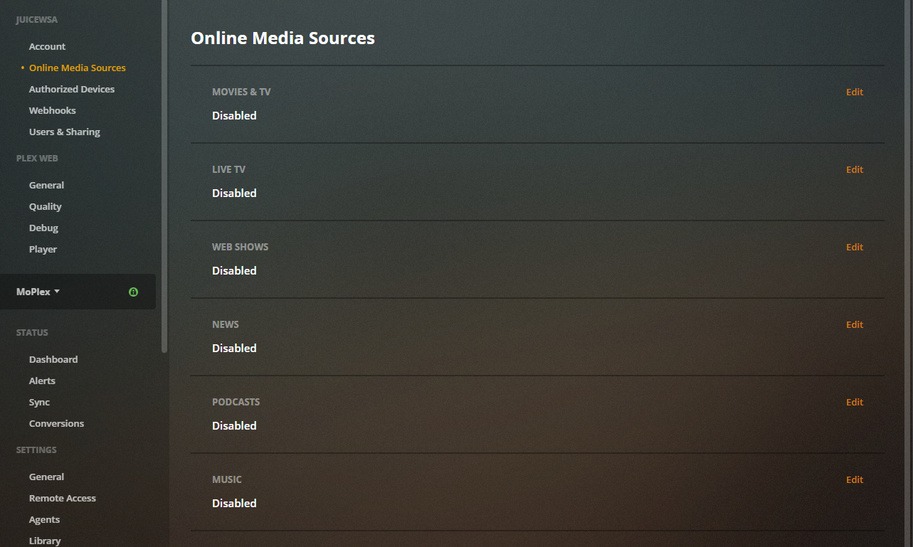
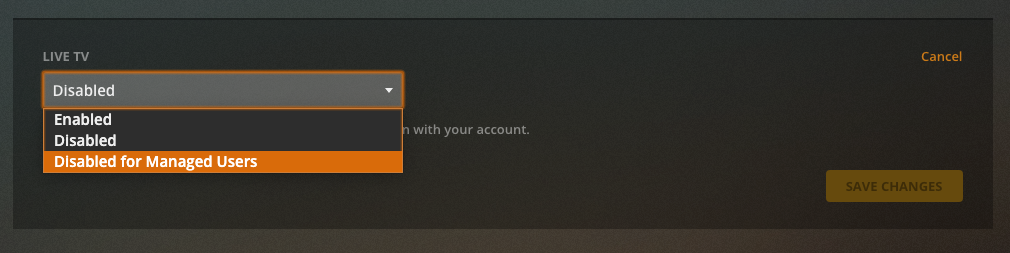
If that account has it enabled in Online Media Sources,
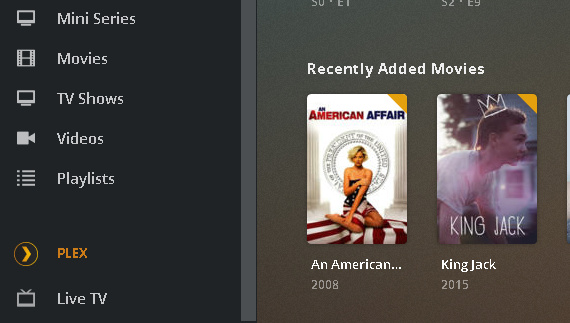
‘More’ in the sidebar should find it way down at the bottom and you can pin it…
IF you’re using a client app that supports it… like Plexweb 4.38.2 or newer - or any of those other supported devices/clients.
All this Online Media Source Nonsense is Account Based.
Just because you can see it on your Admin Account doesn’t mean other Accounts can see it - on the flip side - it also doesn’t mean other Accounts can’t see it.
Typically all that junk is on by default, but you still have to ‘Pin’ the feature to your side bar. Different Account - Different Sidebar.
Also if you Manage Manually - you’ll have to hunt down and pin, or place the hubs you want. If you Manage Automatically - it should already be all up your face.
The moral of this story is - you can keep trying to find it on an unsupported version - or you can use the Hosted app or another supported device and find it that way.
That line up there on the left, in the Plex Web Section that reads:
General
has the version number - Note the numbers are Less Than the Required numbers.
I appreciate the reply but it doesn;t make much sense. Why would i be able to see it on my admin account on my Shield TV if I wasn;t using a supported version? My issue isn’t that it does not show up. My issue is that it does not show up anywhere outside the admin account.
So currently there’s no way for home users to watch the new live tv feature? Then why did Plex give me a big pop-up announcement about the feature on my Shield TV?