Where the heck are they? Yesterday evening while we were using Plex 3 shows didn’t record due to low disk space. (when I looked there was 50 GB there, but I didn’t look last night, so I have to “assume” plex is telling the truth. I received nothing on screen, nor anywhere else that I can find. I was curious why The Blacklist wasn’t there just now but was on my Sage box. The only thing I find is this DVR schedule screen. Please tell me there is a disk space alert somewhere in Plex. (and where it is)
I even checked my splunk logs, nothing to be found. But while doing that I discovered a bunch of Agent logs, so I just added those into splunk now.
Help! -Bill
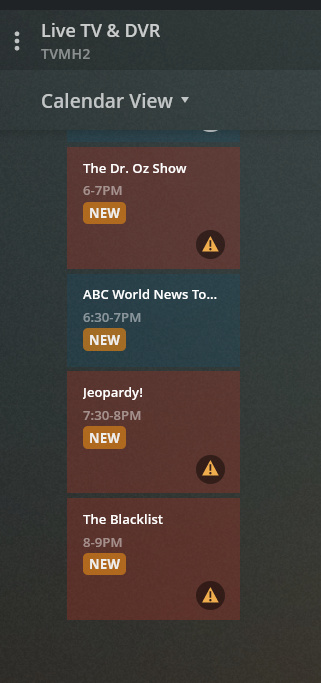
Those alert triangles say “There was not enough free disk space to start the recording”
