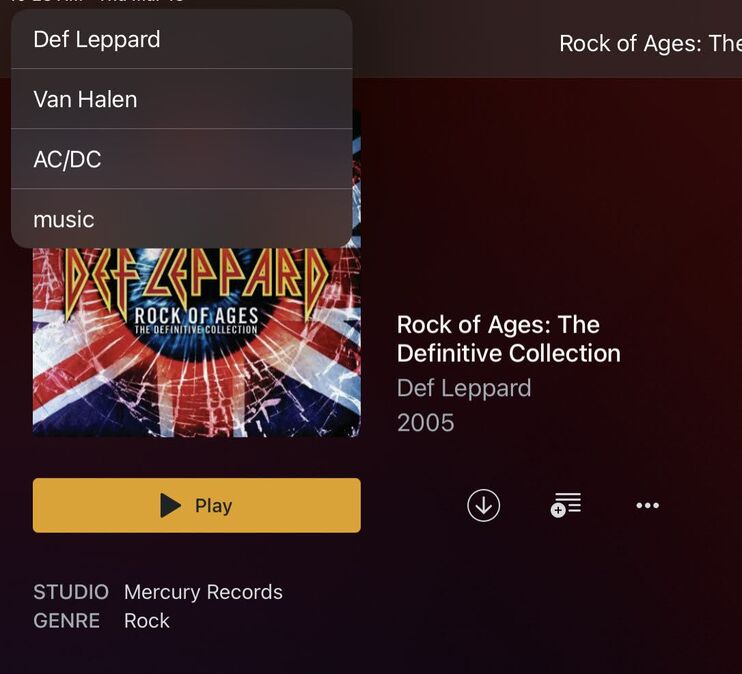
With the navigation in Plex a user can get pretty deep down to their media and the only way to get back home appears to use the top left breadcrumb path to go back through the chain, clicking each one at a time.
For example, going from home > music to artist > similar artist > similar artist > album > track.
Perhaps a long press can be added to the top left menu and show the chain so a user can select any node, including home?
Here is a visual to better describe the request, with the menu ordered bottom up…
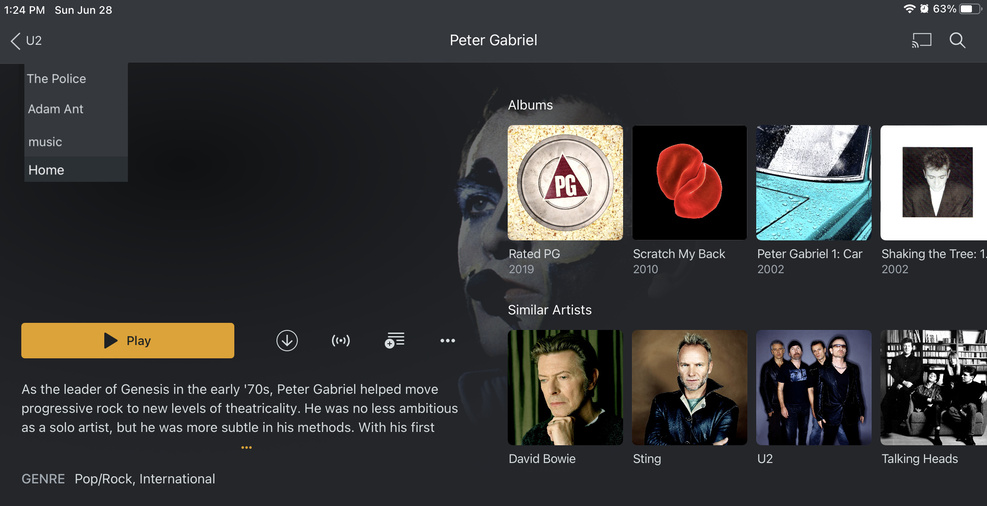
This would not only apply to music but all other media which has chains in them.
Note: if the drop down menu is not possible, this long press could also invoke the existing pop up dialog (i.e. the one with options to resume play, mark as played, etc) with the same navigation options.