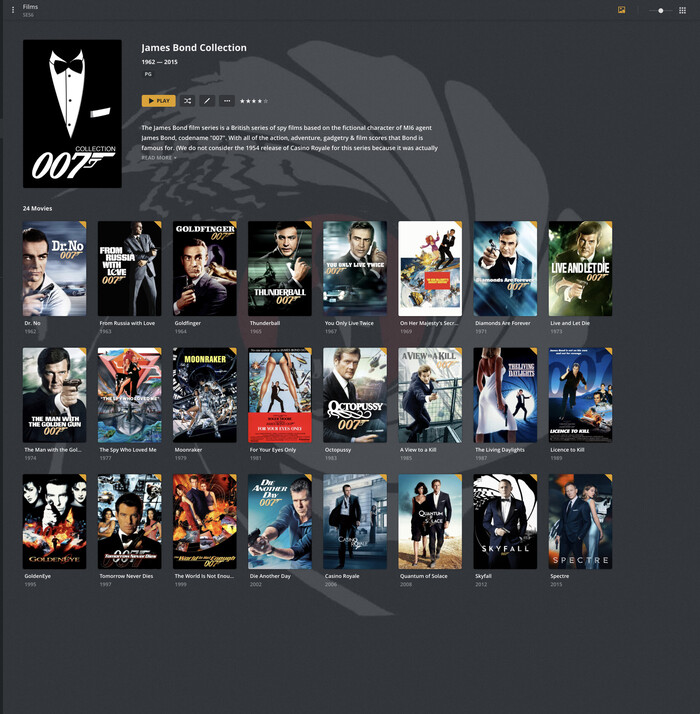
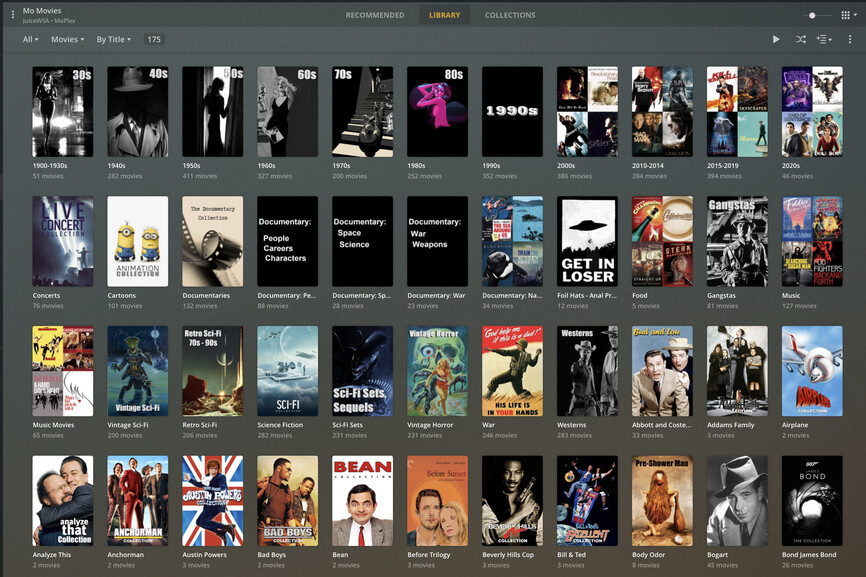
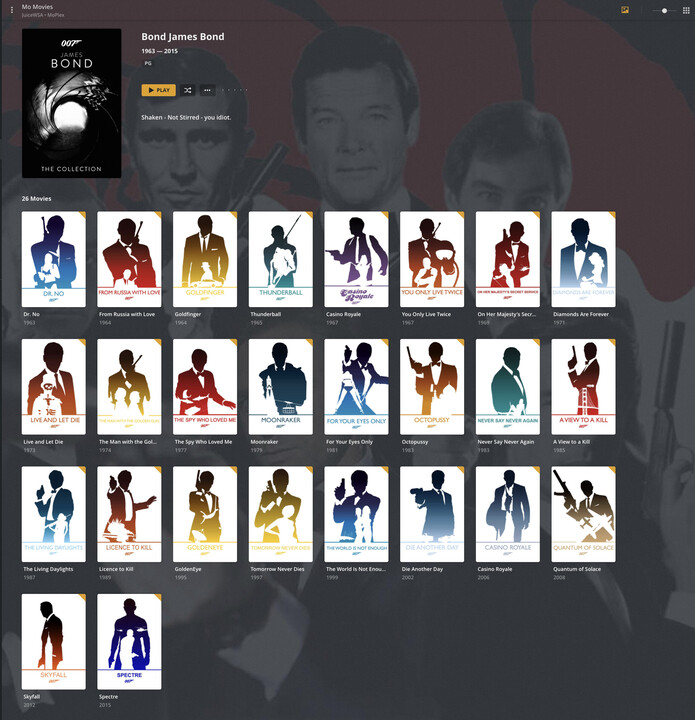
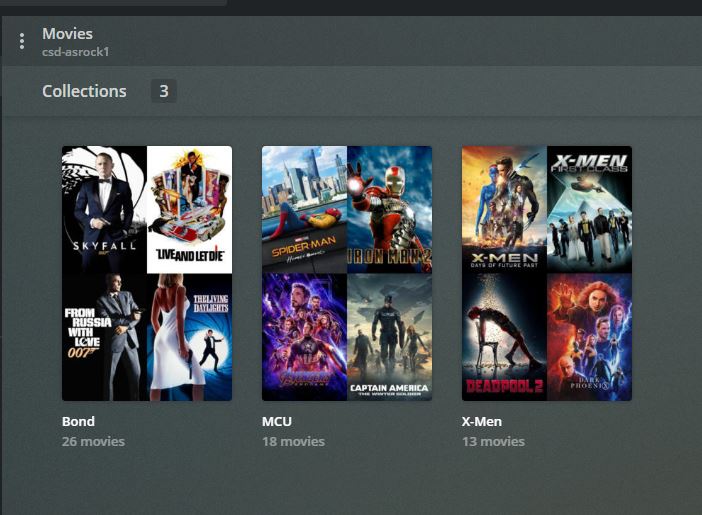
This is the least important question I hope to ask here but I have my movies organized by categories that help me pick a movie. For example I have all my James Bond movies in their own category and the same for MCU films. I’m curious if I could have them sorted by date without putting a number 1,2 etc in front of them.
It may be obvious or not an option but I’d like to know. It would be awesome for the Marvel Universe films if I could display them in chronological time line order vs. date or name order.
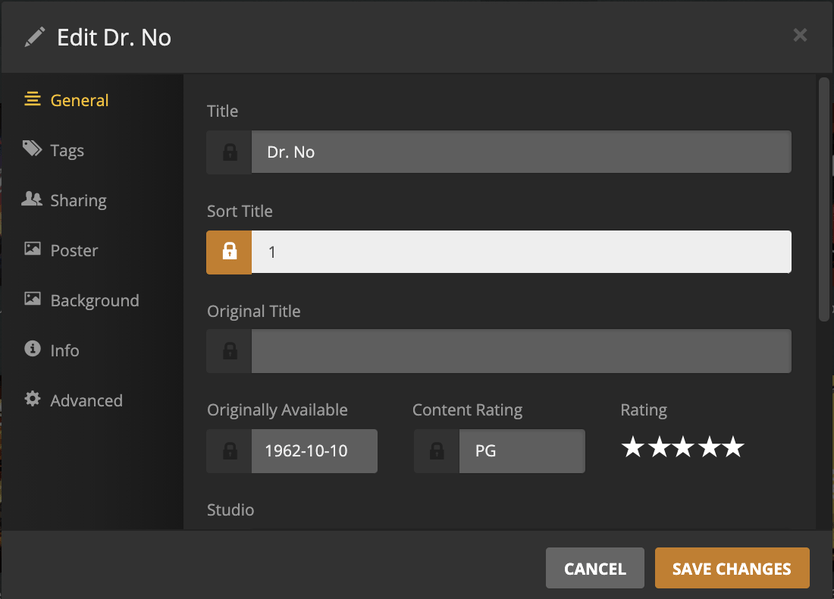
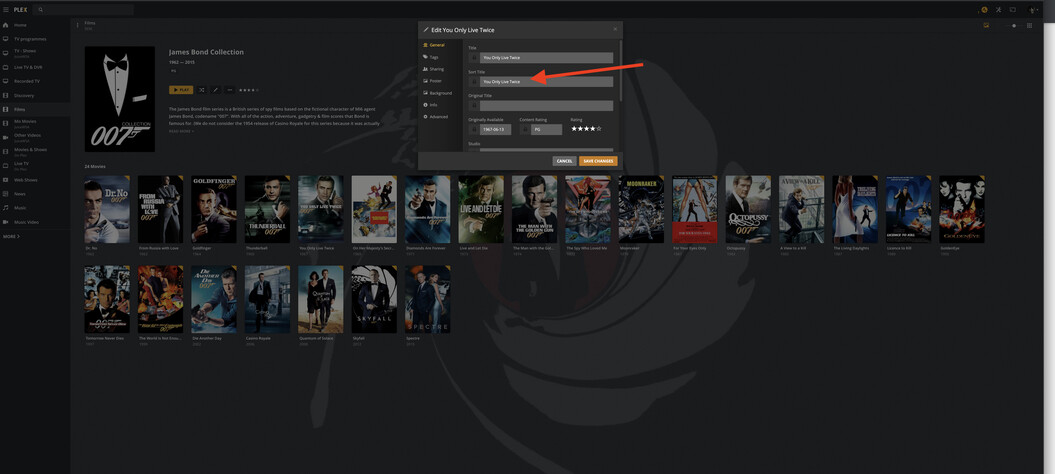
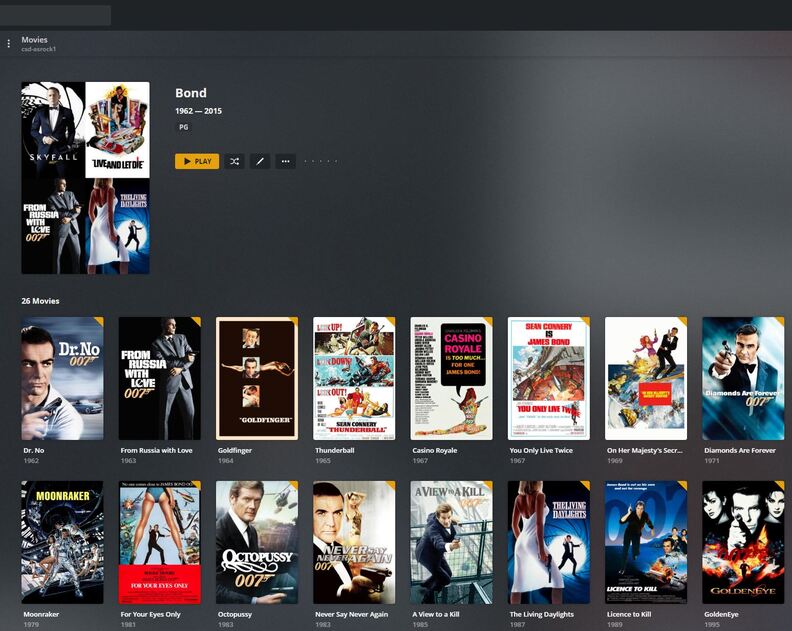
For Bond movies I use Bond <year>. The year is shown in the Edit window. I don’t have to look up the movie number in Wikipedia, etc. Also, when viewing the library by title, they’re sorted as Bond, not as Goldfinger, Thunderball, etc.
For movies not released in chronological order I use 1,2,3 (ex: Star Wars).
That is exactly what I do but I do not bother with the <> around the year. So my Bond sort fields are like: “Bond 1964” (for Goldfinger)
Also I use numbers for movies that aired out of chronological order for the given movie series like “Star Wars” and “The Hobbit” series so the sort field there looks like “Star Wars 3”
BTW: if on the non-chronological movie series when they release a movie that should be between other movies I add a decimal place.
That is I end up with numbering like:
Star Wars 3
Star Wars 3.5 for “Rogue One: A Star Wars Story”
Star Wars 4
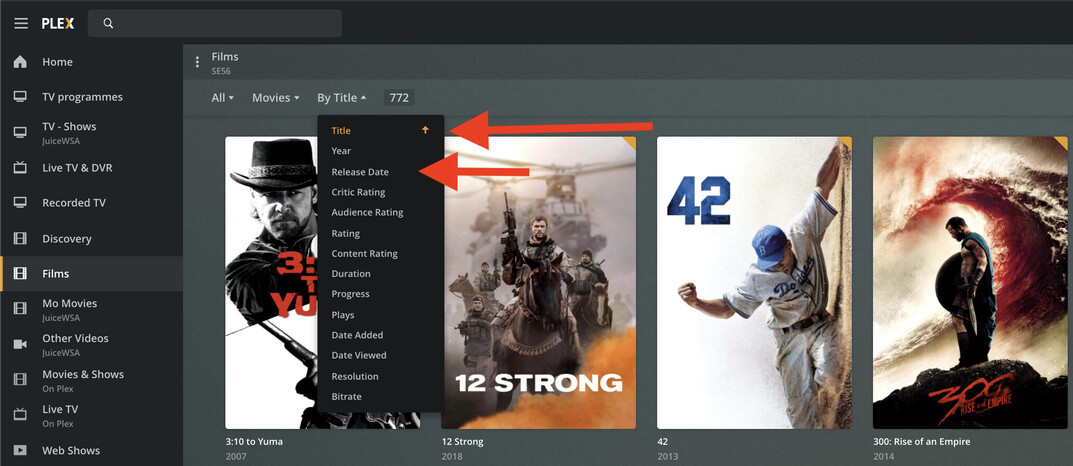
I gather what your asking is to easierly switch between. Once you have created sort order ( Library order) and have collections and items enabled. You go to collection and there you alter from Release date order to Name sort order via Edit Sort Title, within Collection.
I hope that is what your requesting.
Another method is to have a Library by date released called Films (By Date) and another Library as Films ( Alphabetical).
Thanks! So many shiny objects - I get distracted easily! I have mine sorted by folders (easy for me to organize movies by the genre I think they are in) If you do it that way unfortunately I don’t see the sort option.
If that sort option was there in collections or folder view it would be great. Also there needs to be sort by title vs. sort by sort title - if I show all movies my bond movies come out first because of their sort title.
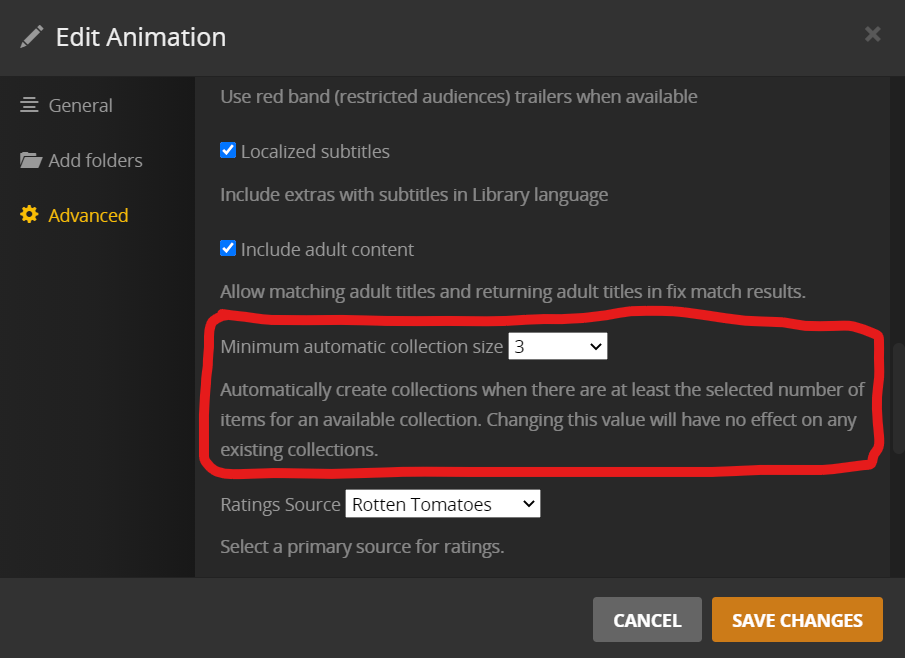
Due to the rules of TMDB, only direct prequels and sequels come in these automatic collections.
If you create your own collections which violate this rule, you’ll have to provide poster and description for the collection yourself.