Hi all,
This is my first ever forum post, hopefully I will be able to provide enough information to help diagnose the problem I’m having.
Basically, this is my first time ever installing TrueNAS. I’m using an old Dell Inspiron PC, which is not by any means ideal hardware, but I think it is enough to meet the basic system requirements for TrueNAS and at least get started.
After installing TrueNAS Core (13.0-U3.1), I set up my first storage pool and added a few vdevs / SMB shares and configured the corresponding ACLs for my custom user.
I installed the official Plex Media Server plugin and assigned its jail to my pool. Once the plugin finished installing, I opened the local web app ( http://localhost:32400/web) and signed in to my Plex account.
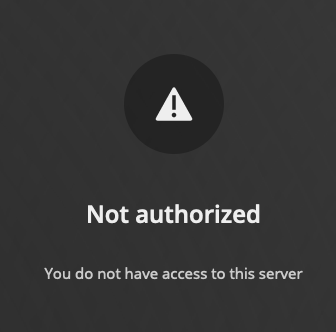
At this point, I arrived at the infamous “Not authorized - You do not have access to this server” message.
It seems like many others have encountered this issue but with several different causes. I have tried reinstalling the plugin, played around in the Plex and TrueNAS settings, tried a different browser, checked my router configuration, etc, but I’m still not sure what is causing this problem.
I’ve attached a few logs from the TrueNAS gui console and Plex Media Server jail (/Plex\ Media\ Server/Logs/Plex\ Media\ Server.log, /Plex\ Media\ Server/Logs/PMS\ Plugin\ Logs/com.plexapp.system.log), which seem to indicate that the problem may be related to my network routing / configuration. I have tried both DHCP and Static IP routing, but in both instances I have encountered this “Not authorized” server issue.
I am able to both ping another PC on the network from inside the Plex jail as well as ping the jail itself from another PC, but I can’t get the local Plex web app to recognize the server on the local network.
Hope I’ve been able to provide a clear description of my issue!
Server Version#: plexmediaserver Version 1.30.0.6486
Player Version#: Web Version 4.98.2
com.plexapp.system.log.txt (1.7 KB)
gui-console-messages.txt (11.4 KB)
PlexMediaServer.log (58.8 KB)
