I have a music library in Plex which lives on my Synology server. It functions just fine, and all music is organized in a folder hierarchy of Artist > Album > track.mp3
This has been just fine until recently when I noticed that some of my songs from the Scrubs OST albums were labeled as “Busta Rhymes” for their artist. Lo and behold, Busta Rhymes is also the artist for a whole host of random songs in my Plex library.
From what I have gathered, despite these songs being properly in a hierarchy of Artist > Album > track.mp3 it is because the Plex music agent deems them a Various Artists album that they are experiencing some kind of bug. Even though Busta Rhymes is nowhere in their file metadata, Plex is dumping them all under that artist (for some reason).
It looks like there are a few hundred tracks in my library that have this issue. To have to go one by one, looking them up in Plex, finding them in their current folder, and placing them into Various Artists > Album > track.mp3 would take a number of hours…
Is it possible to automate this process a bit? Is there any way that I can export a list of the tracks that are under Busta Rhymes in Plex or even the files themselves? From there, I could place them properly in an appropriate Various Artists folder and delete the tracks that show up under Busta Rhymes to remove the now duplicate files.
Do you have metadata tags in your files? If so then Plex will use that data. Even 1 file with data will affect the entire folder. Plex does not follow the folder structure when there is metadata.
Fix your files to remove all data, then rescan the files. That should get them reorganized.
Edit - I’ve also found that if relying on the folder structure, the following works better.
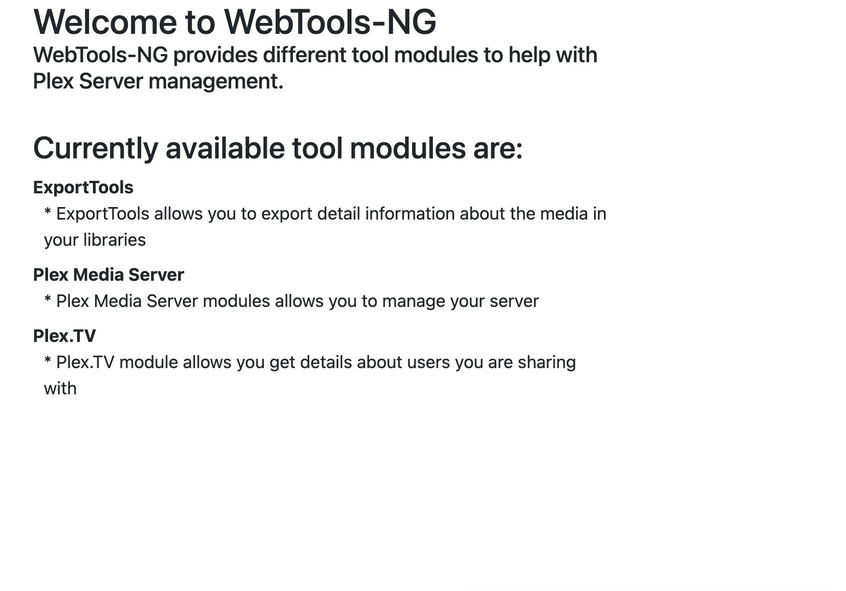
I would’ve thought WebTools would work too, and I’ve been playing around with it a bit before making this post, but I cannot seem to find a way to export by artist.
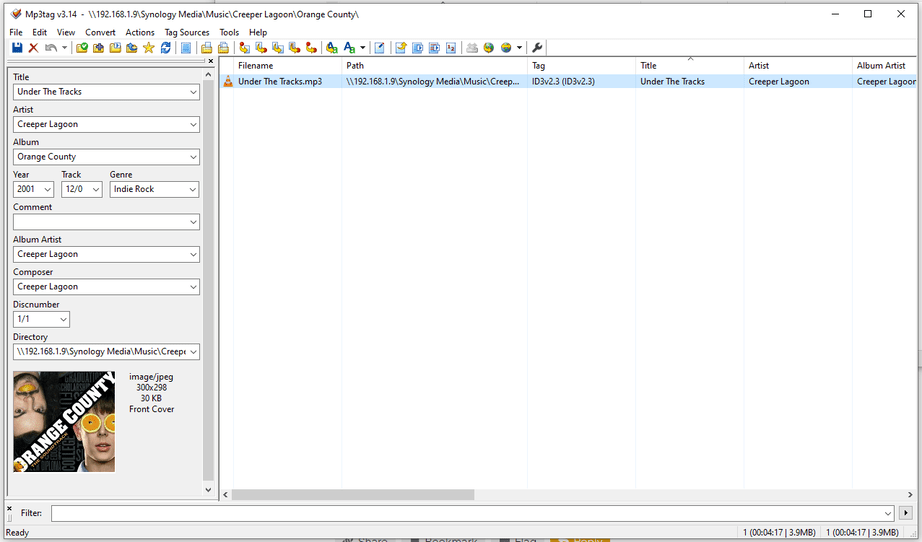
I do have metadata tags on all of my files. They came from Google Play Music in the great migration when that shut down. First, I ran them through MP3Tag to get them in folder order and removed extraneous info from the file title (making it just match the track title as track.mp3).
Here’s an example of one song that shows up under Busta Rhymes in Plex. It is the only file from its respective album, it is located under its artist folder, alone in its album folder, and has no mention of Busta Rhymes. You’re suggesting that I strip it entirely of all metadata and rescan the files in Plex to resolve this bug? Won’t Plex rely on metadata to tag it properly?
Beginning this process. 10,000 files, so it might be a bit… What am I looking for though? If the metadata tags are correct, is this spreadsheet going to show Busta Rhymes on the affected files or is it going to show the file’s metadata as the artist?
When you created the library, did you have this setting enabled?
If not, you may want to try recreating your library with that enabled. You can test this by taking those albums that are wrong, move them to a different folder, create a new music library pointing at this new folder and the above setting enabled.
Looks like you were right and I did get a file with info showing Busta Rhymes even on the songs that don’t have Busta Rhymes anywhere in the metadata. There’s 278 songs in total. Now I guess I’ve gotta think of how to deal with them. Happy to hear any thoughts/suggestions.
I guess I could try to make a script that parses the data in that Excel file and will copy the affected files somewhere else (maybe my local PC). Then I can sort them by Album and just drop them into the proper album folder inside the Various Artists folder. And then I’d go back and delete any songs that show up under Busta Rhymes as they would be duplicates at this point.