See attached

Here it is again. Android still
It’s doing it on Windows too. Here are the two files but it’s not limited to these two
Star.Trek.Picard.S02E03 [1080p.HEVC.x265-MeGusta.eztv.re].eng.zip (18.9 KB)
BattleBots.2015.S06E09 [1080p.HEVC.x265-MeGusta.eztv.re].eng.zip (41.0 KB)
You have shown a lot of screen dumps, but fail to see the problem, so could you spell it out for me?
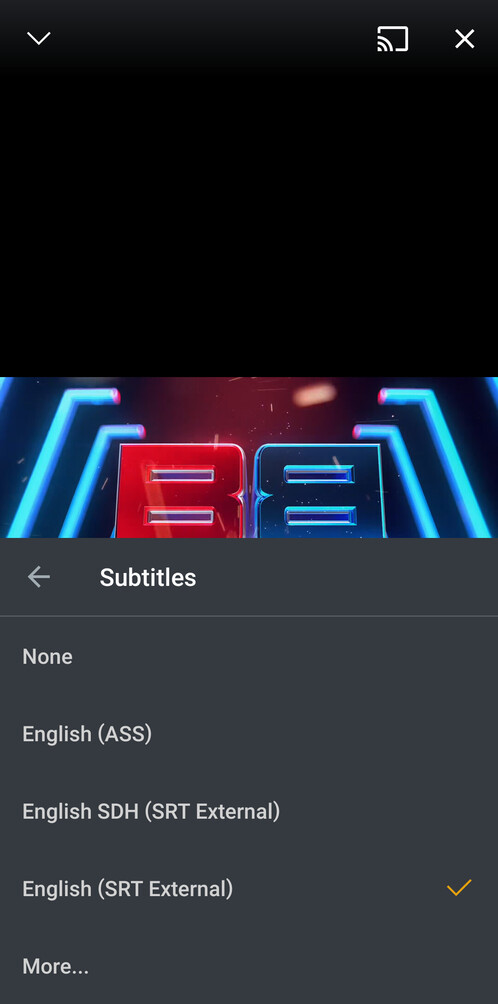
The first image shows how the subtitles are appearing. Note the SDH in brackets.
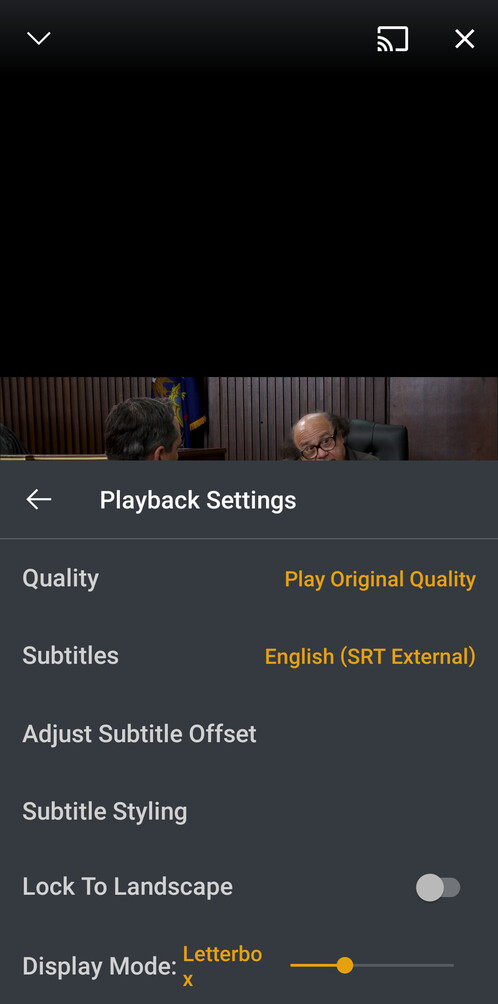
The second image shows that I clearly have the standard subtitles selected, not the SDH subtitles.
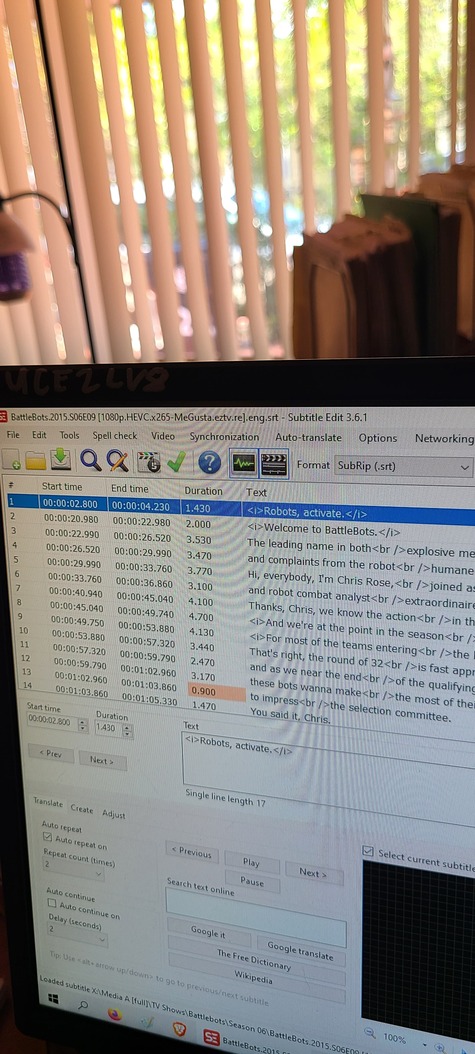
The third image is of the standard SRT file itself, the same time code as the first screenshot, showing that the sdh brackets are not in fact found anywhere in the file.
When I tell it to use the normal file, it’s playing the SDH instead. When I switch to SDH, it pulls from the same file except now it’s only white and you can’t change the color. I’ve tried all the subtitle files for this particular video and I can’t get it to play the one that I want.
Sometimes when I switch to an .ass file, if there is one, it’ll actually do it but other times I’ll tell it to use the SRT, and it’ll show .ass instead or vice versa.
Tl:dr: the title of my post.
Oh, and I have no idea if it’s related, but on my ipad, only for it’s Always Sunny in philadelphia, pretty much all of the videos have ass files as well as srt, the default is set to srt, but when it starts the next episode, switches to the ass file, if I just close the app and reopen it, it automatically defaults back to SRT without me having to do anything.
Is the subs selected/switched in the pre-play, or during playing?
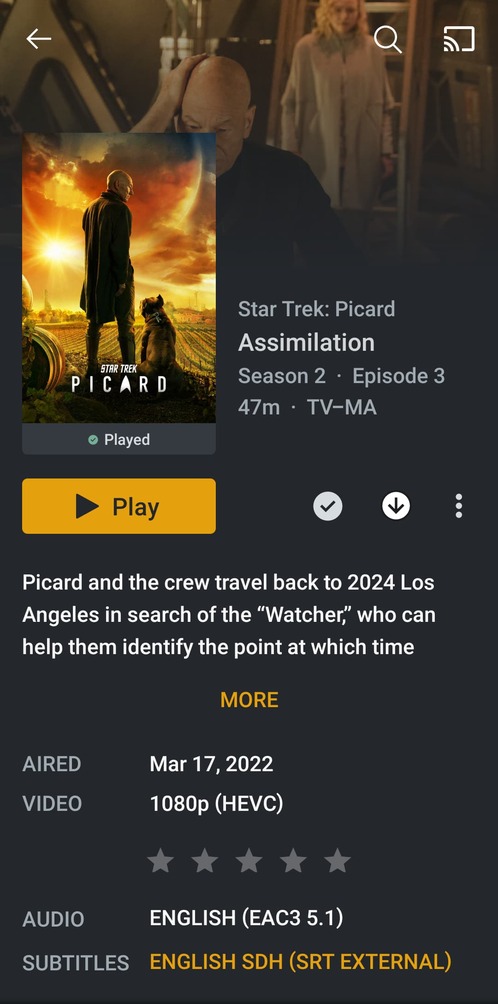
And it doesn’t do it all the time, or with all files.
Like I’m watching BattleBots right now and it’s just fine. Same device, same server

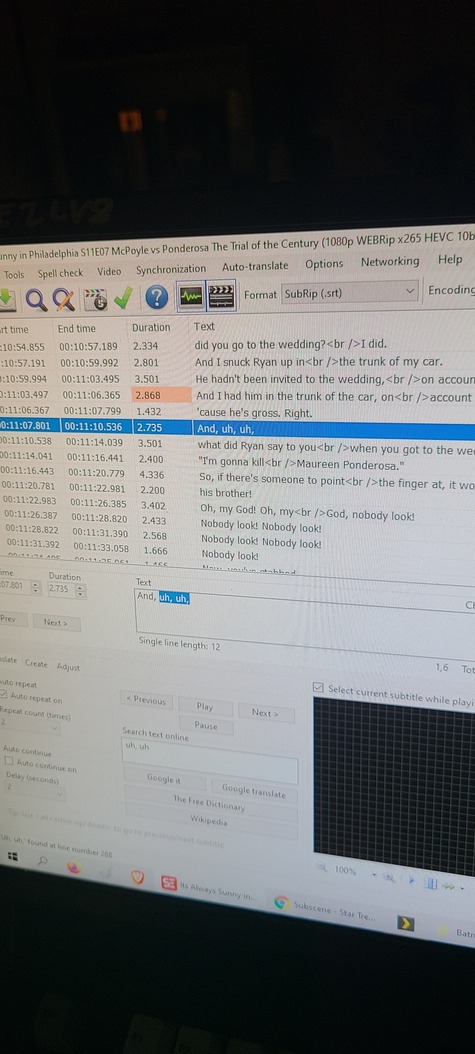
Can I get the android logs and server logs after playing that one of the episode where it plays the wrong subtitles. Looks like a bug and not likely going to have an immediate fix
The same happened to me on my sony Bravia android tv and in my Xiaomi Box S.
No matter which subtitle I select plex always shows the first one.
The only way is always to burn subtitles but it transcodes.
Any workaround?
I have the same problem with the android app. I choose the portuguese srt subtitle but is the english sdh subtitle always appear.
I also have the exact same problem. It is not specific to any particular show. All files are properly named and identified by Plex. When playing on Plex for Windows or via the web app, subtitle selection works fine. However on the Nvidia Shield TV Pro (2019), it will always play the first available SRT file alphabetically, be it Arabic, Chinese, or Dutch. I never experienced this problem until about a week ago. While forcing subtitle burn-in does resolve the problem, I would rather not needlessly transcode.
For now, the only thing I’ve gotten to work is to make sure that the only subtitle file available is the one that you want to use. Just put the others in a different folder for a little while, if you can.
I have the same experience on Android with external subtitles. Not all the shows but most of them just ignore the Hungarian subtitles when an English one already exists.
PLEX server version: 1.25.9.5721
