I initialized a new Library where are situated my homemade videos. The folder structure is following:
video_name (year)
|_ video_name (year).mp4
|_ poster.jpg
|_ background.jpg (optional)
I added a year based on suggestions about naming convention for movies. Then I realized that it doesn’t work for Other library scanners.
I am using the latest versions of apps for mac, Samsung smart TV, and iOS.
1. I don’t understand why Other video library is displayed in the landscape layout. But somewhere it is a portrait layout.
I cannot find any settings to control this. I expected that it will be displayed similar to movies.
Landscape layout is used for instance on the home page or directly in a certain library.
example of landscape layout vs portrait layout:
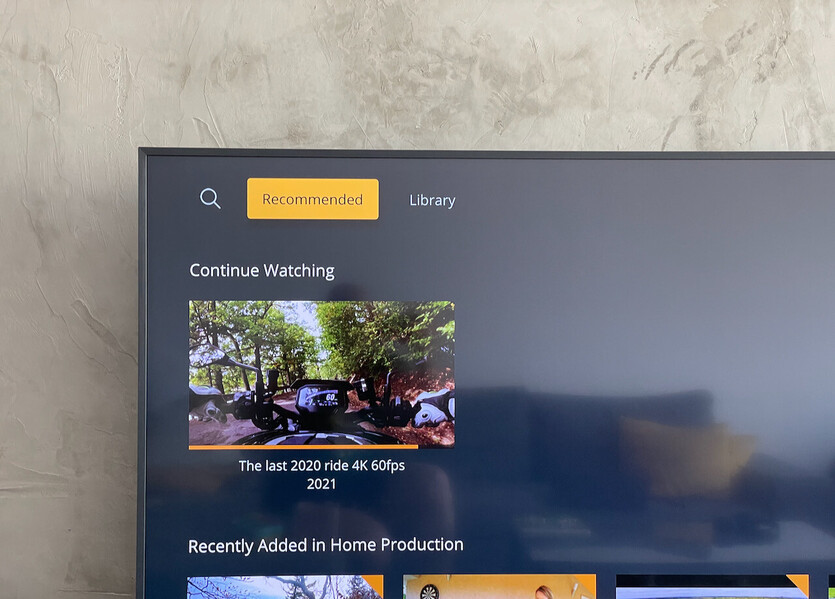
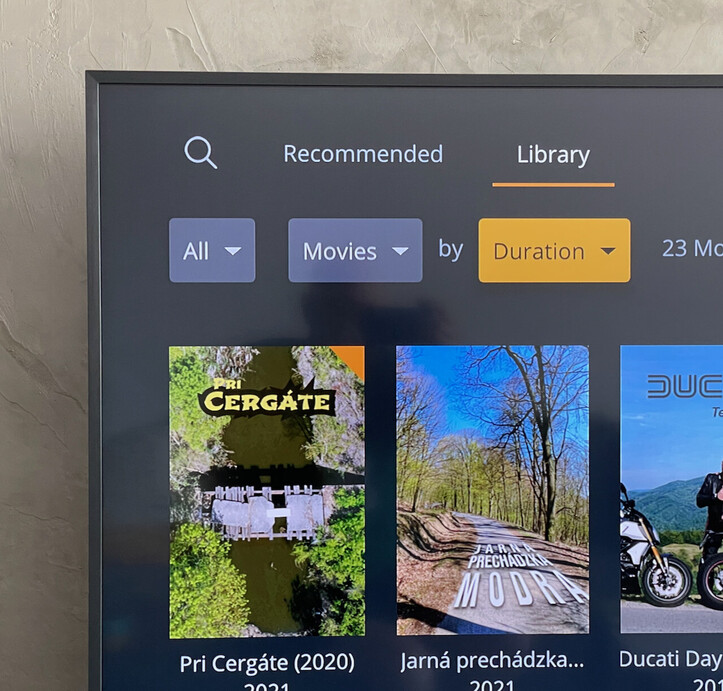
2. Inconsistent usage of landscape vs portrait layout across different devices
Recommended (it is same):
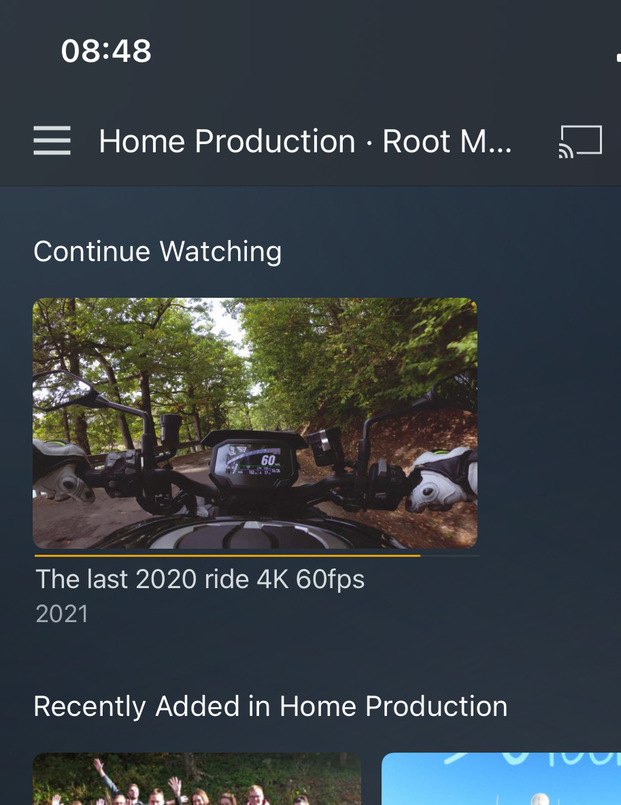
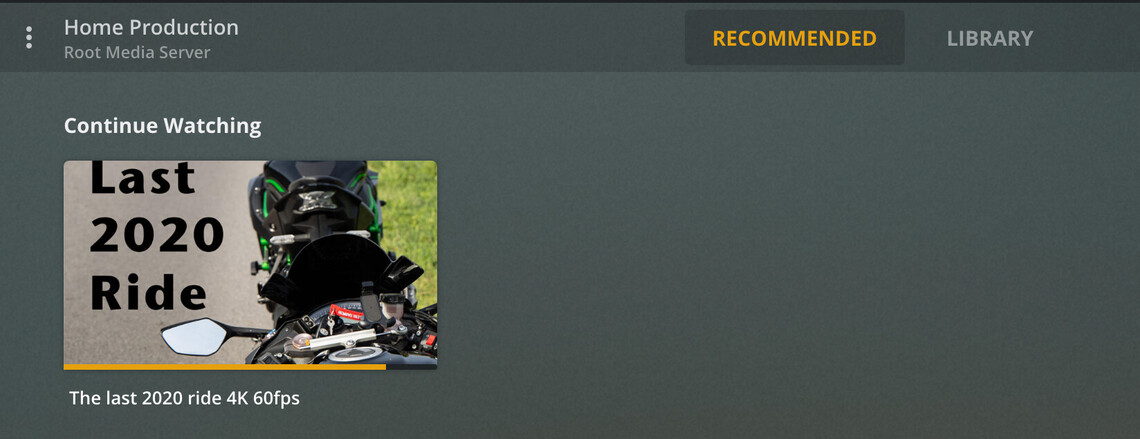
Library (it is not the same):
- Samsung is using landscape instead of portrait
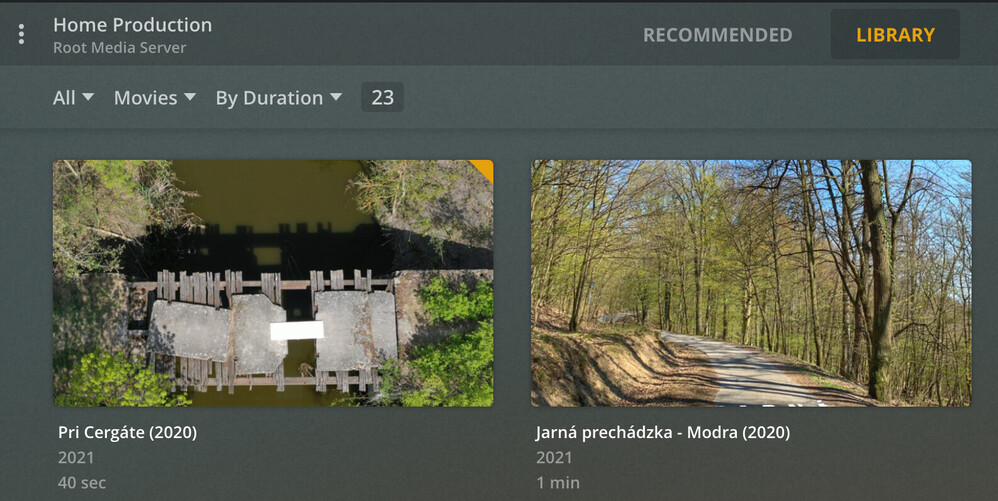

3. Different assets loaded in preview:
As you can see screenshots in point 2 you can see that:
- Mac app is showing cropped poster to landscape mode in Recommended - the other is showing playback
- If Samsung TV using landscape mode (home page or recommended) then it uses background asset (if a background is available). iOS and Mac ignore that background.
- General:
- If landscape mode is displayed: a cropped poster is used somewhere and somewhere video preview and somewhere background
- If portrait mode is displayed - a poster image is shown correctly
