OS: Windows 10 Pro
Plex Pass - Annual Member
Plex Media Server
HDHomerun Prime W/Spectrum CableCard
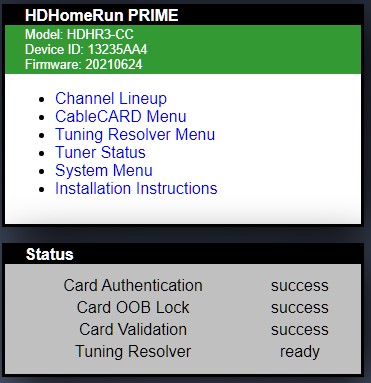
Get the Playback Error - Source Not Found on every device, local or remote. Not sure exactly when it started since I only use the Live TV DVR remotely when out of town during NFL Football season.
Live TV DVR shows device and working properly:

But whenever I click on a channel, I receive this error message:

I’ve tried everything I can think of, including everything I can find in the forums here. Deleted and reinstalled the HDHomerun Prime with no difference. Checked firewall setting for PLEX and the HDHomerun Prime, and there are no problems or restrictions. I can watch every channel on the HDHomerun viewer and in the Windows 10 HDHomerun app. I’ve checked my router settings, and everything seems good (although the HDHomerun was listed in device profiles as a Linksys Router, which I changed to a Digital Media Server).
One thing is that in Windows 10 Devices & Printers, the HDHomerun is listed TWICE. The properties screen seems to be pretty much identical for both listed devices:
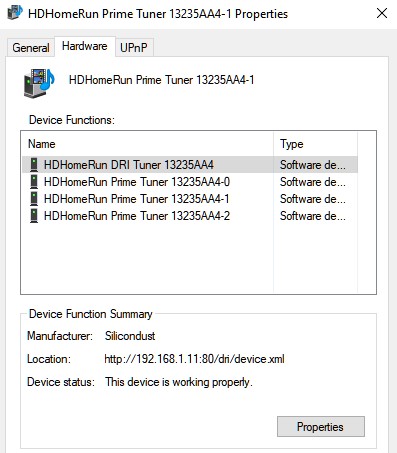
I don’t know what I’m missing.
Anyone have some suggestions?
