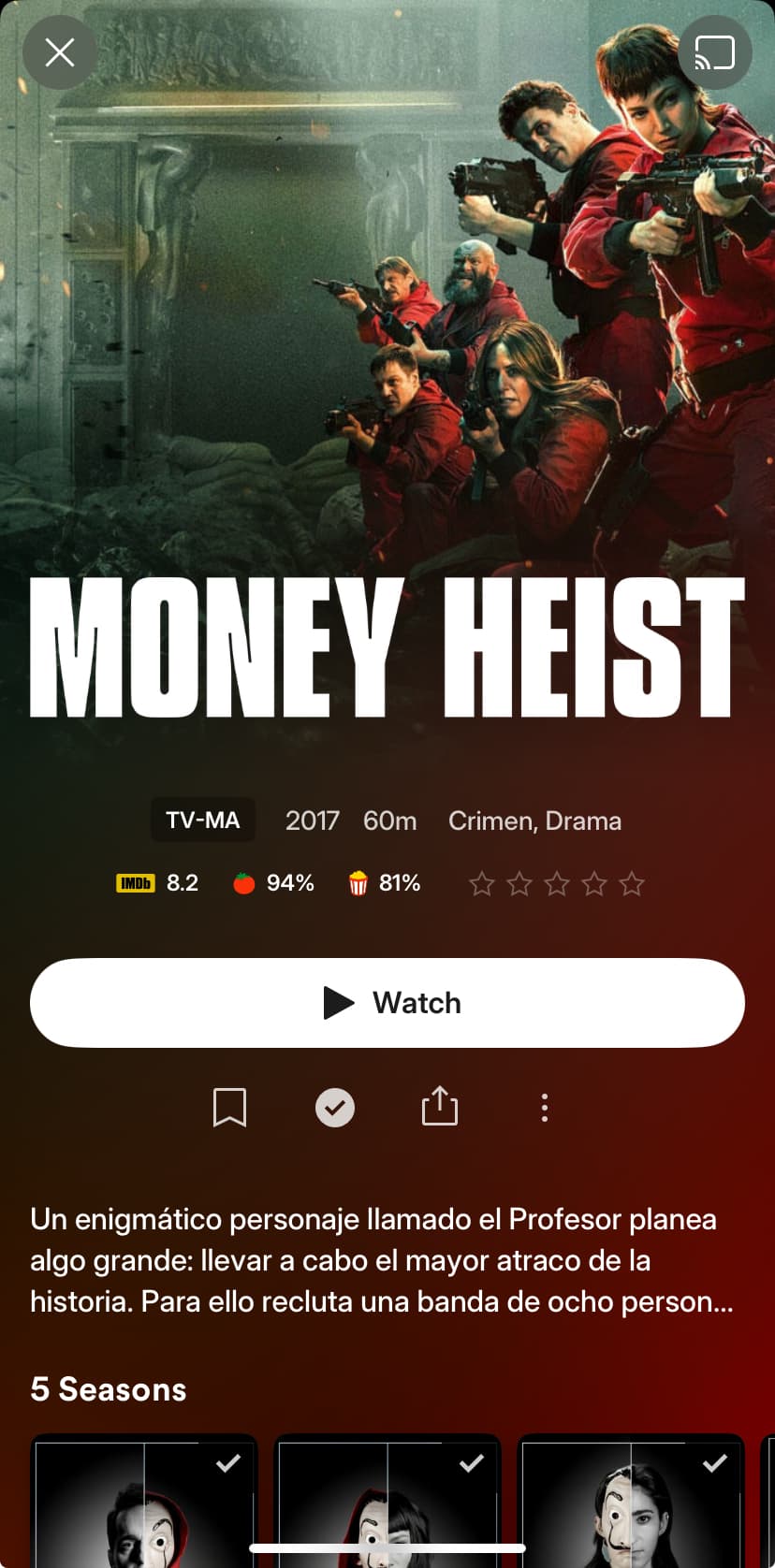
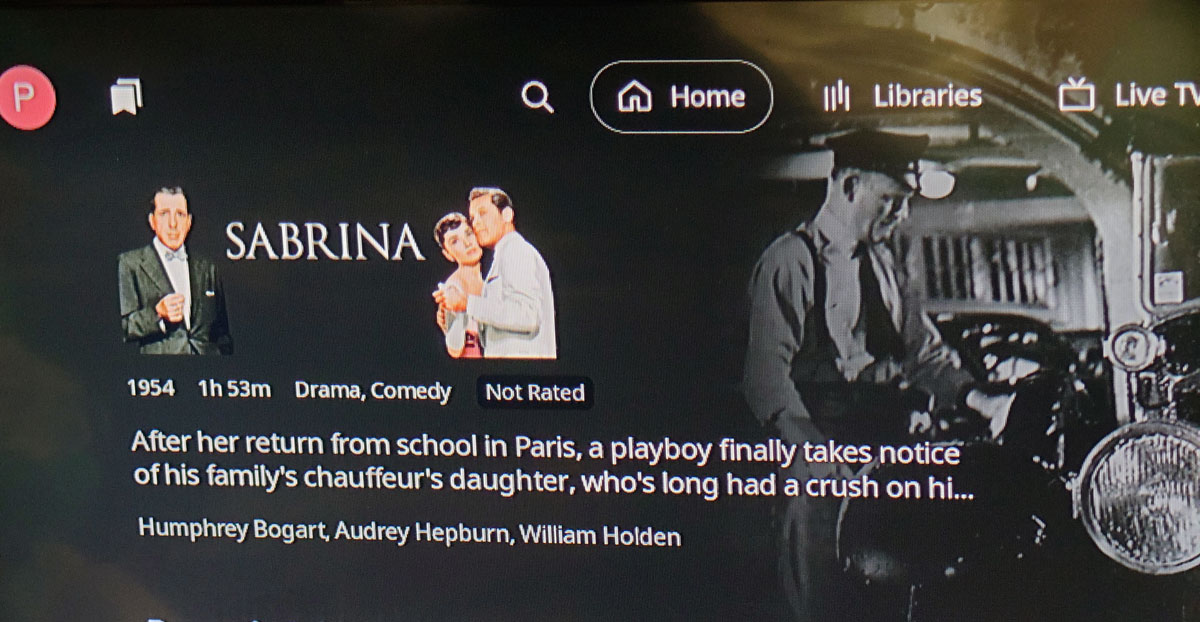
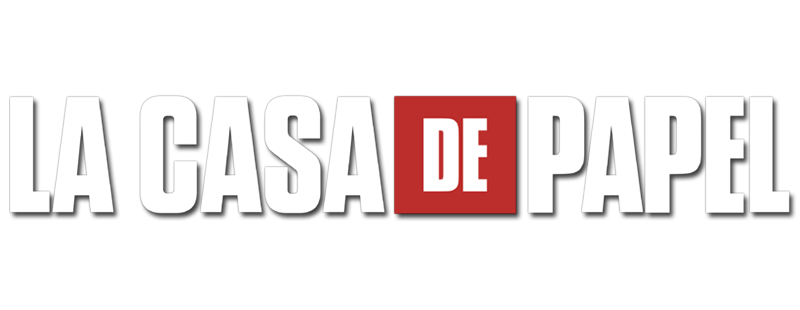
I have set this TV show to use original title: “La casa de papel” and this is honored by Plex as well as the metadata language which is set to Spanish but the logo is in English.
There are a couple of logos in Spanish to choose from for this show. in TMDB and TheTVDB
Or allow users to upload and select the logo on the editing page, just like they can do with the poster and backdrop. The current method of obtaining the logo causes great inconvenience to Chinese users. I guess the main source of the logo is still TMDB. However, the classification of images on TMDB is rather vague.
For example, when it comes to the Chinese language, there are only two categories: Chinese and Cantonese. So, users in the Hong Kong region can choose to set the language of the logo as Cantonese. But in both the Taiwan region and the Chinese mainland, the language used is Chinese. Currently, the relevant logos are mixed together. This leads to a situation where some of the Chinese logos on TMDB are in Simplified Chinese and some are in Traditional Chinese. Moreover, the translated names of many films are different between the Taiwan region and the Chinese mainland. As a result, we not only get the wrong language for the logo but also the wrong translation, which makes for a really poor user experience.
Therefore, it would be best to allow users to change the logo by themselves, just like they can with the posters and backdrops, or come up with some better solutions. Otherwise, the current user experience is far from satisfactory.
Ideally when (if) they let server admins customise logos for their media they should also allow them to disable logos and fall back to plain text.
That way, any admin who wants to get them right can disable, add local logo assets and then enable when they want. Additionally, I’d probably just disable them completely and never enable. I find them too big, glossy and takes away from posters or fanart which I prefer. However, I’m probably in the minority on that opinion.
And if clearlogos are implemented as local assets you could disable them on a show or movie basis by saving a transparent .png file along with your Poster, Background and Theme.mp3.
The thing is that there is no consistency at all right now. Some are too big, some are text based, others do not honor the chosen language and so on.
Remember to vote if you agree. Not that I think it will have any effect as things are now.
I was wondering that myself and have it on my list to test if they ever implement this. My worry is that having a transparent logo will result in the plan text not rendering. Anyhow, thanks for seconding that idea and we’ll see if it ever happens
I think I saw someone say elsewhere that they plan on adding this. It’s very strange that it wasn’t just added initially when the logo thing was implemented. I have some shows that are just wrong and it’s frustrating that I can’t change them. Voting for this.
Another reason I would like this feature is that some shows don’t get logos since they aren’t in TMDB, but they are on TVDB due to differing rules. Examples are theatrical shorts, such as Looney Tunes and Tom and Jerry. TVDB allows these to be entered as series, but TMDB does not. As a result there is no entry in for Plex to pull from in TMDB.
From what I’ve seen, this has been added to the beta releases – so hopefully the next public release should allow adding clearlogo artwork as local media assets (similar to posters, backdrops etc.)
If you’re on the beta, you should be able to add a clearlogo.png (or clearlogo-2.png…) to the movie/show’s folders and refresh their metadata for Plex to pick it up. I just tested this and it’s working without glitches/hiccups.