Server Version#: dsm 7.1-42661 update 1
Plex Version#: 1.27.2.5929-7000
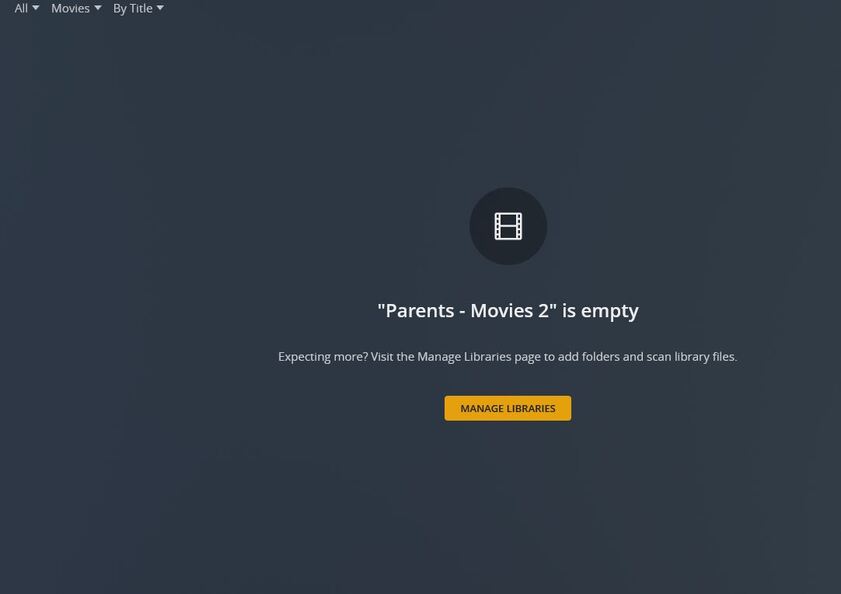
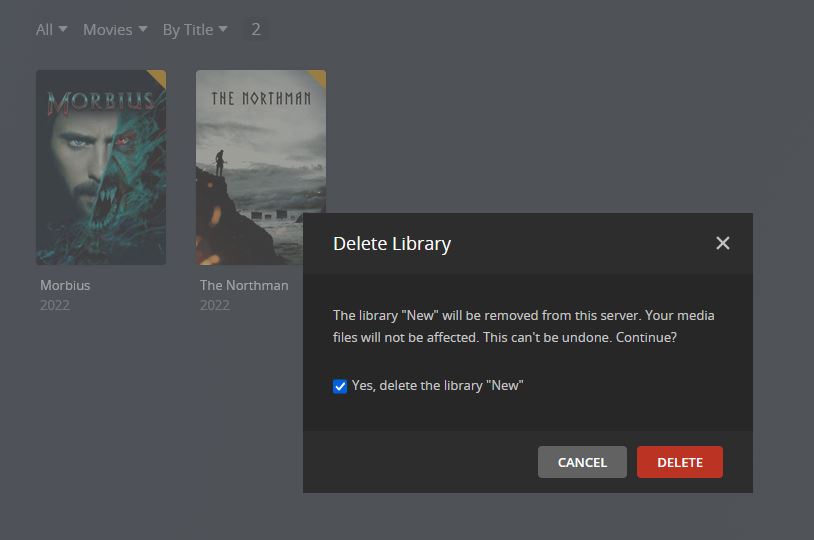
After this most recent Plex update, I noticed that Plex would no longer recognize new media that I added to Library. These items would show up when sorting under “Folders”, but the folders would be empty and contain no recognized media. I’m also having issues deleting media from libraries. Once the media is moved, the metadata still resides in the library. I’ve done the plex dance and have even manually cleared all cache from the server. I’ve tried deleting libraries from Plex, but they will not delete. I assumed there is a permissions issue, but I have elevated privileges for PlexMediaServer and still nothing shows up and I cannot delete the libraries. I have a Library called “Parents - Movies”. I decided to try and create a second library called “Parents - Movies 2” that mimics the first. I added the exact same media folder which contains about 367 items. Nothing showed up in the newly created plex library, yet under “Folders” all the media was listed (no files within folders). I’m at a loss here. This all started with this latest plex update.
Plex Media Server Logs_2022-07-11_09-52-10.zip (3.2 MB)
Would you please do the following?
- Open FileStation
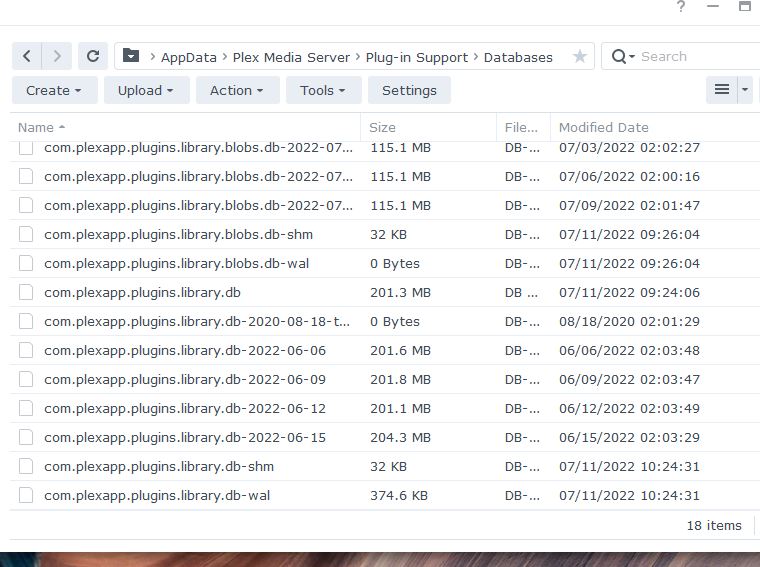
- Navigate to PlexMediaServer/AppData/Plex Media Server/Plug-in Support/Databases
- Look at, and let me know please , how many backup versions of
com.plexapp.plugins.library.db you have .
I ask this because your database is damaged. If you have a backup from before the corruption was first observed, we can easily recover by swapping out the damaged one.
Jul 10, 2022 17:34:36.186 [0x7fdc48d01b38] ERROR - SQLITE3:0x80000001, 11, database corruption at line 81887 of [1b256d97b5]
Jul 10, 2022 17:34:36.186 [0x7fdc48d01b38] ERROR - SQLITE3:0x80000001, 11, statement aborts at 10: [DELETE FROM 'main'.'fts4_metadata_titles_icu_segdir' WHERE level = ?] database disk image is malformed
Jul 10, 2022 17:34:36.186 [0x7fdc48d01b38] ERROR - Failed to commit transaction (/data/jenkins/server/3535212772/Library/MetadataItem.cpp:1118) (tries=1): Cannot commit transaction. database disk image is malformed
Jul 10, 2022 17:34:36.191 [0x7fdc49c8ab38] DEBUG - Activity: registered new activity 40c10941-8f77-473e-8331-5750bd1e3136 - "Processing subscriptions"
Jul 10, 2022 17:34:36.192 [0x7fdc48d47b38] ERROR - Thread: Uncaught exception running async task which was spawned by thread 0x7fdc49e08b38: Cannot commit transaction. cannot commit - no transaction is active
I saw that error also, just didn’t really know what to do about it.
Looking at the dates you have there…
from 06-June → 15-June, pick one which you know predates when the problem occurred. That’s the one we’ll use.
The procedure from here is:
-
Stop PMS
-
COPY the database backup file you’ve selected to any other location you want.
-
RENAME the copy to be com.plexapp.plugins.library.db
-
COPY it back to the Databases directory and OVERWRITE the one which is there.
-
DELETE com.plexapp.plugins.library.db-shm if it still exists (it should not)
-
DELETE com.plexapp.plugins.library.db-wal if it sill exists (it should not)
-
Start PMS.
-
WAIT until the CPU is completely idle in the Syno health widget
We’re waiting to give PMS time to update this older DB to be current with this version of PMS.
-
When it’s idle again, Scan Files (so it can look for new/changed media files)
-
When complete, you should have everything back as it was.
If you still don’t have control of the actual server after that, we will address it next (it’s a separate issue)
That fixed my issue. I appreciate your help with this! Thank you!