Server Version#: most recent
Player Version#: 1.60.1.3413-533a7645
Hello,
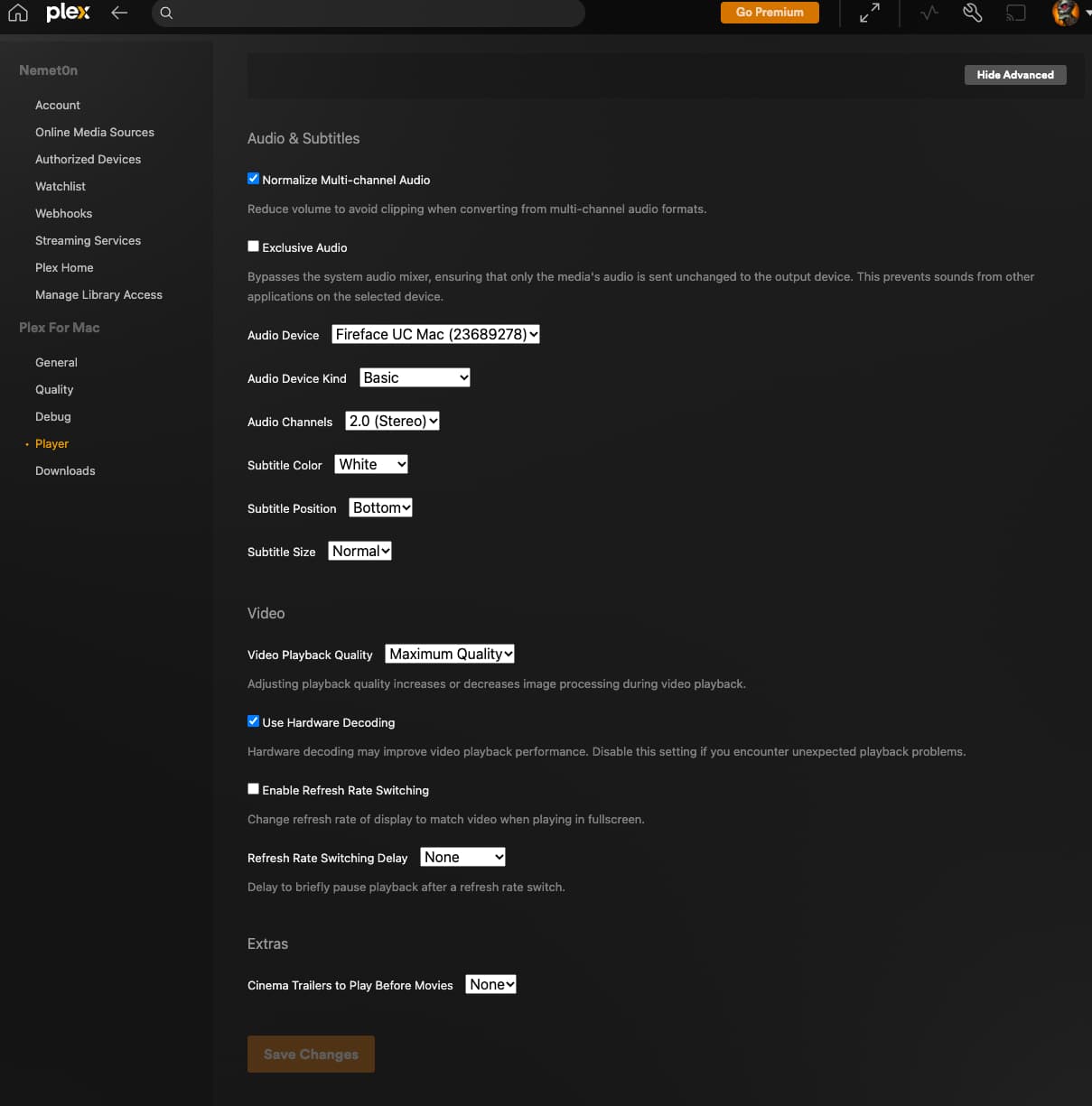
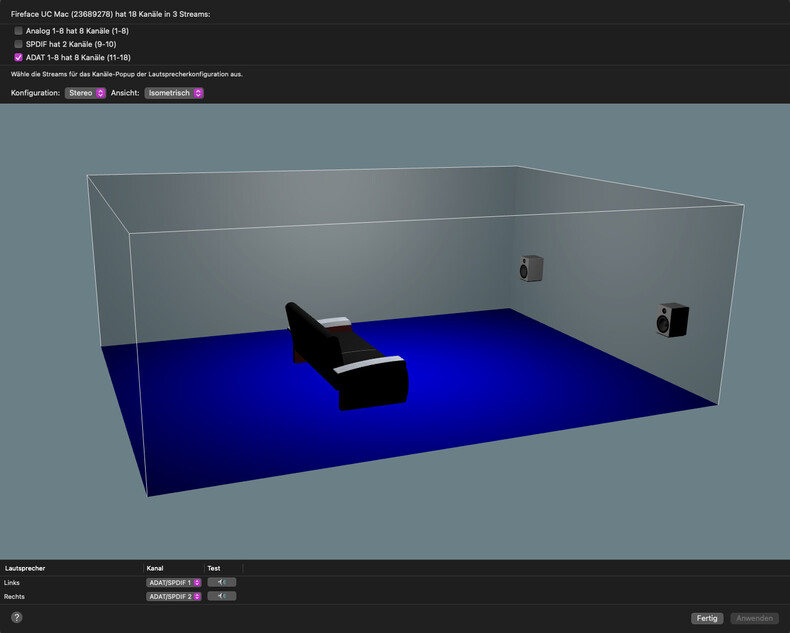
i´m connected to a server of a friend of mine. We are storing our music collections on this server. I´m connecting with my mac and a windows laptop. Windows app and Plex over browser on win and mac playing audio files in stereo, also the mac app of my friend is playing files in stereo. Unfortunatly the app on my mac is playing all files in mono. It think it must have to do with the settings in the app or how the plax app handles my audiointerface maybe.
I found a solution. When i activate exclusive audio, the app plays my music in stereo. It will output the audiostream to the channels 1/2 of my interface, like instead to the ADAT/Spdif outputs where my speakers are connected to. These outputs are the standard outputs i set up for my mac. But i can route channels 1/2 to the ADAT/Spidfs inside the rme mixermatrix. This is fine but now i don´t get any notification sounds from my max when plex app is open.
Somehow plex app is not able to work with the rme mixer, which is a shame because rme is a well known professional company for ADDA converters, audio interfaces and more.
Would be cool if there will be a solution in the future.
Do sounds from other apps (e.g. Safari, QuickTime, QuickLook) and system sound effects work properly in this configuration? What happens if leave “audio device” set to “auto-select”?
I can see that there is no actual 2017 iMac Pro model with that particular hardware configuration. I’m happy to do some cursory investigation, but running macOS on third-party hardware is not supported, so any assistance I can provide will be on a best-effort basis only.