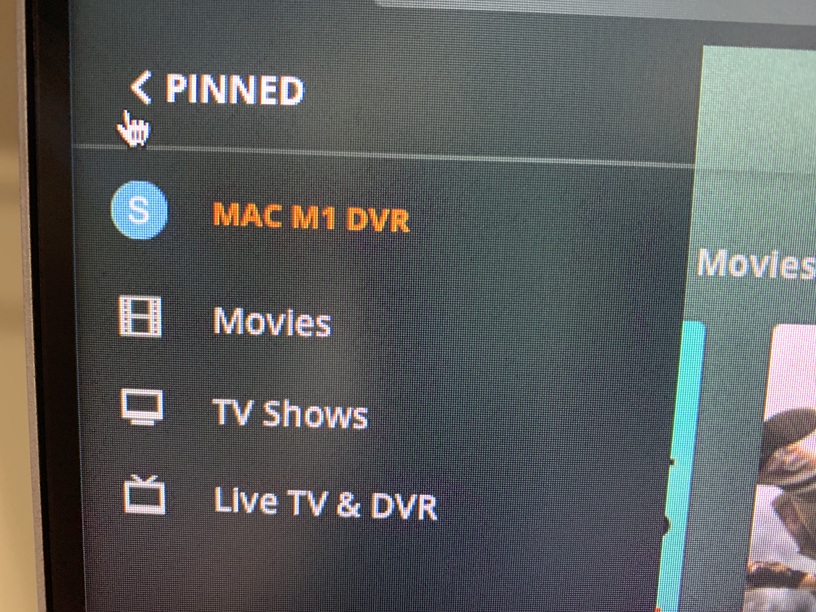
I purchased a new Mac Mini with M1 processor the weekend and decided to replace my Windows 10 Plex server used for only home viewing (no remote viewing) Of OTA TV shows using an HDHomeRun device. Everything is wired, no WiFi used.
Each time the Mac Mini is moved or reboots, I get server unavailable while I am booted into the Mac Mini. I set it up 3 times yesterday and used it last night to watch a previously recorded show, it’s snappy and extremely fast, much better experience than my i7 8th Gen Intel server.
Any thoughts or ideas why it’s showing unavailable each time. It must be some network issue, I tried automatic DHCP and Manual, but did not work. I am not a network guy.
Any suggestions or help will be greatly appreciated!!
So the claiming was not the issue, the Mac did a version/maint update and now it will not connect again. I have no idea how I made it connect before… this is ridiculous
My problem is the Plex Server will not connect to the Plex server when I am signed onto it.
Thanks for the response, my IPV6 is set to Automatically on the Mac Mini
I booted up my previous Windows 10 Plex Server and it’s IPv4 and IPv6 are set to Automatic. My previous Win10 IPv4 was 192.168.1.233 so I decided to change the Mac to 192.168.1.234, it will not make any changes to the issue I face.
I found a workaround, to get it to work I need to delete my Mac mini M1 server from the Plex devices list, then start it up in applications, and then I can claim it, then it connects just fine. That is weird
I was able to upgrade the Server Plex software, still working.
Anyone have idea why my Server loses connection and I need to delete my Plex Server from devices and then restart the Plex server to resolve?