A friend, whom I share 3 libraries with, was logging into his iOS app, and was able to gain full access to my account (as if he was logged into me).
Here is a screen share of how he’s getting access.
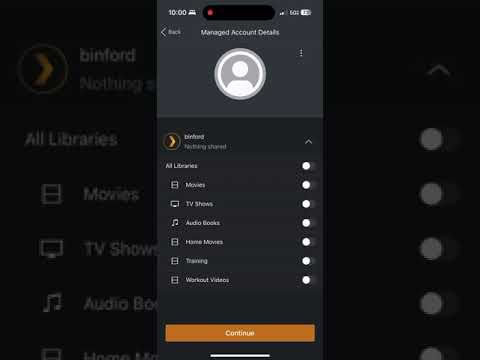
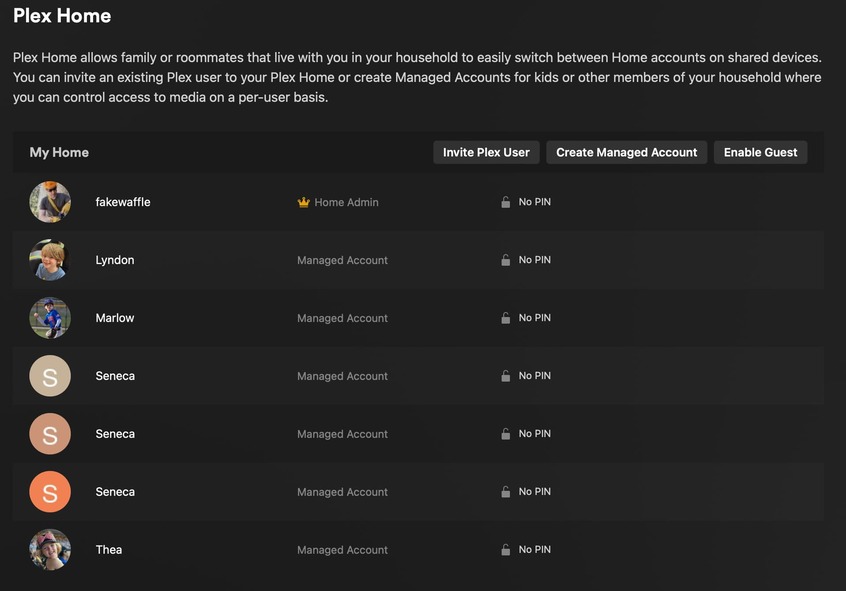
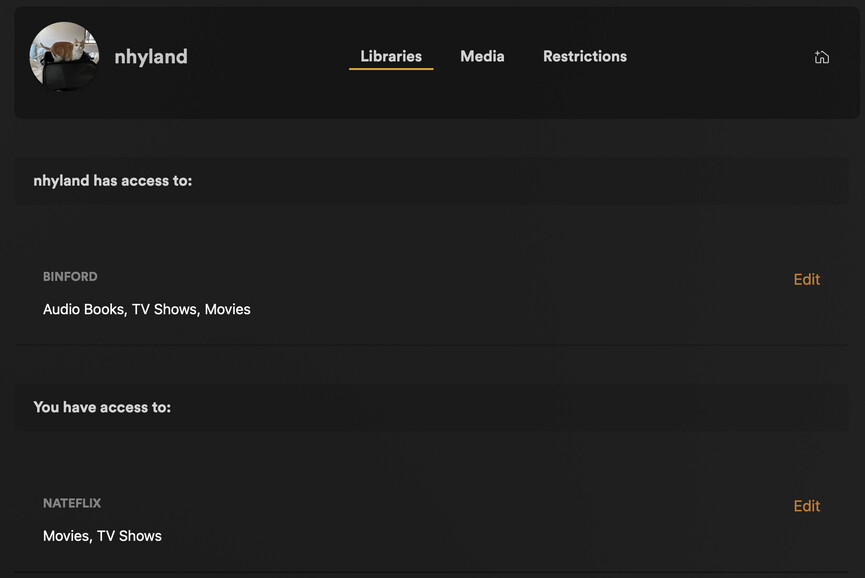
You don’t have a PIN set for your user. That’s the main problem. Managed users “are you”, and the PIN is what protects them once you actually login.
How does that matter? - morris.justin@gmail.com
This is the guy that randomly got access which is also applying on his account here somehow. What’s hilarious is we can both type at the same time since this text input is socketed. - nathan.hyland@gmail.com
This also happens when I’m connected to my local synology hosted plex, it immediately adds the user to his account and won’t let me add a user to my own. - nathan.hyland@gmail.com
@CapMarkoRamius I’d say the main problem is that I’m not morris and I’m typing as him. - nathan.hyland@gmail.com
Just to summarize what has happened. A user (nathan.hyland@gmail.com, who was never and is not a managed user) with access to just 3 libraries on my account was able to gain FULL admin access to my account. - morris.justin@gmail.com
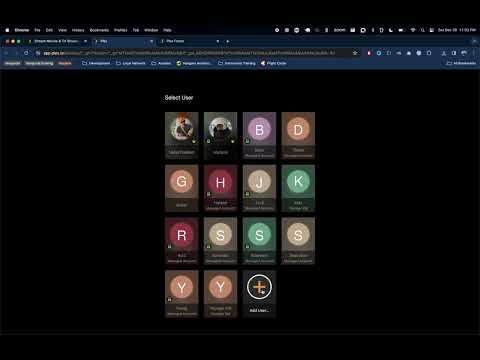
morris.justin@gmail.com here:
Here is what I see on my side now after the above video:

None of your home users have PINs, which means you can all impersonate each other with a few clicks due to the nature of Plex Homes: Consequences of Being in a Plex Home | Plex Support:
When You Switch, You Become That User
When you switch to another user, you really are switching to that user. You effectively BECOME that user. That means that you have the same access as that user:
- If the user runs a Plex Media Server, you can access and change the Server settings
- You can see libraries shared with that user (either in the Home or shared from outside the Home)
- You can view (and, in many cases, change) their account information
Warning!: Remember that you should only join a Plex Home if you completely trust the Home Admin. You should set a PIN on your account if you don’t want other users switching to you, but do not rely on the PIN as actual, true security.
Even if you do set a PIN, it’s not intended as a foolproof security feature. If you don’t want other users to potentially gain access to your account, add them as regular friends (Managing Library Access | Plex Support), not home users.

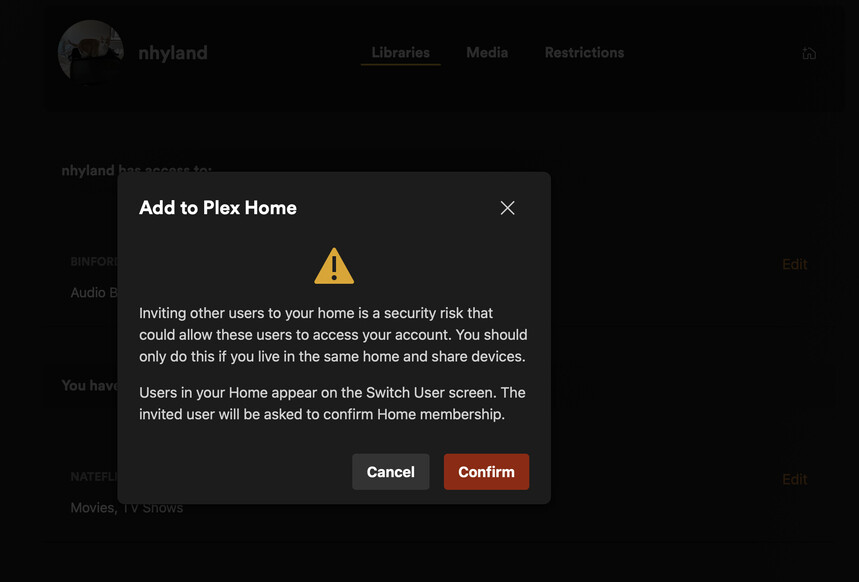
Did you join his Plex home? If so leave it
No, I did not join nathan.hyland@gmail.com home.
Are you two sharing any hardware or software tools? Did someone of you use old hardware of the other, or restored a backup of the other?
Did you two establish a VPN between your respective home networks, so as to access each other’s home network?
Is one of you currently visting the other, so that a computer/device of one user is now located within the home network of the other user?
The login in this forum - and actually all the .plex.tv domain - plays together with the credentials of the user currently logged in the Web app on your Plex server as long as you use the same browser - there is a plex_tv_auth cookie set to .plex.tv with your info - , so if Nathan switched to Morris (who doesn’t have a PIN) and opened the forum and posted on it, it would be as Morris. Not as Nathan.
That’s one thing. But if the following is true - and no reason to think it isn’t - it deserves a closer look because this could be a real issue.
But Morris - assuming you are the one posting as you -, how did you give Nathan access to your libraries? “Invite Plex User”?
Morning! This is nathan.hyland@gmail.com.
I’ve got Morris added to my account. When I login to my account, I see the below:

I can straight up click on his user and it switches to his admin account. I invited him with the “Invite User” functionality. I wasn’t under the impression that meant I’d be able to access all of his stuff.
Here’s what it looks like after I click his account:

After I do that, I can’t switch to my account. I have to fully log out and then log in to be able to go back to mine. And no matter what, I can’t invite a user. If I log in to my account, don’t click his account, and try to add a user, it looks like it switches directly over to Morris’s account.
I get that he doesn’t have a pin but this definitely seems strange to me.
After I log in with my user, I do see this screen:

And after I select Nateflix, I can go to library access and I see the following:
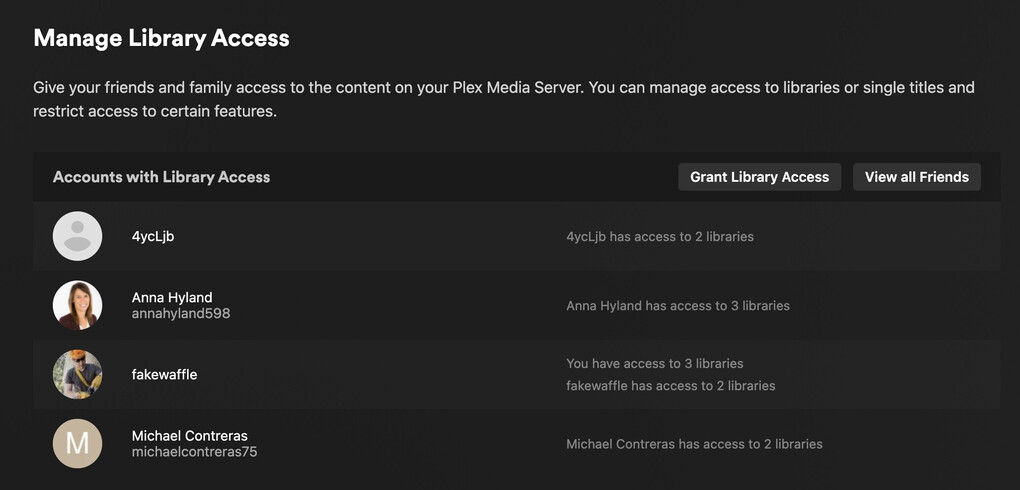
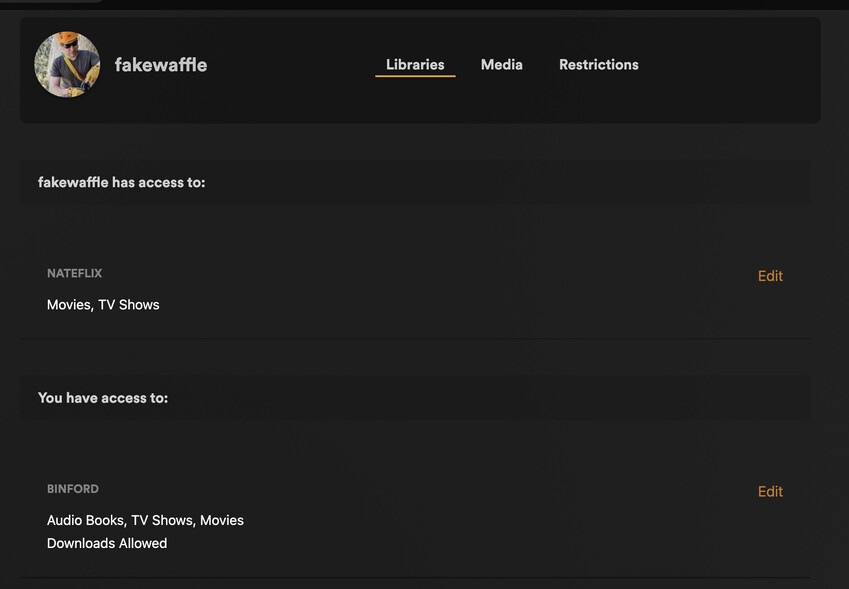
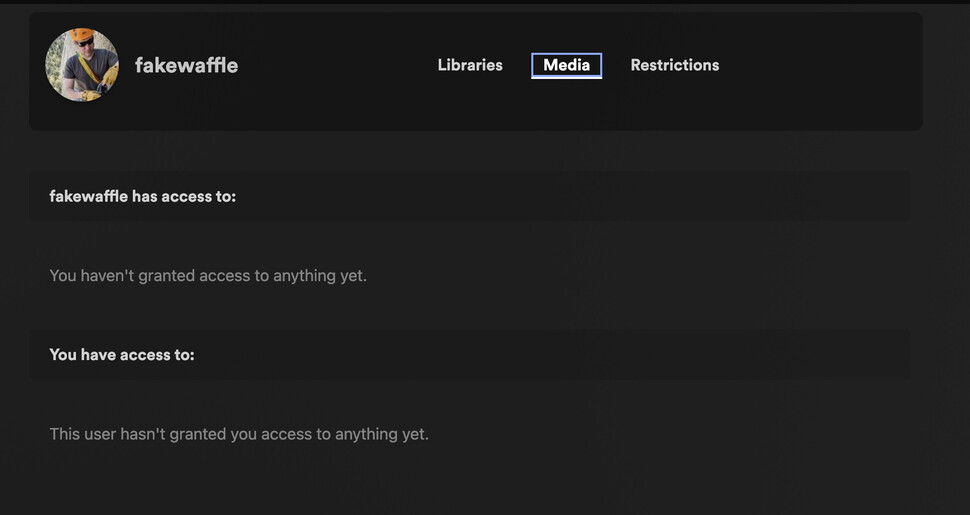
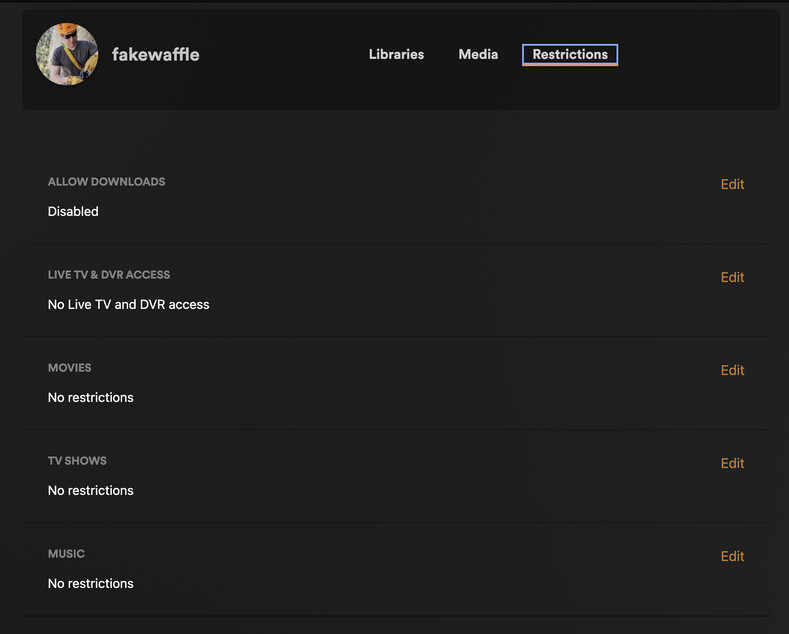
Hope this helps.
@OttoKerner They have two Plex Home admins in the same Plex Home (notice two users with the crown icon). This shouldn’t be possible. A Plex employee needs to look at their accounts in the backend.
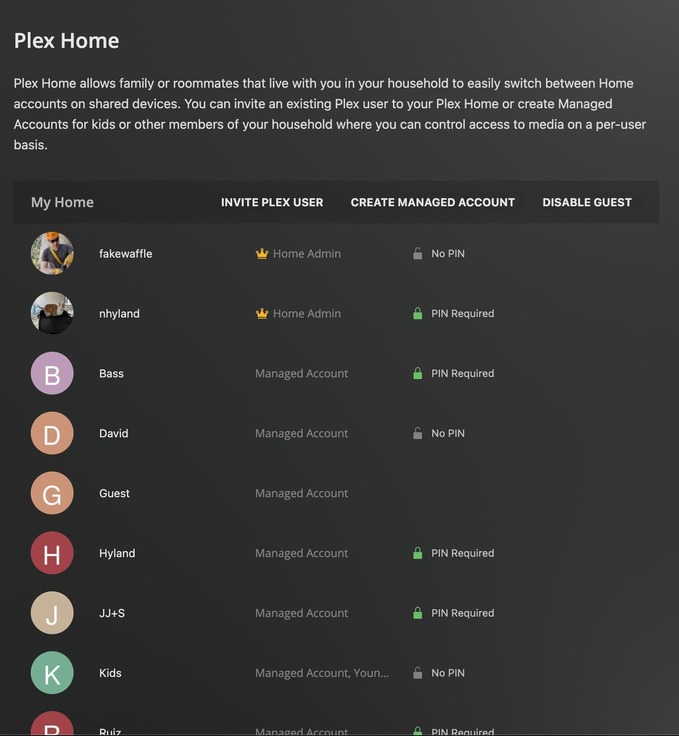
I’ve filed a bug report.
Do you need anything else from me or should I remove Morris from my Plex (if I can) so none of my managed users can sign in as him?
