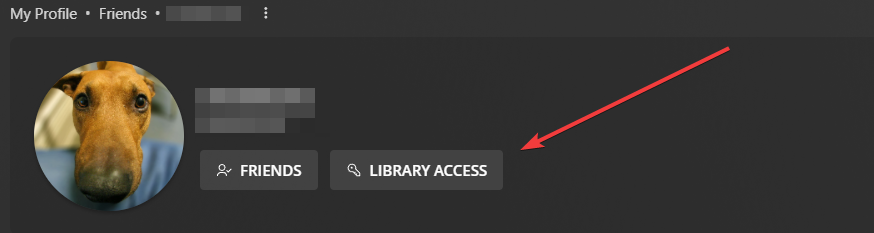
Since the new update to Library Sharing, there is a bug where if you uncheck all the libraries shared with a specific user and save, then the user doesn’t appear in the “Friends with Library Access” list. However, if I access the old URL for library sharing https://app.plex.tv/desktop/#!/settings/users-sharing , then I can see the user:
Sorry, I mislead you.
Pick one of the libraries in your left sidebar, to which the user shall have access.
Move your mouse pointer over the name of the library (you may have to move it one library above or below, then back, until the vertical ellipsis ⋮ appears). Now open the context menu of the library, by clicking on the ellipsis.
There should be a menu item “Grant Access…”.
The user should be selectable in the following window, under “Friends”.
I ran into this exact issue today. The second link provided worked and I was able to change the accesses but whats causing this? A bug or an update? Will it happen to every user if i remove all libraries access? Also, and I dont know why, Plex is only allowing me to send invites if “All Libraries” are checked but not if I want only to select a few. Making me send a invite with access to all libraries and then, after they accept, i can go back and edit their libraries access.