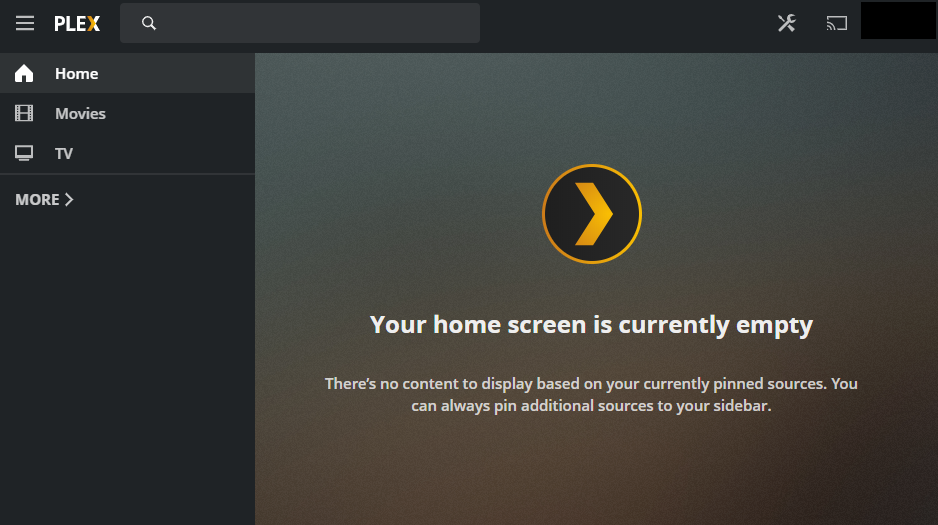
My all of my managed users’ home pages are blank and they’re unable to add any content to them. If I go to a library’s Recommended tab I get a + icon beside each row so I can pin it to the home screen. Managed users don’t get this and don’t seem to have any way to add content.
I’ve now tried both the hosted web app and connecting directly to the server’s IP address. Connecting directly is better but still doesn’t work properly. I have the + icon but even when I add things to the home page, most don’t actually show up. For example, I added Recently Added Movies to one of their home screens and it shows the home icon next to that row, indicating it’s on there but when I go to the home page it’s still missing. Also, when I click on the Edit icon on the home page itself (where you can remove and re-order the rows), it lists a whole bunch of modules which Plex seems to think it’s displaying but it’s just not.
At https://app.plex.tv/desktop# when signed in as the managed user on the top right click the pencil. Then disable automatic management and it should give them the option to add hubs to home screen.
I am having the same issue but I do not have a pencil on the managed users’ home screens. I cannot add hubs when using a managed user as no “+” options appear next to content in the libraries. Any thoughts? Added two images, one of the home screen which doesn’t show an option to edit, and another image that shows when I hover over a hub it doesn’t have a “+” option as I would typically see in a non-managed user.
While using your admin account, edit your library and check if you have the option disabled for “include in dashboard”. That will prevent hubs from showing up on the home page. You will still see them within the libraries themselves.